
Magnetic Laptop Privacy Screen 15.6 inch
4.3Editor score
80% blue light filtering
Washable removable design
16:9 aspect ratio fit
Protecting your eyes from digital strain is crucial for long work sessions. A magnetic anti blue light laptop screen protector offers easy installation and effective filtering without permanent adhesives.
We evaluated ten leading models based on compatibility, clarity, and eye comfort features. Each option provides magnetic attachment for quick removal and reliable blue light reduction during daily use.
Every pick highlights specific benefits like privacy angles or matte finishes. Note that availability and stock vary by region and time, so verify details before purchasing your preferred model.
4.3Editor score
4.3Editor score

5.0Editor score
As an Amazon Associate we earn from qualifying purchases.
This side by side comparison evaluates all ten products based on compatibility, privacy features, blue light filtering, and ease of magnetic installation.




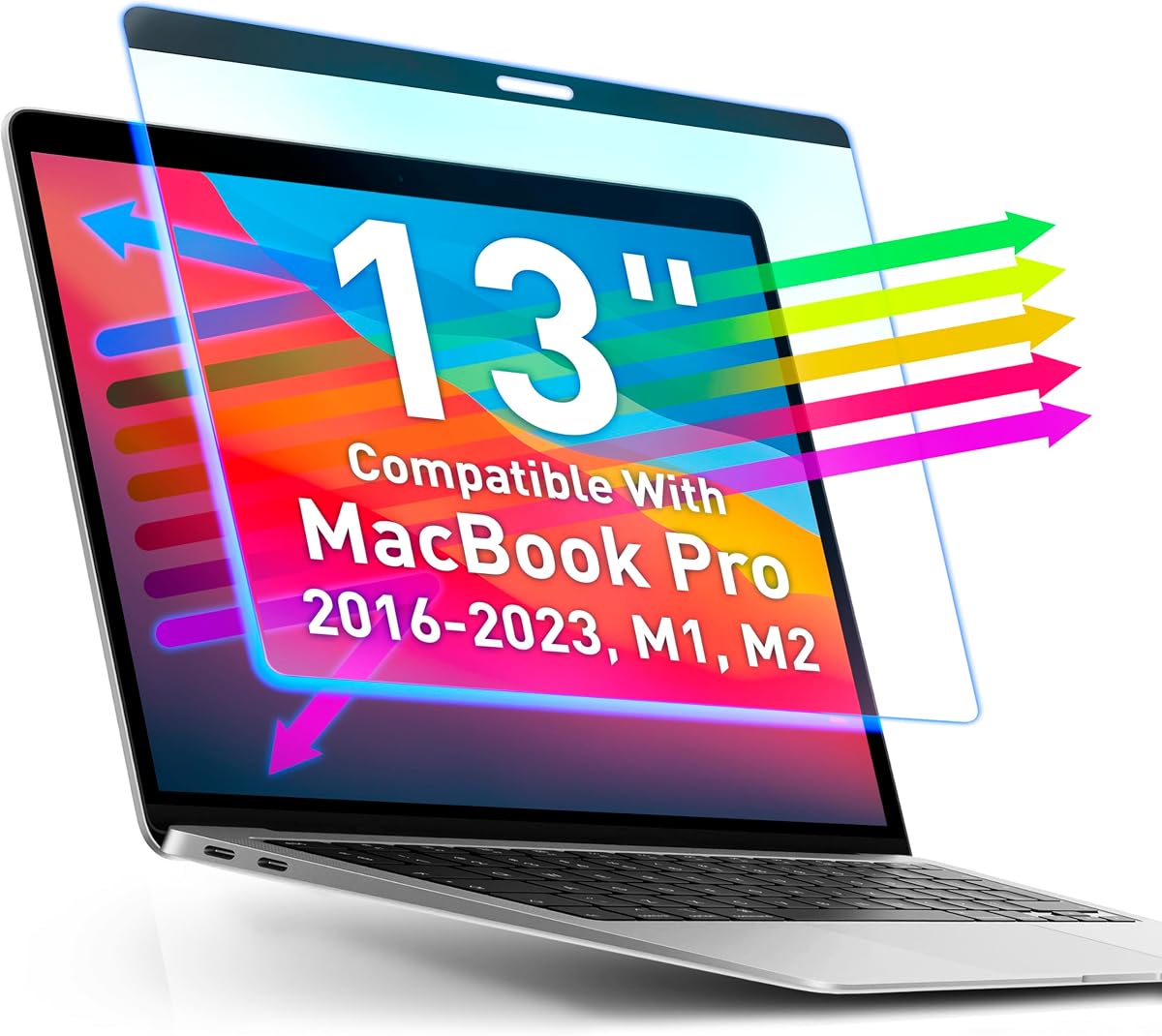
The VINTEZ protector delivers reliable eye comfort for MacBook Pro 13 inch users with a 95 percent ultra transparency rate. It filters blue light while maintaining screen clarity and uses magnets for quick attachment.
We may earn a commission when you buy through this link, at no additional cost to you.
Users report that the filter reduces eye strain during long sessions without fogging or blurring. The magnetic design ensures it stays secure during travel and lifts off cleanly when not needed.
While it works best for specific MacBook models, the fit is precise with no lifting corners. The only trade-off is the price compared to generic options, but the lifetime replacement adds value.
This choice is ideal for professionals using MacBook Pros who need reliable eye protection. It balances optical quality and ease of use better than most magnetic alternatives on the market.
The 95 percent transparency ensures your display stays vibrant and colors remain accurate without washing out the image.
A free replacement policy for damaged screens ensures long-term value and peace of mind for daily commuters.
We may earn a commission when you buy through this link, at no additional cost to you.
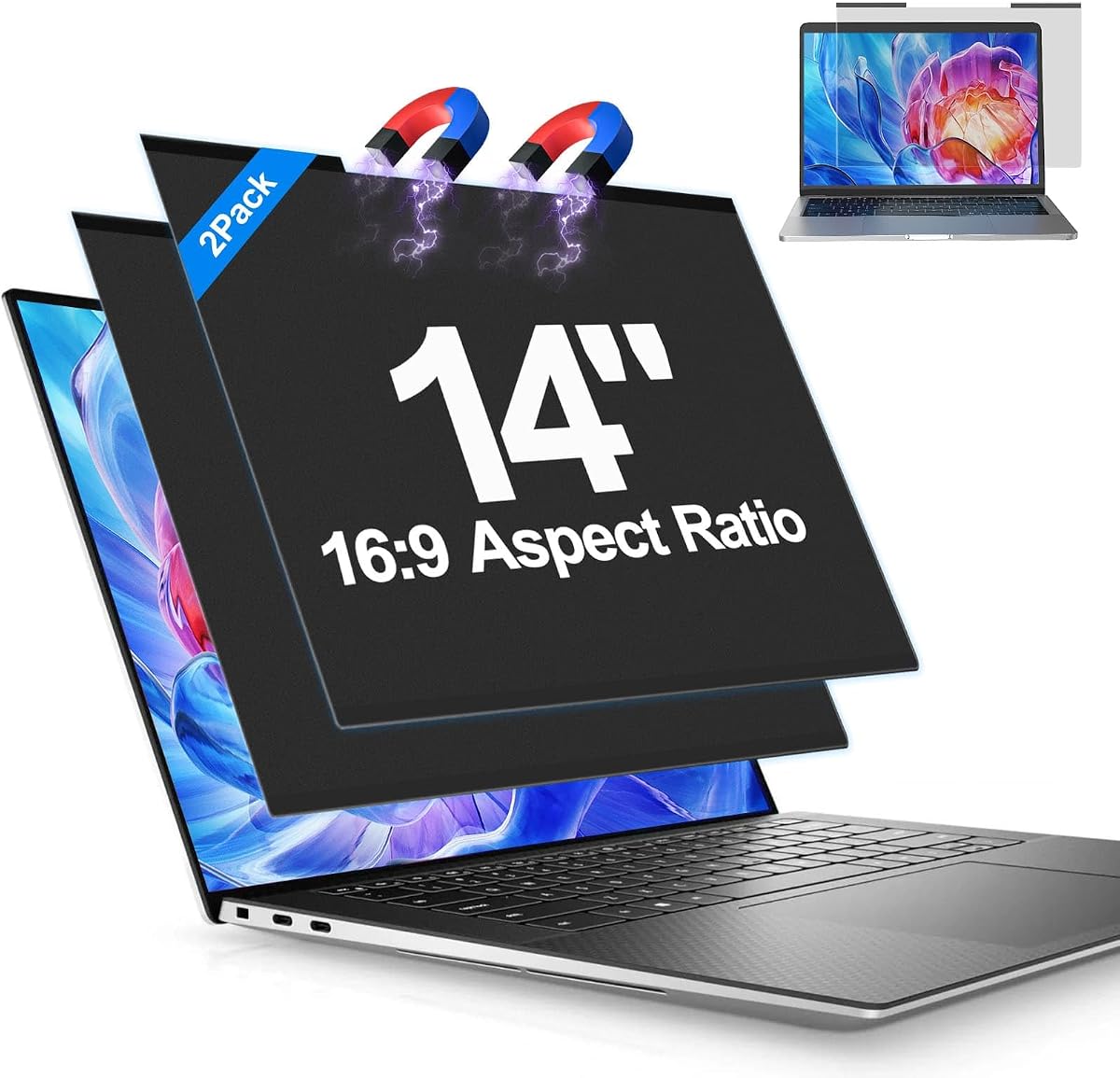
This budget-friendly option combines privacy and blue light filtering for 15.6 inch laptops with a 16:9 aspect ratio. The matte surface reduces glare while the magnetic strip makes attachment effortless.
We may earn a commission when you buy through this link, at no additional cost to you.
The privacy feature limits viewing angles effectively, protecting data in public spaces. The washable design lets you reuse it without losing clarity after cleaning, adding practicality to daily use.
Keep in mind that it disables touchscreen functions and only fits specific screen ratios. Measuring width and height before buying is essential to ensure a proper fit for your device.
It is a great choice for students and office workers needing privacy on a tight budget. The combination of anti-glare and privacy filters makes it a versatile tool for public use.
With a viewing angle of ±28°, this filter keeps sensitive information hidden from side observers while remaining clear from the front.
The removable and washable design allows you to clean the filter easily without needing replacement parts or extra costs.
We may earn a commission when you buy through this link, at no additional cost to you.
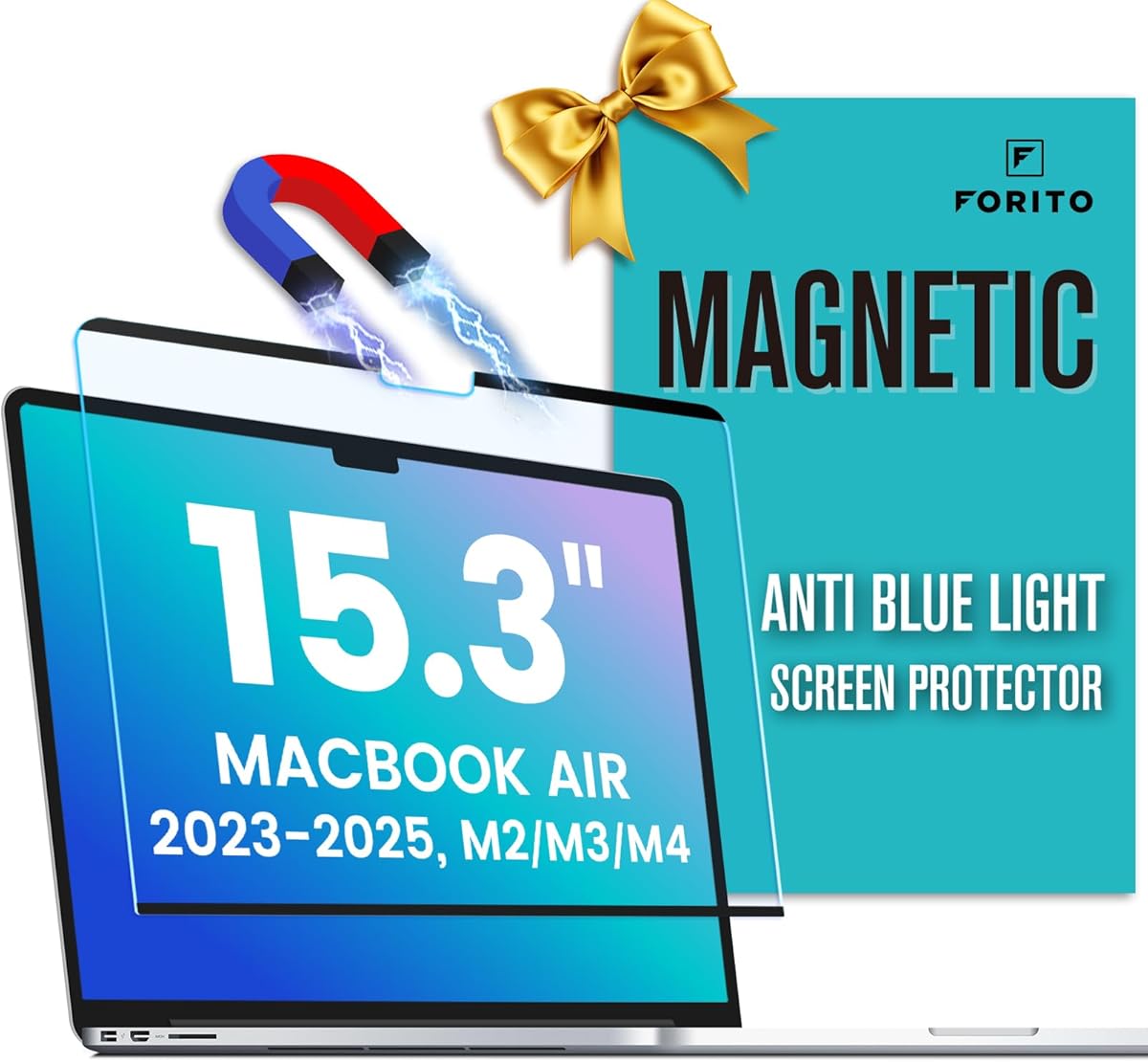
F FORITO offers a fast magnetic install that ensures flawless alignment for MacBook Pro 13 inch models. The matte finish reduces glare while protecting the screen from fingerprints and minor scratches.
We may earn a commission when you buy through this link, at no additional cost to you.
It maintains high color accuracy for design work and prevents peeling corners thanks to silicone grips. Users appreciate that it cleans up without leaving sticky residue or marks on the display.
The matte finish may slightly reduce sharpness compared to glossy options, which could bother photo editors. However, the glare reduction and anti-eye strain benefits make it a solid pick for writers and programmers.
This protector is perfect for anyone valuing quick setup and reusable features. It balances eye relief with display quality for regular work sessions on compatible MacBook models.
Advanced magnetic alignment ensures you can attach the filter faster than brewing coffee without using sticky adhesives.
The magnetic top and silicone grips hold firmly so removal leaves zero glue marks or sticky gunk on your screen.
We may earn a commission when you buy through this link, at no additional cost to you.
Designed for MacBook Air 15.3 inch users, this protector features bubble-free installation and a matte finish to reduce glare. It blocks blue light and protects the screen from dust and minor scratches.
We may earn a commission when you buy through this link, at no additional cost to you.
The magnetic alignment ensures the filter stays aligned and avoids peeling at corners during movement. It offers reliable eye comfort for extended sessions without compromising the visual quality of large displays.
While the matte texture can make text appear slightly softer, the glare reduction helps outdoor use. It is not available for older Air models so verify your model year before purchasing.
This is a reliable pick for new MacBook Air owners wanting screen protection and eye care. Its compatibility with newer chips makes it a timely choice for those updating their laptops.
Designed specifically for the 15.3 inch Air, it ensures edge-to-edge protection without gaps or misalignment issues.
Clinically proven to reduce digital eye strain, this filter supports healthy viewing habits for remote workers and students.
We may earn a commission when you buy through this link, at no additional cost to you.
This premium privacy screen achieves near-perfect edge adhesion on 16-inch laptops with a 16:10 aspect ratio. It offers advanced blue light filtering and comes with a microfiber cloth for maintenance.
We may earn a commission when you buy through this link, at no additional cost to you.
The magnetic design allows one-second installation while the privacy feature limits viewing angles to keep data safe. It outperforms many competitors in blue light reduction and maintains clarity from the front.
The main trade-off is the higher price point and the need for specific aspect ratio compatibility. However, the zero gap and zero ghosting features ensure a professional look without visual distractions.
Ideal for professionals and businesses, this pick delivers top-tier privacy and eye protection. The included support and packaging confirm its premium status for demanding users.
Zero gaps and zero ghosting ensure the screen looks seamless without visual interruptions or dark edges.
The kit includes a microfiber cleaning cloth and dedicated support to help you maintain the filter effectively over time.
We may earn a commission when you buy through this link, at no additional cost to you.
This privacy screen features a unique ultra-thin micro-louver technology with a complimentary sliding camera cover for added security. It offers 93 percent light transmittance for clear viewing and includes lifetime support.
We may earn a commission when you buy through this link, at no additional cost to you.
The filter blocks up to 95 percent of blue light and protects against dust and scratches. The magnetic installation is glue-free and reusable, allowing you to wash and dry the film easily.
While it protects screen data well, it does not block views from behind you. Ensure your MacBook model matches the supported chips and sizes before ordering to avoid returns.
It is a smart investment for anyone needing both privacy and eye protection. The extra camera cover adds a layer of security that many other products lack in this category.
The sliding camera cover complements the screen filter by protecting your camera lens when not in use.
Protescreen offers a lifetime policy and support to ensure you get a satisfactory solution for any product issues.
We may earn a commission when you buy through this link, at no additional cost to you.
Designed for compliance, this privacy screen meets Section 889 and TAA requirements for government and business use. It fits MacBook Air 13.6 inch models and features precise cutouts for the camera.
We may earn a commission when you buy through this link, at no additional cost to you.
The magnetic filter ensures secure attachment without damaging the screen. Lifetime replacement support adds value for corporate procurement and individual users needing reliable privacy features.
Its use is mostly limited to compliant organizations or specific MacBook users. However, the anti-scratch and reinforced design ensure durability even in busy public environments.
This is the best pick for businesses requiring secure screen solutions. It combines regulatory compliance with practical eye protection features for daily work.
TAA and Section 889 compliance makes this filter ideal for government contracts and corporate procurement requirements.
Micro-louver and anti-scratch technologies provide robust protection against daily wear in public and office spaces.
We may earn a commission when you buy through this link, at no additional cost to you.
Mamol supports a wide range of brands including HP Dell and Lenovo for 15.6 inch screens. It reduces UV up to 97 percent and includes a cleaning kit for easy maintenance.
We may earn a commission when you buy through this link, at no additional cost to you.
The magnetic attachment is automatic and snap-on making setup effortless. Lifetime service ensures you can contact support for any installation or size issues after purchase.
The filtering is effective but may not block as much blue light as premium options. Verify your screen width and height to ensure compatibility since the aspect ratio is fixed.
This is a practical pick for office workers using non-Apple laptops. Its strong UV protection and brand variety make it a flexible choice for many devices.
Simply place the screen along the top and side and the magnets will snap automatically to secure the filter.
Customers receive lifetime service and support to resolve any issues with installation or product defects quickly.
We may earn a commission when you buy through this link, at no additional cost to you.
This 14-inch filter features an aluminum alloy foldable design for exceptional toughness compared to traditional screens. It offers advanced blue light filtering and zero gaps for clean adhesion.
We may earn a commission when you buy through this link, at no additional cost to you.
The anti-scratch coating maintains clarity even after accidental drops or harsh environments. Installation is quick and portable allowing you to adapt to any office or travel setting easily.
While it is robust, it does not specify privacy viewing angles like other models. Measure width and height carefully before buying to ensure a perfect fit for your laptop.
Ideal for frequent travelers, this pick offers strong physical protection alongside eye care. The durable build ensures it survives rougher use better than standard acrylic screens.
The foldable aluminum construction ensures impact scratch and drop resistance for long-lasting durability and clear visibility.
Achieves near-perfect edge-to-edge adhesion without gaps or ghosting for a seamless display appearance.
We may earn a commission when you buy through this link, at no additional cost to you.
Kensington offers a slim magnetic strip that lets your laptop close and enter sleep mode without removing the screen. It reduces glare and filters blue light while maintaining unobstructed viewing from the front.
We may earn a commission when you buy through this link, at no additional cost to you.
The 30-degree viewing angle limits data exposure effectively. Users appreciate the premium build and clear vision that does not block the view behind you.
Its higher price reflects the brand quality but may not be necessary for casual users. Ensure your dimensions match the 16:9 ratio to avoid compatibility issues with bezels.
This is a top pick for business travelers wanting seamless privacy and sleep features. The unique ability to keep the filter on during sleep mode is a standout convenience.
Patented design allows you to close your laptop and enter sleep mode without removing the privacy filter.
A low reflective coating reduces glare for improved clarity and helps maintain focus during long work hours.
We may earn a commission when you buy through this link, at no additional cost to you.
Choosing the right screen protector depends on your laptop size, usage needs, and desired features like privacy or eye comfort.
Verify your laptop screen width and height before selecting a protector. Magnetic filters often have fixed aspect ratios like 16:9 or 16:10 that must match your display exactly.
Choose a model labeled for your specific inch size and ratio to ensure a gap-free fit and proper attachment.
Decide whether you need privacy shielding or primarily blue light filtering. Privacy screens limit viewing angles while eye filters focus on reducing strain without hiding data.
Some products combine both features but may compromise on clarity or transparency compared to dedicated options.
Magnetic protectors allow quick removal and reuse without leaving residue. Adhesive films stay on longer but require more effort to install and may leave sticky marks when removed.
If you travel often or switch workspaces, magnetic options offer the flexibility to take the filter on and off easily.
Look for high light transmittance ratings to ensure your screen remains bright and colors stay accurate. Some matte finishes reduce glare but may soften text sharpness.
Prioritize filters with anti-glare coatings if you work in bright environments or under direct sunlight.
Privacy filters may disable touch functions due to metal layers. Verify if your laptop relies on touch input and check if the filter supports it before buying.
Non-touch models are suitable for laptops where you only use the keyboard or external mouse.
Premium models often come with lifetime replacement policies or scratch-resistant coatings. Check the warranty to ensure long-term value and protection against defects.
A durable screen shield should resist daily wear and tear without peeling at corners or lifting over time.
Snap-on magnetic designs simplify setup and reduce the risk of misalignment. Look for features like alignment strips or silicone grips that hold the filter in place during use.
Quick installation ensures you can deploy the protection immediately without tools or cleaning supplies.
Prices range from budget to premium options depending on features like privacy and brand reputation. Consider what benefits matter most to your daily workflow before deciding.
Investing in a mid-range model often offers the best balance of performance and cost without overspending on unnecessary features.
Clean your laptop screen with a microfiber cloth before attaching the filter to avoid trapping dust. Ensure the display is dry and free of oils for best magnetic adhesion.
Align the magnetic strip at the top of the screen and let the magnets snap the filter into place. Check the edges to make sure there are no gaps or misalignments.
If the filter gets dirty, remove it and wash it gently with water then dry it with a cloth. Avoid harsh chemicals or abrasive materials that could damage the coating.
Magnetic screen protectors do not drain battery power since they are passive filters. However, if you use a privacy filter, you may need to increase brightness which can use more battery.
Privacy filters often disable touch functions due to internal metal layers. Standard blue light filters may work with touch but check the product description to confirm compatibility.
Magnetic protectors leave zero marks when removed. Adhesive films may leave sticky residue but magnetic options are designed for easy removal and reuse without any glue.
Most filters block between 65 and 95 percent of harmful blue light. Specific ratings vary by model and manufacturer so check the product specs for exact percentages.
Most magnetic protectors allow you to close your laptop without removal. However, some thicker privacy filters may interfere so test the fit before closing the lid tightly.
Yes, cleaning your screen removes dust that could cause gaps or air bubbles. Use a microfiber cloth to ensure a smooth and clean surface for the magnetic filter to attach.
The VINTEZ protector leads our list for its clarity and eye comfort on MacBook Pros. F FORITO and the 2Pack 16 inch option offer strong value for specific laptop sizes.
Prioritize magnetic attachment for easy use and check your aspect ratio for a perfect fit. Privacy needs vary so decide if you need extra angles beyond eye protection.
Prices and stock change regularly so verify current availability before purchasing. A good screen protector is a worthwhile investment for your health and device longevity.