
Square Reader for magstripe (USB-C)
4.6Editor score
Fast next day deposit
Free setup and app
Lightning connector support
This guide compares the top credit card readers for phones to help small businesses choose the best mobile POS hardware for secure and fast transactions.
Mobile payments are now essential for small businesses and entrepreneurs who need to accept cards anywhere. A reliable credit card reader for phones transforms your smartphone into a point of sale terminal. This guide reviews the top ten models based on security, compatibility, and ease of use.
We evaluated each device on connection stability, payment method support, and software integration. Our analysis covers readers from major providers like Square and Clover alongside specialized options for government or niche use. We focused on real-world performance and long-term value for merchants.
Each pick highlights key strengths such as chip reading, contactless support, or battery life. Prices and availability can change quickly, so always verify the latest details before purchasing. This overview helps you find the right reader for your specific business needs today.
4.6Editor score

4.5Editor score

5.0Editor score
The following table provides a side-by-side comparison of all ten credit card readers evaluated in this guide to help you quickly identify key specifications and capabilities.




The Square Reader for magstripe is an ideal entry point for new businesses needing a simple way to accept payments. With a high rating and minimal cost, it allows merchants to start taking payments immediately using their existing mobile devices.
We may earn a commission when you buy through this link, at no additional cost to you.
Its standout feature is the simplicity of setup. You can download the Square Point of Sale app for free, create an account, and begin processing transactions within minutes. The reader supports both USB-C and Lightning connectors ensuring compatibility with most modern smartphones.
While it lacks contactless payment support which is a trade-off for the lower price point it ensures you get your money as soon as the next business day. The app helps track sales manage inventory and send digital receipts making it a complete starter solution.
This device is best suited for solo entrepreneurs or pop-up shops where budget is the primary concern. If you can work with swipe payments this reader offers unmatched value and ease of use to get your business moving quickly.
Getting paid quickly is crucial for cash flow and this reader ensures funds arrive by the next business day.
The accompanying app handles inventory tracking and sales analytics so you manage your business in one place.
We may earn a commission when you buy through this link, at no additional cost to you.
The Square Reader for contactless and chip (2nd Generation) stands out as the top choice for most small businesses due to its versatile payment acceptance. It balances cost with advanced features like chip reading and tap payments which are now standard expectations for customers.
We may earn a commission when you buy through this link, at no additional cost to you.
Its enhanced connectivity and extended battery life ensure that transactions run smoothly even in busy environments. The reader supports Apple Pay and Google Pay allowing for quick and secure contactless transactions without needing to touch the card.
Security is a major strength with built-in fraud prevention and payment dispute management at no extra cost. The ability to process offline payments for up to twenty-four hours ensures that a momentary internet outage does not stop your sales flow.
This reader is perfect for established small businesses looking for reliability and speed. If you want a device that handles all major payment types securely without monthly fees this model offers the best balance of performance and value.
Advanced security measures protect both merchant and customer data throughout the entire transaction process.
Continue accepting payments even when internet connectivity is lost ensuring business operations remain uninterrupted.
We may earn a commission when you buy through this link, at no additional cost to you.
This 2-in-1 Smart Card Reader is designed for specialized use cases involving government or military identification and secure card access. It supports CAC and PIV standards which are essential for secure authentication in defense and federal environments.
We may earn a commission when you buy through this link, at no additional cost to you.
The dual USB-A and USB-C connection ensures compatibility with a wide range of laptops and mobile devices without needing extra adapters. It operates on Windows Mac Linux and Android making it a versatile tool for field technicians and government employees.
While it does handle standard bank credit cards and NFC badges its primary strength lies in its certification for high-security authentication protocols. The device includes a reinforced cable and LED indicators to ensure reliable performance during daily office or field verification.
If you require a reader that can handle military IDs and secure government credentials this is the ideal choice. For general retail sales it may be overkill but for identity verification tasks it provides the necessary security and flexibility.
Works seamlessly across Windows macOS Linux and Android without requiring additional driver installations.
Meets strict government standards for military and civilian identity verification with certified hardware.
We may earn a commission when you buy through this link, at no additional cost to you.
The Clover GO (3rd Generation) represents a premium approach to mobile payments by offering robust security and customizable business features. Its perfect rating reflects strong satisfaction with its ability to pair wirelessly and protect data throughout the transaction.
We may earn a commission when you buy through this link, at no additional cost to you.
You can set custom percentages for tips and create multiple tax rates for different items you sell which simplifies complex tax scenarios. The device allows you to manage employee permissions ensuring that only authorized staff can access sensitive sales data.
Security is paramount with end-to-end encryption protecting both merchant and customer information from the moment a card is accepted. The system supports paperless receipts sent via email or text to reduce waste and improve customer convenience.
This reader is best for businesses that prioritize security and have specific tax or employee management needs. If you are willing to use a specific payment processor like SwyftPAY this device delivers a professional and highly secure mobile POS experience.
Create multiple tax rates and tip percentages to match your specific business pricing model accurately.
Control access to sales data by setting permission levels for different employees easily.
We may earn a commission when you buy through this link, at no additional cost to you.
The Square Terminal is a standalone device that combines card acceptance printing and payment processing into a single unit. This removes the need to carry a separate phone or card reader and is ideal for businesses operating from a fixed counter.
We may earn a commission when you buy through this link, at no additional cost to you.
It features a built-in battery designed to last all day so you can work without constantly tethering to a power source. The device processes chip cards in just two seconds ensuring customers do not face long wait times during peak hours.
With no hidden fees and no long-term contracts you can accept all major credit and debit cards at a low rate. You get your money as soon as the next business day and the ability to print receipts locally adds a professional touch.
This terminal is perfect for cafes retail shops or bars where a fixed point of sale is preferred. While it is more expensive than a simple reader it offers a complete solution that handles every aspect of the transaction process independently.
Operates independently without requiring a smartphone to process payments and print receipts.
Built-in battery ensures you can work throughout your entire shift without frequent recharging.
We may earn a commission when you buy through this link, at no additional cost to you.
The SumUp Plus Card Reader is a straightforward option designed for businesses that want a simple way to accept payments via Bluetooth. It integrates with the free SumUp app to allow you to start accepting transactions quickly without a complex setup.
We may earn a commission when you buy through this link, at no additional cost to you.
It accepts all major credit and debit cards including contactless payments at a low flat rate. The transparent pricing model ensures there are no hidden fees or long-term contracts making it an accessible choice for casual sellers.
While the rating is slightly lower than some competitors it remains a solid option for those prioritizing ease of use. The ability to pay anywhere anytime without fixed terminals makes it suitable for markets or pop-up events.
This reader is best for sellers who need a quick and reliable mobile payment solution. If you prefer a simple interface with low fees and no long-term commitment this device offers a practical way to get paid.
Pay a simple low rate per transaction with no hidden fees or contract obligations.
Process payments anywhere at any time using your smartphone and a compact reader.
We may earn a commission when you buy through this link, at no additional cost to you.
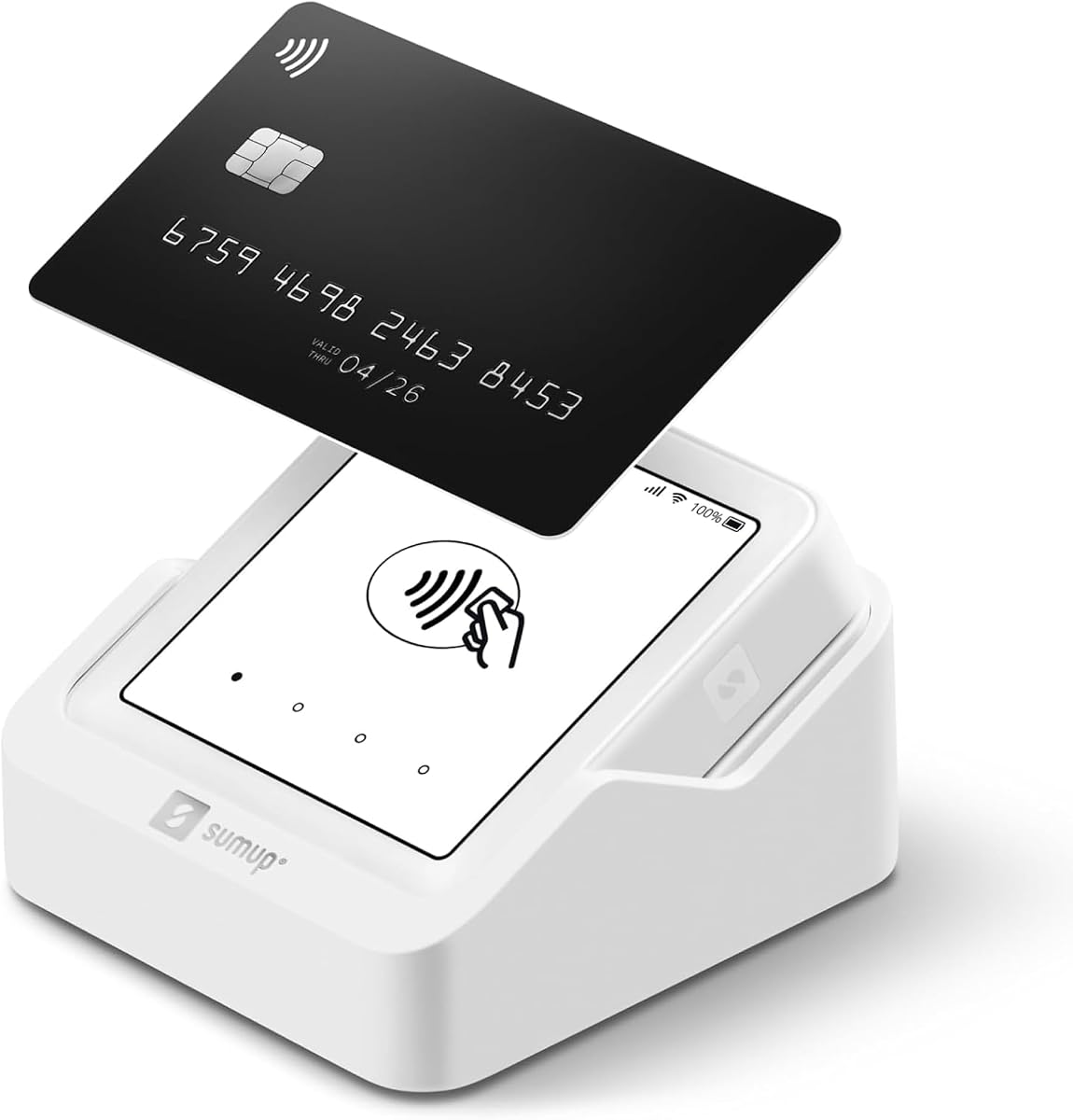
The SumUp Solo is a truly portable device that comes with a free SIM card and mobile data so you can process payments anywhere. Its intuitive touch-screen interface makes managing sales and accepting payments simple and straightforward for all users.
We may earn a commission when you buy through this link, at no additional cost to you.
It features a strong and reliable Wi-Fi connection and an additional charging station to ensure you stay in control of your business wherever you go. The setup is fast and hassle-free upon registration on the SumUp website or mobile app.
With US-based support available through phone email and chat you have access to help when you need it most. The combination of built-in connectivity and touch functionality makes it a versatile choice for independent professionals.
This device is best for those who want a standalone unit with built-in data without needing a phone. If you need a self-contained solution that is easy to set up and use daily this terminal offers practical mobile commerce features.
Includes a free SIM card so you can process payments without relying on external Wi-Fi.
Manage sales and accept payments easily with a user-friendly touch screen design.
We may earn a commission when you buy through this link, at no additional cost to you.
The Clover GO (Newest Model) is designed to be a mobile POS system that fits in your pocket while offering robust business management tools. It pairs wirelessly with mobile devices via Bluetooth and ensures that data is protected with end to end security.
We may earn a commission when you buy through this link, at no additional cost to you.
You can create and manage multiple employee permissions easily so only certain staff see sensitive data. The system allows you to set custom percentages for tips and create multiple tax rates for the things you sell to simplify checkout.
With paperless receipts you can email or text receipts to customers which reduces paper usage and improves service speed. It is specifically designed for US based businesses requiring processing through Powering POS for seamless integration.
This reader is ideal for businesses that need strict control over employee access and tax settings. If you prioritize security and detailed business management features this model provides a powerful mobile solution for your daily operations.
Define permissions for each staff member to protect sensitive sales information effectively.
Set multiple tax rates and tip percentages to match your specific pricing structure.
We may earn a commission when you buy through this link, at no additional cost to you.
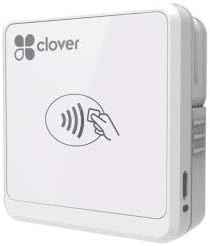
The Clover Go Contactless Reader allows you to accept both EMV chip and contactless payments without needing a dedicated merchant account. It works with iOS and Android devices so you can process secure transactions using your existing smartphone.
We may earn a commission when you buy through this link, at no additional cost to you.
This reader is designed to handle modern payment standards ensuring that you can accept chip cards and tap payments seamlessly. It provides a secure way to process payments while keeping setup requirements low for small businesses.
Keep in mind that quantities of this version are limited and it may be an end of life product. Orders may be fulfilled with the most current version of the hardware which typically offers improved connectivity and features.
If you need a simple reader that supports chip technology without account complexity this is a strong option. It is best for those who want to accept secure payments quickly and do not require extensive accounting software integration.
Accept chip cards securely to reduce fraud risk and meet modern payment standards.
Get started quickly without the need to open a traditional merchant bank account.
We may earn a commission when you buy through this link, at no additional cost to you.
The Clover Go Bluetooth Reader (3rd Gen) offers a straightforward way to accept payments on the go with a strong focus on security. It works with any existing Clover account allowing you to integrate easily into your current business setup.
We may earn a commission when you buy through this link, at no additional cost to you.
You can set custom percentages for tips and create multiple tax rates for the things you sell directly through the app. The device ensures that data is protected with end to end security from the moment a card is accepted.
This reader is best for small business owners who want a simple solution with secure transactions. It does not require a separate merchant account and pairs with your mobile device via Bluetooth for quick setup.
If you already use Clover or want a basic secure reader for mobile transactions this model fits the need. It provides the essential features required to accept payments quickly without complicating your daily sales process.
Customize tip and tax rates within the app to match your specific business needs.
Enjoy end to end security to protect customer data during every payment process.
We may earn a commission when you buy through this link, at no additional cost to you.
Selecting the right reader involves matching hardware capabilities with your payment processing needs and business environment.
Modern customers expect to pay with chip cards and contactless methods like Apple Pay. Ensure your reader accepts EMV chips and NFC to avoid turning away sales.
Choose a reader that supports both tap and dip for maximum flexibility in daily transactions.
Readers connect via Bluetooth or cable. Bluetooth offers freedom of movement while cables ensure a stable connection in high interference areas.
Pick a connection method that suits your mobile sales environment and device ports.
Processing fees vary by provider and card type. Look for transparent pricing without hidden monthly fees to keep costs predictable.
Compare rates carefully to find a model that fits your budget and volume.
Security is critical to protect customer data. Ensure the reader uses encryption and complies with industry standards to reduce fraud risk.
Prioritize models with end-to-end encryption and secure data handling.
If you operate away from power outlets battery life is essential. A long-lasting battery ensures you can work all day without interruptions.
Check battery specs to ensure they match your daily operating hours.
The reader must work with your smartphone OS and POS app. Verify compatibility with iOS or Android before buying to avoid issues.
Ensure seamless integration with your existing business software tools.
A compact and lightweight design is crucial for mobile businesses. Portability allows you to move freely between tables or events.
Select a device that is easy to carry and store when not in use.
Reliable support can save time during technical issues. Look for providers offering 24/7 assistance or clear documentation.
Choose a brand known for helpful and accessible customer service.
Start by downloading the official app for your reader and creating a merchant account. Follow the pairing instructions to connect the device securely to your phone.
Keep the reader clean and free from dust or liquid damage. Store it in a dry place away from extreme heat or cold to ensure longevity.
Update the reader firmware regularly to maintain security and performance. Use protective cases during transport to prevent physical damage.
Most readers are designed for iOS and Android but check the specific model compatibility. Some may require USB-C Lightning or Bluetooth support depending on the device type.
Many basic readers do not charge monthly fees but some premium terminals might. Always review the terms of service before purchasing to avoid unexpected costs.
Mobile card readers use encryption to protect data similar to traditional terminals. Look for PCI compliance and end-to-end security features for best practices.
Most readers support major international networks like Visa and Mastercard. Check with your payment processor if they accept foreign cards before traveling.
Funds typically arrive in one to two business days depending on the provider. Some services offer next-day deposits for a small fee or with certain plans.
Some readers allow offline transactions but funds settle later. Always test this feature if you operate in areas with poor connectivity to ensure sales are saved.
The Square Reader for contactless and chip leads the list with its balance of features and security. For budget-conscious sellers the magstripe option offers a quick entry point.
Prioritize security and connectivity to ensure your business can accept payments smoothly. Choose a model that matches your daily transaction volume and mobile needs.
Always verify current prices and availability as these change regularly. This guide helps you compare options to find the best reader for your mobile business today.