
ASUS ROG Strix G16 (2025) Gaming Laptop
4.4Editor score
Intel Core i7 Processor 14650HX
NVIDIA GeForce RTX 5060 GPU
165Hz FHD+ Display
This guide compares the top ten ASUS ROG Strix Laptop models for October 2026, analyzing performance, display quality, cooling, and value for gamers and
Finding the right gaming laptop requires balancing power, portability, and price. The ASUS ROG Strix lineup offers a diverse range of machines tailored for competitive gamers, content creators, and power users who demand high performance without compromise.
We evaluated ten current models based on their processor speed, graphics capabilities, display quality, thermal management, and overall build quality. Our analysis focuses on real-world usability to help you identify the perfect fit for your specific workflow and budget needs.
Each pick highlights key strengths and potential trade-offs to guide your decision. Note that product availability and pricing fluctuate frequently, so verify current details before purchasing to ensure you get the best deal available today.
4.4Editor score

4.3Editor score

4.3Editor score
The following comparison table outlines the core specifications and standout features of each selected model to help you quickly identify the hardware configuration that matches your performance requirements and usage patterns.



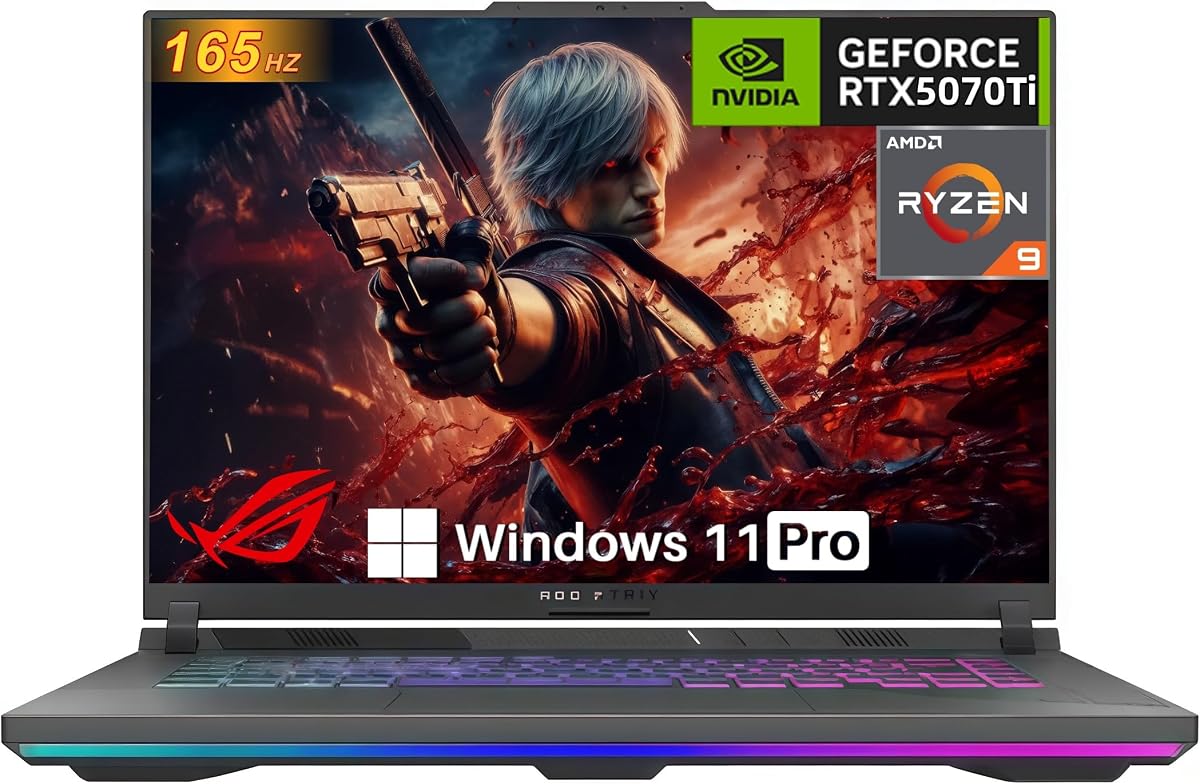

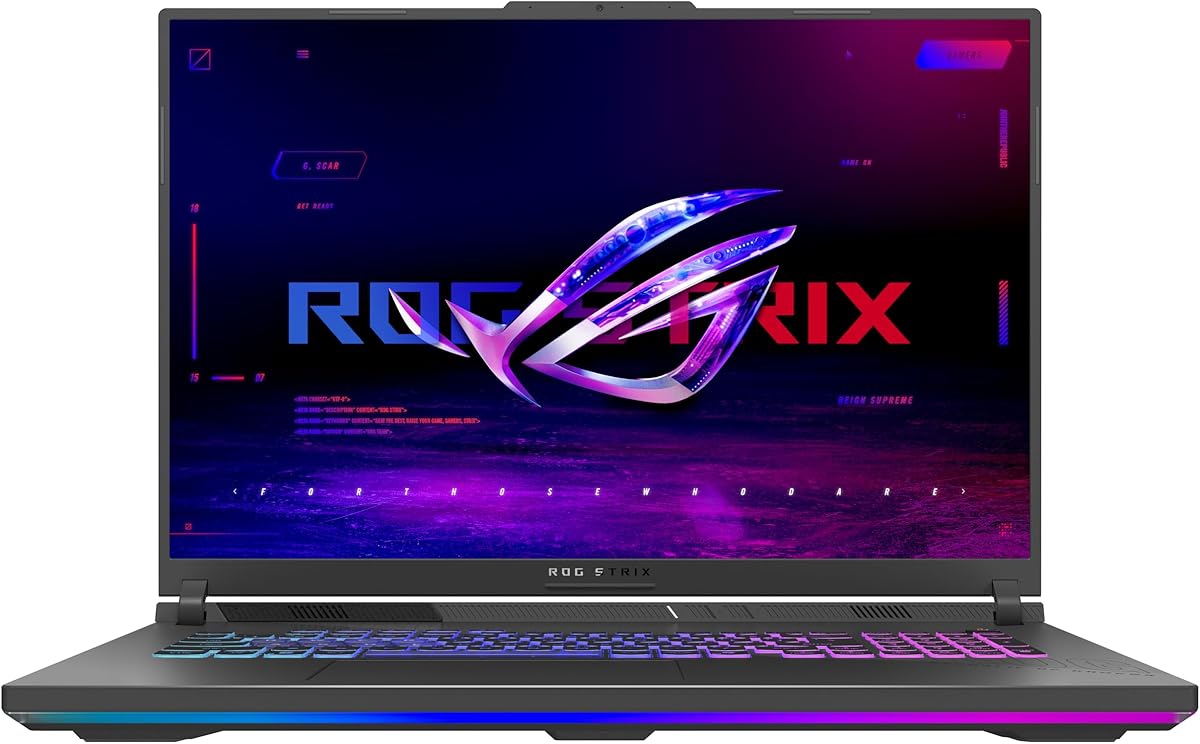
This ASUS ROG Strix G16 is a budget-friendly option that delivers excellent value for gamers seeking high performance without premium costs. With a strong Intel Core i7 processor and RTX 5060 GPU, it handles modern titles smoothly at 165Hz.
We may earn a commission when you buy through this link, at no additional cost to you.
The 16GB DDR5 memory and 1TB Gen 4 SSD provide ample speed for multitasking and loading games quickly. The ROG Intelligent Cooling system with vapor chamber keeps temperatures manageable even during long sessions. The RGB light bar syncs with peripherals for a cohesive aesthetic.
While the display is FHD+ instead of 2.5K, the 165Hz refresh rate ensures fluid motion for competitive play. The main limitation is the fixed 16GB RAM which cannot be upgraded easily. However for this remains a top pick for budget-conscious buyers.
Ideal for students and gamers who prioritize frame rates over ultra-high resolution graphics. If you need a reliable machine for AAA titles and creative work on a budget, this model offers the best balance of power and price in the lineup.
The combination of Blackwell architecture GPU and recent Intel CPU ensures future-ready performance without breaking the bank.
Conductonaut extreme liquid metal on the chipset helps maintain thermal headroom for sustained boost clocks during gaming.
We may earn a commission when you buy through this link, at no additional cost to you.
This model earns our Editor's Choice award for its impressive blend of high-end specifications and refined features. The Intel Core Ultra 9 processor paired with the RTX 5070 Ti delivers top-tier performance for gaming and content creation alike.
We may earn a commission when you buy through this link, at no additional cost to you.
The ROG Nebula display stands out with 240Hz refresh rate and 2.5K resolution, offering crisp visuals and smooth motion. The 32GB DDR5 RAM ensures you can handle heavy multitasking or professional applications without slowdowns.
ROG Intelligent Cooling with vapor chamber and tri-fan technology keeps the system quiet and cool. The main drawback is the higher cost and weight which may affect portability for travelers. Still, it remains a versatile power laptop.
Recommended for serious gamers and professionals needing robust performance. If you want a laptop that handles creative workflows and AAA gaming equally well with a stunning screen, this is the model to choose from the lineup.
The ACR film enhances contrast and reduces glare making this display ideal for bright rooms or outdoor use.
While RAM is high, the storage is tool-free accessible for future expansion if you need more space for large libraries.
We may earn a commission when you buy through this link, at no additional cost to you.
The ASUS ROG Strix Scar 18 is a premium powerhouse designed for users who want the absolute best in visuals and performance. Its Mini LED HDR display offers stunning contrast and color accuracy that outshines standard panels.
We may earn a commission when you buy through this link, at no additional cost to you.
Powered by Intel Core Ultra 9 and RTX 5070 Ti, it delivers consistent high-end performance. The AniMe Vision lid adds a unique customizable touch that showcases text or animations to express your personal style.
It includes a MUX Switch for better performance and Advanced Optimus for battery efficiency. The tool-free access to RAM and SSD makes maintenance simple. However, the price and size make it less suitable for daily commuting.
This is the ideal choice for desktop replacements and enthusiasts. If you demand top-tier screen quality and powerful specs for professional work or immersive gaming, this model stands out as the ultimate premium option in the range.
Mini LED technology with 2000+ dimming zones ensures deep blacks and vibrant colors for media consumption and editing.
The AniMe Vision lid allows custom animations which helps users stand out and personalize their gaming experience visually.
We may earn a commission when you buy through this link, at no additional cost to you.
This model stands out by pairing a top-tier Intel Core Ultra 9 processor with a high refresh rate ROG Nebula display for a smooth visual experience. It is excellent for productivity tasks and casual gaming needs.
We may earn a commission when you buy through this link, at no additional cost to you.
The 240Hz refresh rate with Dolby Vision HDR creates vibrant visuals. The CPU ensures fast app launches and smooth multitasking. The RGB light bar syncs seamlessly with peripherals for a polished look.
The RTX 5060 GPU is powerful but may limit performance in very demanding titles compared to higher Ti models. Additionally 16GB RAM may fill up quickly for heavy content creation workloads. Still a solid high spec pick.
Recommended for users focused on speed and screen quality. If you prioritize CPU power and display smoothness over raw GPU performance, this laptop delivers a refined and responsive experience for mixed workloads.
Dolby Vision HDR adjusts colors dynamically to make images richer and more vivid for media content.
The Core Ultra 9 Processor ensures your system remains responsive during complex tasks like video rendering.
We may earn a commission when you buy through this link, at no additional cost to you.
This AMD Ryzen variant offers robust performance with the Ryzen 9 9955HX processor and RTX 5070 GPU. It is well suited for users who prefer AMD architecture for multi-threaded tasks and gaming.
We may earn a commission when you buy through this link, at no additional cost to you.
The 165Hz display delivers smooth motion for competitive gaming. Tri-Fan cooling and full-width heatsink keep the system cool. The MUX Switch allows direct GPU routing for better performance in supported games.
However it is limited by 16GB RAM and an FHD+ screen which may restrict futureproofing compared to higher end models. Still the raw processing power makes it a strong contender for specific workflows.
Ideal for enthusiasts needing raw compute power. If you are comfortable with AMD Ryzen and value GPU performance over screen resolution this model provides a solid balance of hardware specs.
DLSS 4 support allows for high frame rates while maintaining visual fidelity in modern titles.
Full-surround vents facilitate efficient airflow ensuring consistent performance under heavy gaming loads.
We may earn a commission when you buy through this link, at no additional cost to you.
This model is packed with a full 140W TGP RTX 5070 Ti GPU delivering desktop-level gaming performance. The 32GB RAM ensures smooth multitasking for creators and gamers alike.
We may earn a commission when you buy through this link, at no additional cost to you.
The WUXGA display offers a fast 165Hz refresh rate for fluid gameplay. Dolby Atmos Audio enhances sound quality for immersive gaming sessions without needing external speakers.
The main trade-off is the heavier chassis which reduces portability. Also storage may be fixed to some extent. But for stationary use it offers incredible power. high performance gaming.
Recommended for desktop replacements and power users. If you want a laptop that rivals desktops with top-tier specs and audio this model is a compelling choice for serious gaming needs.
Advanced Optimus technology switches GPU modes efficiently to maximize frame rates and battery life.
Multiple USB-C and USB-A ports plus RJ-45 Ethernet allow for extensive peripheral and network setups.
We may earn a commission when you buy through this link, at no additional cost to you.
This laptop focuses on ease of use and upgradeability with tool-less access to RAM and SSD. The Q-latch SSD system allows swapping components in seconds which is rare for gaming laptops.
We may earn a commission when you buy through this link, at no additional cost to you.
Powered by AMD Ryzen 9 and RTX 5070 Ti it delivers high performance. Conductonaut Extreme liquid metal ensures efficient heat dissipation. The build quality feels sturdy and durable for long term use.
Upgrades are simple for advanced users. The 16GB RAM is standard but slots allow expansion later. However the price is high. This remains a great choice for those valuing accessibility.
Ideal for tech enthusiasts needing maintainability. If you want high performance with easy access to internals and future upgrades this model offers a unique advantage over competitors.
A removable frame protects hardware during upgrades making it simple to access components safely.
Frame generation technology increases smoothness without needing higher native refresh rates.
We may earn a commission when you buy through this link, at no additional cost to you.
This 2026 model represents the pinnacle of ROG Strix gaming technology with the RTX 5080 GPU and next gen Core Ultra 9 processor. It ensures you stay ahead for years to come.
We may earn a commission when you buy through this link, at no additional cost to you.
The ROG Nebula HDR display offers 240Hz and rich colors for an immersive experience. The MUX Switch provides up to 10% performance boost in games. Tool-free access simplifies maintenance and upgrades.
The high price point and potential availability are constraints. However the raw power justifies it for enthusiasts. It handles ray tracing and 4K gaming effortlessly.
Recommended for early adopters and professionals. If you need top of the line performance and visual fidelity for demanding applications this model is the ultimate investment.
The RTX 5080 delivers massive rasterization and ray tracing power for uncompromised gaming.
Dolby Vision HDR and AGLR film ensure sharp colors and reduced glare from wide angles.
We may earn a commission when you buy through this link, at no additional cost to you.
This model excels with a massive 2TB Gen 4 SSD which stores large game libraries and projects without external drives. The RTX 5070 and Core Ultra 9 provide balanced high performance.
We may earn a commission when you buy through this link, at no additional cost to you.
The ROG Nebula Display delivers sharp visuals with 2.5K resolution and Dolby Vision HDR. The 32GB DDR5 RAM ensures smooth multitasking. It is built for heavy content creation workflows.
The main downsides are the premium price and added weight from larger components. Still the storage capacity is a rare benefit. It removes the need for immediate upgrades.
Ideal for creators and gamers with large libraries. If you need a single machine to store and run everything smoothly this model offers unmatched storage convenience.
Two terabytes of PCIe Gen 4 storage delivers lightning-fast load times for hundreds of games.
Windows 11 Pro features support better file and network management for professionals.
We may earn a commission when you buy through this link, at no additional cost to you.
This G18 model provides an expansive 18 inch display for immersive visuals despite using an entry-level GPU. It is ideal for users needing screen real estate for productivity or console style gaming.
We may earn a commission when you buy through this link, at no additional cost to you.
The AMD Ryzen 9 processor offers strong multi-core performance for apps. The 144Hz screen ensures smooth motion. Tri-Fan cooling maintains temperatures on the larger chassis.
The RTX 5050 limits high-end gaming potential but the CPU keeps it functional. The size makes it a desktop replacement. The cooling and screen quality are the primary benefits.
Recommended for casual gamers and power users. If you want a large screen for multitasking and moderate gaming this model balances size and performance for a comfortable experience.
The 18 inch display offers extra space for multitasking and immersive game visuals.
Full-surround vents help dissipate heat effectively even under sustained load.
We may earn a commission when you buy through this link, at no additional cost to you.
Choosing the right ASUS ROG Strix laptop depends on your specific needs for gaming, content creation, or productivity. This guide outlines the key factors to consider.
Look for recent Intel Core Ultra 9 or AMD Ryzen 9 processors to ensure your laptop can handle modern AAA titles and creative workloads without bottlenecks. The latest Blackwell and Ryzen architectures offer superior efficiency and power.
Prioritize high core count CPUs for rendering and multitasking needs over basic gaming requirements.
Graphics are critical for gaming and rendering. Models with RTX 5060 to 5080 GPUs offer varying levels of performance. Higher TGP ratings ensure better sustained performance under load.
Select a GPU tier that matches your target resolution and frame rate goals to maximize value and performance.
Refresh rates above 144Hz provide smooth motion crucial for competitive gaming. HDR and Mini LED panels enhance color accuracy and contrast for creators and movie watchers.
Choose a high refresh rate display for gaming and HDR for media to ensure visual satisfaction.
A minimum of 16GB DDR5 RAM is essential for modern multitasking. 32GB ensures future-proofing for heavy content creation and large game libraries.
Opt for 32GB RAM and 1TB or more SSD storage to avoid performance bottlenecks and frequent upgrades.
Advanced cooling systems like vapor chambers and liquid metal prevent overheating during long sessions. Look for models with tri-fan technology and full-width heatsinks.
Ensure the laptop has advanced cooling features to maintain high performance without overheating.
Larger 18 inch laptops offer better screen real estate but are heavier. 16 inch models balance screen size and portability for travel.
Consider the weight and size relative to how often you plan to move your laptop.
Tool-free access to RAM and SSD simplifies future maintenance. Look for models with MUX Switches and advanced Optimus for better performance and battery life.
Choose a model with easy upgrade paths to extend the useful life of your investment.
Wi-Fi 7 and USB-C support ensure fast networking and easy peripheral connection. Ethernet ports provide stable wired internet for gaming.
Check for modern connectivity standards to support your peripherals and network needs.
Always use the original power adapter and keep the system on a hard flat surface to allow proper airflow. Avoid soft surfaces like beds or pillows that block vents and cause overheating.
Regularly clean the vents and fans using compressed air to prevent dust accumulation which can lead to thermal throttling and hardware failure over time.
Keep your drivers and BIOS updated using the ASUS Armoury Crate software to ensure optimal performance and security for your system.
Yes they are excellent for gaming with powerful CPUs and GPUs designed specifically for high frame rates. The cooling systems ensure stability during long sessions making them a top choice for enthusiasts.
Most models support RAM upgrades via tool-free access slots. Check the specific model details for capacity limits to ensure compatibility with your needs.
Newer models in the lineup feature Wi-Fi 7 for faster connectivity. Older units may support Wi-Fi 6E depending on the release date and configuration.
The ROG Nebula display offers higher refresh rates and better color accuracy. It uses advanced tech like ACR film and HDR for a superior visual experience.
Yes they are powerful enough for video editing and 3D rendering. The high RAM and CPU performance make them suitable for demanding professional workflows.
Battery life varies by usage but usually ranges from 3 to 6 hours. Optimus technology helps improve efficiency for general productivity tasks.
We have reviewed ten distinct models ranging from budget-friendly options to premium powerhouses. Each laptop offers unique strengths depending on whether you prioritize raw power or display quality.
Prioritize performance and cooling based on your most frequent tasks. If you game heavily a strong GPU and cooling system will serve you better than extra RAM.
Always verify current prices and availability as they fluctuate often. Choosing the right model now ensures you get the best experience for your specific needs.