
Wireless CarPlay Adapter Black
4.6Editor score
Dual-Chip Upgrade
Compact Design
Plug and Play
This expert guide compares the top ten wireless CarPlay adapters for cars with wired systems, highlighting compatibility features and performance metrics for
Drivers seeking wireless freedom often look for adapters that convert wired systems to wireless. These devices eliminate cables and simplify daily drives for iPhone users everywhere. A good adapter offers stable connections and fast auto-reconnect features for seamless usage.
We evaluated ten leading products based on compatibility, signal stability, and build quality. Our analysis focuses on real-world performance metrics and user feedback from verified buyers. This list covers a range of options from budget-friendly dongles to premium AI boxes.
Each pick highlights key strengths and potential limitations for specific vehicle setups. Readers will find detailed breakdowns of connectivity protocols and design elements. Please note that product prices and availability change frequently online.
4.6Editor score

4.3Editor score

4.5Editor score
The following table provides a side-by-side overview of all ten products reviewed. It highlights key specifications and compatibility notes to help you make an informed decision.

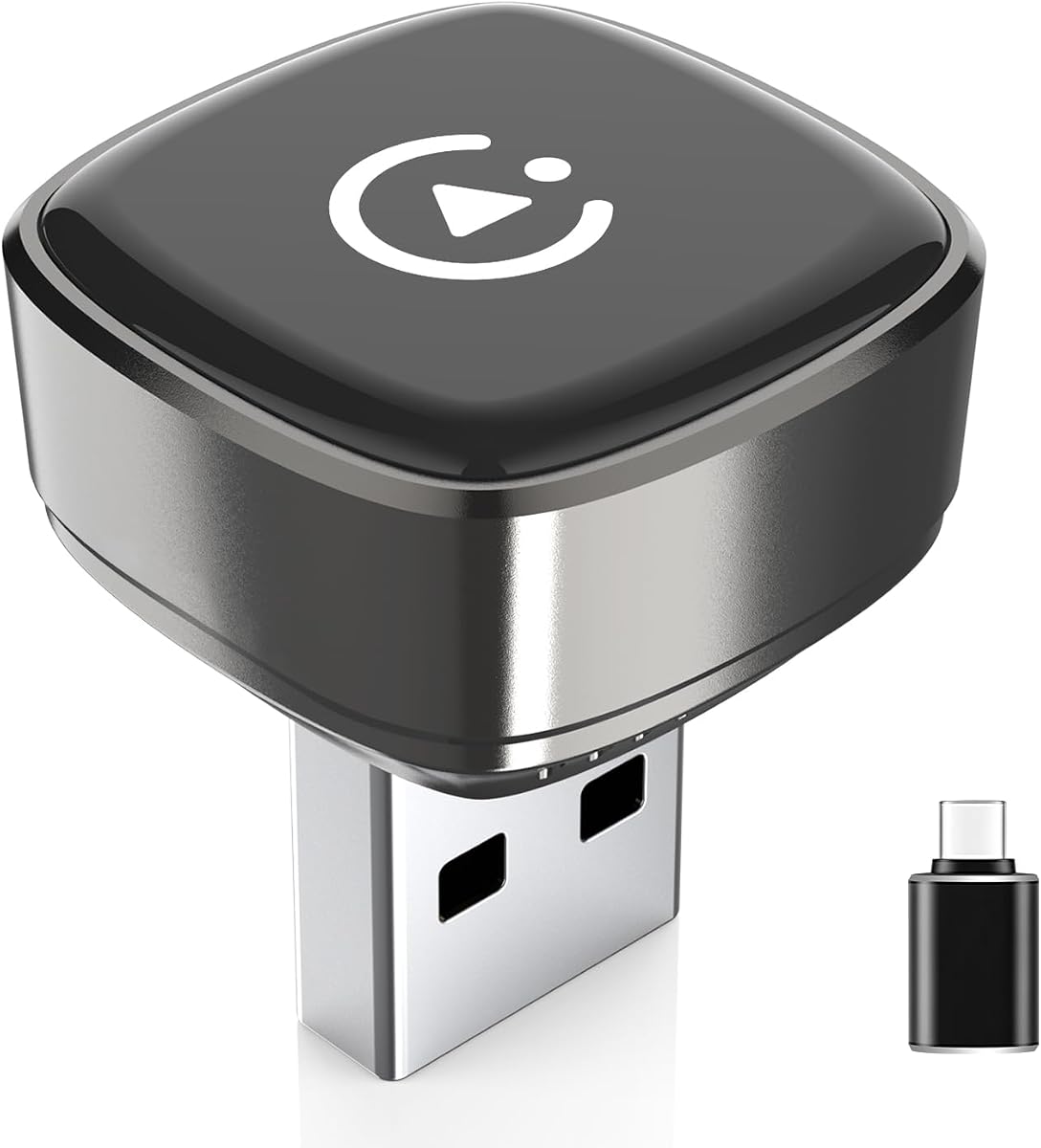
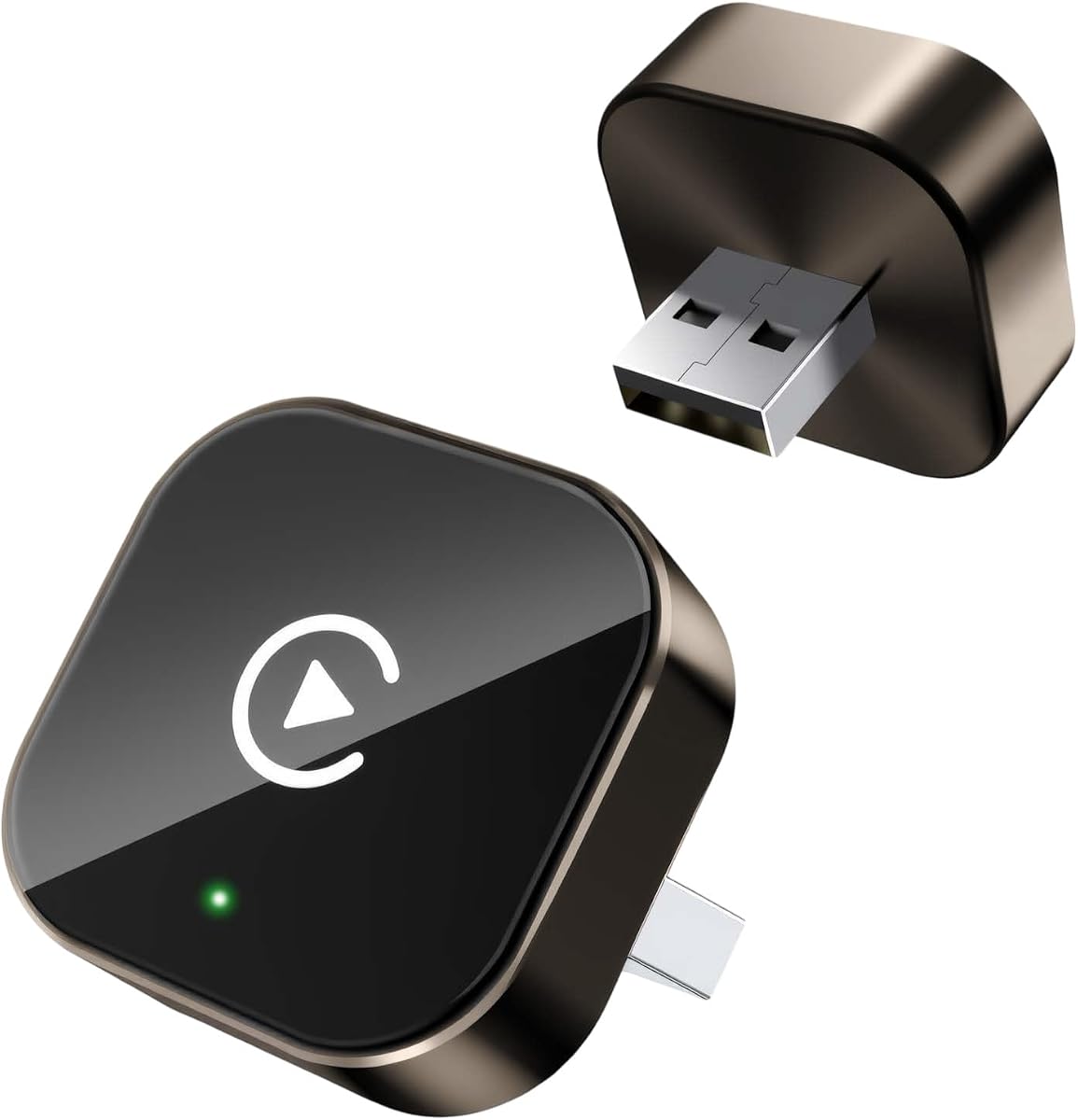


This adapter leads the pack with its powerful 7A microchip and aluminum build. It delivers consistent performance for users who need reliability on daily commutes. The rating reflects strong user satisfaction with its seamless connectivity features.
We may earn a commission when you buy through this link, at no additional cost to you.
The 5.8 GHz WiFi ensures high-speed data transfer for navigation and media. Its 8-core processor handles multitasking without lag or stuttering issues. The design also supports heat dissipation for long driving sessions.
Some users might find the setup slightly more involved than basic dongles. This is a minor trade-off for the enhanced stability and speed offered. It requires initial pairing but reconnects automatically thereafter.
Ideal for drivers seeking premium performance from a wireless adapter. It works best with factory wired CarPlay systems across various brands. Consider it if you prioritize connection stability over budget concerns.
The 8-core processor manages multiple apps simultaneously without slowing down.
Metal casing ensures longevity and better heat management than plastic units.
We may earn a commission when you buy through this link, at no additional cost to you.
This unit stands out for its compact size and stable GPS performance. It is designed for drivers who want minimal dashboard clutter. The rating indicates solid performance for supported vehicle models.
We may earn a commission when you buy through this link, at no additional cost to you.
Its 2026 upgraded chipset focuses on reducing latency for navigation apps. The dual-band WiFi ensures clear audio streaming during calls. Setup is straightforward with automatic reconnection features.
The major limitation is its explicit incompatibility with Tesla and BMW. Users with these brands must look elsewhere. Otherwise, it fits well in most other vehicle USB ports.
Recommended for owners of compatible cars needing a small, efficient adapter. It delivers on speed and stability for daily driving needs. Check vehicle compatibility before purchasing.
The tiny form factor hides easily behind the dash.
Optimized for real-time navigation without signal drops.
We may earn a commission when you buy through this link, at no additional cost to you.
This adapter offers excellent value for budget-conscious buyers. Its high rating suggests reliable performance despite the lower cost. It simplifies the transition from wired to wireless for many users.
We may earn a commission when you buy through this link, at no additional cost to you.
The dual-chip upgrade ensures stable connections without complex setup steps. The metal shell provides better durability than typical plastic options. It supports standard CarPlay functions like maps and music.
It lacks advanced features like AI apps or multi-user support. This is expected given the price range. Users looking for basic functionality will find it sufficient.
A top choice for those needing a simple conversion tool. It handles daily driving needs effectively. Consider this if you want to save money without sacrificing core utility.
Provides reliable wireless connectivity at a competitive price.
Requires minimal configuration to get started quickly.
We may earn a commission when you buy through this link, at no additional cost to you.
This grey adapter is known for its wide compatibility with 800+ vehicles. It aims to simplify the driving experience for many car owners. The rating reflects consistent performance across different models.
We may earn a commission when you buy through this link, at no additional cost to you.
Its mini design allows for discreet installation in the dashboard. Auto-reconnection ensures you do not need to pair manually each time. It supports essential apps like navigation and messaging.
It does not support Android Auto or non-Apple devices. This limits its utility in mixed-device households. Users should confirm their car model before buying.
A solid option for owners of compatible cars seeking convenience. It delivers on the promise of wireless ease. Check the compatibility list to ensure your car is supported.
Designed to work with the majority of factory wired systems.
Grey finish blends well with most modern interiors.
We may earn a commission when you buy through this link, at no additional cost to you.
This adapter attempts to bridge both iOS and Android needs. It uses a metal casing for better heat management. The rating suggests mixed experiences among different users.
We may earn a commission when you buy through this link, at no additional cost to you.
Setup is quick with three simple steps for pairing. It supports standard navigation and music streaming functions. The FCC certification ensures safety compliance.
The lower rating indicates potential issues with stability. Some users report slower connection speeds than expected. It may require patience during initial use.
Consider this only if you need Android support in a simple dongle. It offers a cost-effective solution for dual users. Verify current reviews before purchasing for reliability.
Works with both iPhone and Android devices.
Meets international safety standards for consumer electronics.
We may earn a commission when you buy through this link, at no additional cost to you.
This ebony adapter focuses on zero lag for media playback. Its rating reflects strong performance for GPS and music. It is a solid choice for multimedia users.
We may earn a commission when you buy through this link, at no additional cost to you.
The latest Bluetooth 5.4 provides a robust connection link. It maintains original vehicle controls without interference. The included USB-C cable adds versatility.
Its tiny size makes it easy to misplace. Users might need to secure it carefully. Otherwise, it fits well in the port.
Great for users prioritizing audio quality and navigation speed. It reduces cable clutter effectively. Keep it stored safely when not in use.
Delivers smooth audio without stuttering or drops.
Supports the latest Bluetooth standards for stability.
We may earn a commission when you buy through this link, at no additional cost to you.
This premium box transforms your screen into a full entertainment system. It supports standalone apps like Netflix and YouTube. The rating highlights its value as a multimedia device.
We may earn a commission when you buy through this link, at no additional cost to you.
Built-in video apps allow streaming without a phone. OTA updates keep the software current and secure. Aluminum build ensures it stays cool during heavy use.
It requires more setup than simple dongles and costs more. It is incompatible with Tesla systems specifically. Best for road trips or waiting in traffic.
Ideal for families needing a full car theater setup. It offers features beyond standard navigation. Check car compatibility before committing to this investment.
Runs apps directly without phone dependency.
Aluminum alloy casing supports high heat dissipation.
We may earn a commission when you buy through this link, at no additional cost to you.
This adapter bridges both CarPlay and Android Auto systems. It supports over 1000 vehicle models for broad use. The rating indicates a functional dual-mode device.
We may earn a commission when you buy through this link, at no additional cost to you.
Dual cables ensure fit for different USB ports. Heat protection prevents overheating on long drives. Firmware updates improve compatibility over time.
Switching between systems takes some initial learning. It may take a few minutes to switch profiles. Users with mixed devices need this utility.
Best for households with multiple phone types. It eliminates the need for two different dongles. Consider the slight complexity when choosing.
Handles both Android and iOS protocols seamlessly.
Built-in protection prevents overheating risks.
We may earn a commission when you buy through this link, at no additional cost to you.
This black adapter is designed for speed and reliability. It auto-reconnects in seconds every time you start. The rating shows strong user trust in its performance.
We may earn a commission when you buy through this link, at no additional cost to you.
Vibration testing ensures stability on bumpy roads. The included adapter supports both port types easily. It is simple to install and use daily.
It lacks advanced features like streaming apps. It focuses strictly on core wireless functionality. This keeps the price and complexity low.
Great for commuters needing a reliable daily driver. It offers fast and stable performance. Consider this for straightforward connectivity needs.
Tested for vibration resistance for steady performance.
Works with various USB-A and USB-C layouts.
We may earn a commission when you buy through this link, at no additional cost to you.
This 2026 upgraded dongle offers simple auto connection. It is compact and blends into the dashboard. The rating reflects good performance for supported cars.
We may earn a commission when you buy through this link, at no additional cost to you.
Low-latency connections ensure responsive navigation and calls. It works with both major mobile platforms. Setup is quick with minimal steps.
It excludes Tesla systems from its compatibility list. Users with Tesla must choose an alternative. This is a key detail to note.
Ideal for owners needing basic wireless utility. It balances price and functionality well. Check compatibility requirements before purchasing.
Automatically connects within seconds of starting the car.
Supports both iOS and Android Auto systems.
We may earn a commission when you buy through this link, at no additional cost to you.
Selecting the right adapter depends on your vehicle's existing system and your specific needs. Key factors include compatibility, speed, and build quality.
Ensure the adapter supports your car's specific model and system. Many adapters explicitly exclude Tesla or BMW models due to software differences. Always check the product description for listed exclusions before purchasing.
Verify compatibility to avoid returns and frustration.
High-quality chipsets like 7A or dual-core processors reduce latency and lag. These processors ensure smooth video streaming and navigation without freezing. Look for 5.8 GHz WiFi support for faster data transfer.
Prioritize processors that guarantee low latency for media.
Aluminum alloys dissipate heat better than plastic. This prevents overheating during long drives or summer usage. A durable case also protects the device from physical drops.
Choose metal builds for longevity and thermal management.
Most adapters are plug-and-play requiring just one-time pairing. Some advanced AI boxes need more configuration for apps. Decide if you want simple connectivity or extra features.
Select plug-and-play for the simplest user experience.
Decide if you need Apple CarPlay only or both Android Auto and CarPlay. Some adapters support both for mixed households. Others focus solely on iOS optimization.
Pick a dual-platform adapter if you switch devices often.
Fast reconnect speeds ensure your screen loads quickly when the car starts. Slower units might take over 20 seconds to sync. Look for claims of auto-reconnect in under 10 seconds.
Prioritize units that reconnect in seconds for convenience.
OTA updates keep the device secure and bug-free over time. Manufacturers that provide updates ensure long-term compatibility. Check if the product offers lifetime updates.
Choose brands with a history of regular software support.
Some units include USB-A and USB-C cables. This allows installation in various hidden ports. Consider your car's port layout before buying.
Look for included adapters to ensure a physical fit.
Install the adapter into your factory USB port securely. Plug it in firmly to ensure stable contact with the data pins. Ensure your car is in accessory mode during the initial setup.
Connect to the adapter via Bluetooth on your phone. Follow the on-screen prompts to link your iPhone or Android device. This initial pairing takes only a few minutes to complete.
Store the adapter in a dry place when not in use. Avoid leaving it in extreme heat or direct sunlight to prevent damage. Regularly check for firmware updates to maintain performance.
No, many standard adapters explicitly state they are not compatible with Tesla due to software restrictions. You must verify the specific model compatibility before buying.
Some adapters support both CarPlay and Android Auto. Check the product details to confirm if it handles Android devices.
Simply plug the adapter into your car's USB port. Pair your phone via Bluetooth once and it will auto-connect thereafter.
Aluminum adapters manage heat better than plastic ones. Ensure the unit has ventilation to avoid issues on long trips.
Many units support OTA updates to fix bugs. Check the app or website for the latest firmware versions.
Yes, navigation apps like Google Maps work seamlessly. Ensure you have Bluetooth and WiFi enabled on your phone.
We reviewed ten adapters with the Jemluse model leading for overall performance. These units simplify your driving experience by removing cable clutter.
Prioritize compatibility and chipset speed when making your decision. Ensure the model supports your specific vehicle before purchasing.
Prices and availability change frequently so check current offers. Select the unit that fits your daily driving needs best.