
Better Office Products Glossy Photo Paper
4.6Editor score
Industry standard 200 gsm weight
Compatible with inkjet and laser
Smooth finish for fast drying
This guide compares the top 10 glossy paper for laser printer options to help you choose the best match for your professional printing needs and budget today.
Finding the right glossy paper for laser printer projects can transform your business documents into standout materials. Quality sheets ensure vibrant colors and sharp text that impress clients and colleagues alike.
We evaluated ten top-rated products based on finish quality, weight, brightness, and jam-free performance. Each option offers unique benefits for marketing, proposals, and professional photo reproduction needs.
Every pick below highlights key features and ideal use cases for your specific printing tasks. Please note that availability and stock levels may change frequently on retailer platforms.
4.6Editor score

4.7Editor score

4.4Editor score
The following table provides a side-by-side comparison of all ten selected products to help you quickly identify key specifications and suitability for your specific printing requirements.




This product stands out as the top choice for professionals seeking high-end marketing materials. With a rating of 4.7, it delivers photo-vibrant clarity that elevates brochures and portfolios.
We may earn a commission when you buy through this link, at no additional cost to you.
The dual-sided coating ensures seamless printing with zero show-through. Its magazine weight makes it flexible for binding while maintaining a smooth glossy finish.
While it costs more than standard options, the premium quality justifies the expense for client-facing documents. The acid-free composition prevents yellowing over time.
Buy this if you need consistent, professional results for high-volume laser printing. It is the definitive choice for polished, durable printed materials.
Both sides are coated to allow seamless double-sided printing without bleed through. This is essential for creating professional brochures and flyers.
Acid-free and lignin-free construction ensures prints remain vivid without fading. This protects your important documents for years to come.
We may earn a commission when you buy through this link, at no additional cost to you.
This glossy paper offers an excellent balance of weight and affordability for general printing needs. Rated 4.6, it works with both inkjet and laser printers for versatility.
We may earn a commission when you buy through this link, at no additional cost to you.
Its smooth finish ensures fast drying and even ink absorption. This makes it suitable for photos and general business documents without requiring specialized equipment.
The thickness may be slightly heavy for some laser printers. However, it handles well in most office setups for occasional photo printing tasks.
Choose this if you need a versatile sheet for mixed printer environments. It delivers solid quality without the premium cost of specialized laser stock.
Unlike many laser-only sheets, this paper works with inkjet as well. This flexibility saves money if you have multiple printer types.
The 200 gsm weight mimics traditional photo paper thickness. This ensures your images look professional on the printed page.
We may earn a commission when you buy through this link, at no additional cost to you.
HP brings print-shop quality to your office with this premium glossy option. Rated 4.4, it provides rich color and sharp graphics for branded materials.
We may earn a commission when you buy through this link, at no additional cost to you.
Sustainably sourced from managed forests, it offers eco-friendly printing solutions. The 52 lb weight ensures durability for high-impact business presentations.
The price reflects its premium status, which may not suit budget-conscious buyers. However, the quality results justify the investment for key client communications.
Buy this if you need trustworthy HP quality for professional documents. It is the ideal premium choice for sustainability-focused brands.
This paper meets Forest Stewardship Council standards for sustainable management. Your business can reduce its environmental footprint easily.
The coating enhances color vibrancy and sharpness significantly. You get print-shop quality directly from your office device.
We may earn a commission when you buy through this link, at no additional cost to you.
This everyday option delivers reliable quality for financial documents and marketing materials. Rated 4.5, it ensures crisp black text and sharp color graphics.
We may earn a commission when you buy through this link, at no additional cost to you.
Its 32 lb weight is optimized for smooth feeding without jams. It is perfect for high-volume printing of reports and business plans.
While thinner than premium options, it maintains professional standards. The HP Smart app integration helps with scanning and printing efficiency.
Buy this for everyday high-volume printing needs. It offers consistent HP quality for standard business document production.
The lightweight design ensures jam-free feeding in busy printers. This minimizes downtime during critical print jobs.
You can easily scan documents using the HP Smart app. This adds value to your office workflow management.
We may earn a commission when you buy through this link, at no additional cost to you.
Engineered specifically for color laser printers, this paper delivers vivid double-sided color. It is a solid choice for high-volume professional printing tasks.
We may earn a commission when you buy through this link, at no additional cost to you.
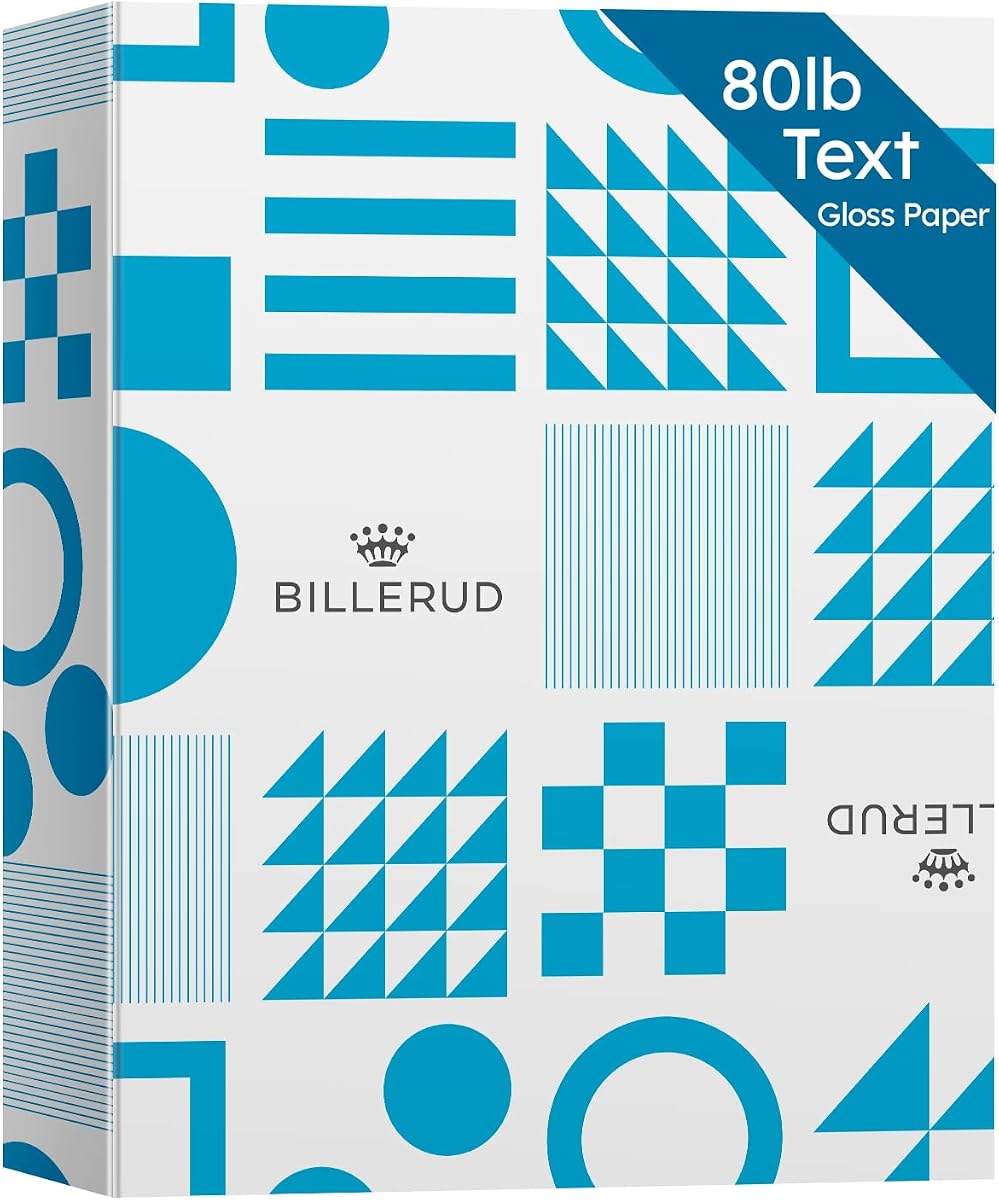
The 80lb Text weight provides a smooth finish without being cardstock. This makes it ideal for flyers and event announcements.
Its lower rating may reflect packaging or minor jams in some cases. However, acid-free construction ensures prints stay vivid over time.
Choose this if you need affordable laser-only stock. It is great for projects where double-sided printing is essential.
Designed specifically for laser fusing, this paper avoids ink issues. It is strictly for color laser and digital printers.
C2S coating allows for sharp graphics on both sides. You can utilize the full sheet without visible bleed.
We may earn a commission when you buy through this link, at no additional cost to you.
HP Enhanced paper provides excellent quality for sales and marketing materials. Rated 4.6, it offers rich color and sharp graphics for standout results.
We may earn a commission when you buy through this link, at no additional cost to you.
The 40 lb weight balances durability and flexibility well. It is suitable for polished two-sided business proposals and flyers.
It comes from sustainably managed forests aligning with eco-values. While standard, it ensures consistent HP quality for office use.
Buy this if you need reliable HP branding support. It delivers professional results for daily business printing needs.
This paper meets Forest Stewardship Council standards. You can choose it knowing it supports sustainable forestry.
Enhanced coating ensures graphics look sharp and vivid. Your brand colors will be accurately reproduced.
We may earn a commission when you buy through this link, at no additional cost to you.
This digital C2S paper is perfect for design proposals and brochures. Rated 4.2, it offers reliable jam-free performance for laser printers.
We may earn a commission when you buy through this link, at no additional cost to you.
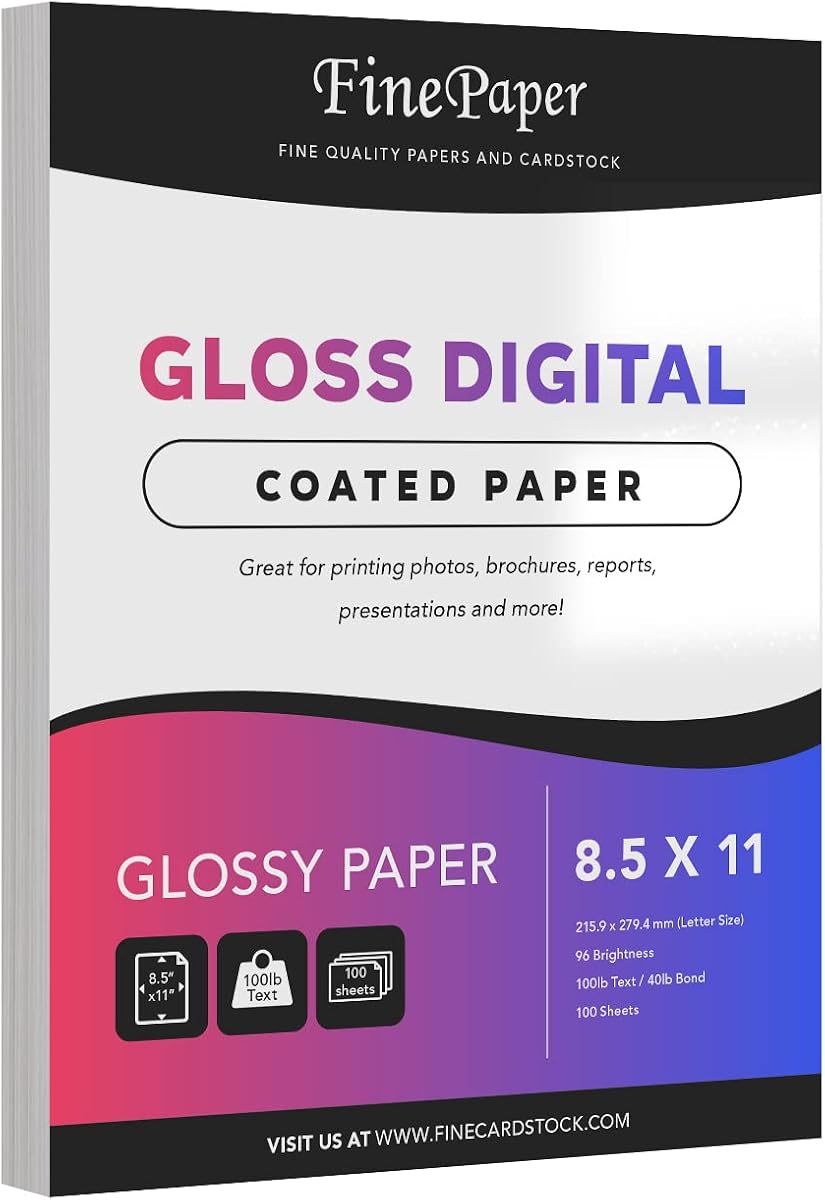
The 100lb Text weight ensures substantial prints without bulk. Its archival safe acid-free composition prevents yellowing over time.
At 100 sheets, it is smaller than bulk reams. This works well for small batches of high-quality documents.
Buy this if you need durable proposals and flyers. It is reliable for color laser and digital printer setups.
Lignin-free construction prevents brittleness over time. Your important design documents remain fresh for years.
96 brightness ensures colors look true to screen. Design proposals gain extra visual impact.
We may earn a commission when you buy through this link, at no additional cost to you.
This 80lb option balances cost and quality for daily printing. Rated 3.9, it offers superior image quality for flyers and posters.
We may earn a commission when you buy through this link, at no additional cost to you.
The acid-free composition ensures prints stay vivid over time. It is great for design proposals and color photographs.
Its rating may vary due to printer compatibility issues. However, the packaging keeps sheets safe for easy delivery.
Choose this for cost-effective design project printing. It is reliable for digital printers and brochures.
Manufacturers promise 99.99% reliable feeding. This minimizes frustration during large print runs.
The glossy surface enhances saturation and contrast. Flyers and brochures look more engaging.
We may earn a commission when you buy through this link, at no additional cost to you.
This bulk pack is ideal for high-volume design proposals and flyers. Rated 4.5, it offers superior image quality for marketing materials.
We may earn a commission when you buy through this link, at no additional cost to you.
With 500 sheets, it reduces frequent reordering needs. The acid-free construction ensures long-lasting appearance.
It is optimized specifically for laser printers only. This bulk size is great for shared office or studio environments.
Buy this for ongoing design projects and promotions. It saves money on frequent small pack purchases.
Larger quantities reduce the cost per sheet significantly. This saves money for marketing departments.
The finish ensures rich color reproduction. Your brochures and posters will look polished.
We may earn a commission when you buy through this link, at no additional cost to you.
This versatile paper stands out for detailed designs and promotional flyers. Rated 4.0, it enhances colors with exceptional clarity and depth.
We may earn a commission when you buy through this link, at no additional cost to you.
The 100lb weight ensures substantial prints without bulk. Double-sided coating allows flawless printing on both sides.
It is suitable for booklets and multi-page documents. This is a strong choice for professional presentations.
Buy this if you need eye-catching materials. It offers the right balance of durability and flexibility.
The smooth finish enhances readability significantly. Your text remains crisp and clear.
Ideal for detailed designs and sharp graphics. Your creative work will look its best.
We may earn a commission when you buy through this link, at no additional cost to you.
Selecting the right glossy paper involves understanding weight, finish, and printer compatibility to ensure your professional documents look their best.
Paper weight is measured in pounds (lb) or grams per square meter (gsm). Higher weights like 80lb to 100lb Text provide durability and a premium feel for marketing materials. However, they may jam in some standard office printers.
Choose a weight that balances durability with printer compatibility. For high-impact documents, heavier weights are worth the trade-off.
Brightness indicates how much light the paper reflects. Higher brightness levels like 96 enhance colors and make graphics stand out against white backgrounds. This is crucial for brochures and flyers.
Select high-brightness paper for vibrant color reproduction. Lower brightness is acceptable for basic business documents.
Glossy coatings enhance color saturation but may show fingerprints. C2S (coated on both sides) allows double-sided printing without show-through, which is essential for professional brochures.
Always check for C2S coating if you plan to print on both sides. This ensures a clean look from every angle.
Glossy paper must match your printer type. Laser paper is heat-fused and will not work in inkjet printers. Some specialty papers are compatible with both.
Verify your printer model before buying. Using the wrong type can damage your printer or ruin prints.
Acid-free paper prevents yellowing and fading over time. This is essential for archival documents like menus and portfolios that need to last.
Look for acid-free labels if you want long-lasting results. This adds value for important documents.
Bulk packs like 500 sheets offer better value for frequent users. Smaller packs suit occasional projects but cost more per sheet.
Buy larger packs if you run high-volume printing. Smaller packs are better for testing new paper.
Finishes vary from standard to high-gloss. High-gloss offers more vibrant colors but may be prone to curling. Standard glossy balances shine and handling.
Consider your document type. High-gloss is great for photos while standard works for text documents.
Some papers come from sustainably managed forests with certifications like FSC. This supports environmental goals for your business.
Choose certified options if sustainability matters to you. It improves your brand image.
Always check the paper direction before loading. Glossy sheets can jam if inserted upside down. This ensures smooth feeding through the tray.
Store paper in a cool dry place to avoid moisture damage. Humidity can cause sheets to stick together. Keep them in their original packaging until ready.
Clean printer rollers regularly for optimal performance. Dust buildup can scratch the glossy surface. This maintains consistent quality for every print.
No, laser paper is engineered for heat-fusing and will not absorb liquid ink properly. Using it in inkjet printers can damage the printer and ruin prints. Check compatibility on the package.
80lb to 100lb Text weights offer a premium feel and durability for brochures. They are flexible enough to fold without cracking. Heavier weights stand out more to clients.
Jams often occur due to humidity, wrong direction, or weight mismatch. Ensure the paper is stored dry and loaded correctly. Check your printer manual for compatible weights.
Yes, acid-free construction prevents yellowing and fading over time. Menus often handle oils and frequent use. This ensures your branding remains vibrant for years.
Select C2S coated paper which prevents ink from bleeding through. Higher opacity also reduces show-through significantly. This is essential for professional double-sided materials.
Choose jam-free guaranteed papers with consistent sheet quality. Bulk packs offer better value and reduce restocking. High opacity ensures sharp results on every print.
Use flexible weights like 80lb to 100lb Text. Avoid stiff cardstock which may crack. Score folds for cleaner results if you need to fold frequently.
Yes, some laser paper works with cutting machines. Ensure it is flexible and not too thick. Always test one sheet before running a full batch.
This guide highlights top options ranging from budget to premium choices. HP and specialized brands offer reliable quality for professional documents.
Prioritize weight and coating based on your specific use case. For high-impact flyers, choose higher weight with double-sided coatings.
Always check current stock and availability on retailer platforms. Prices and supply may change frequently for these products.