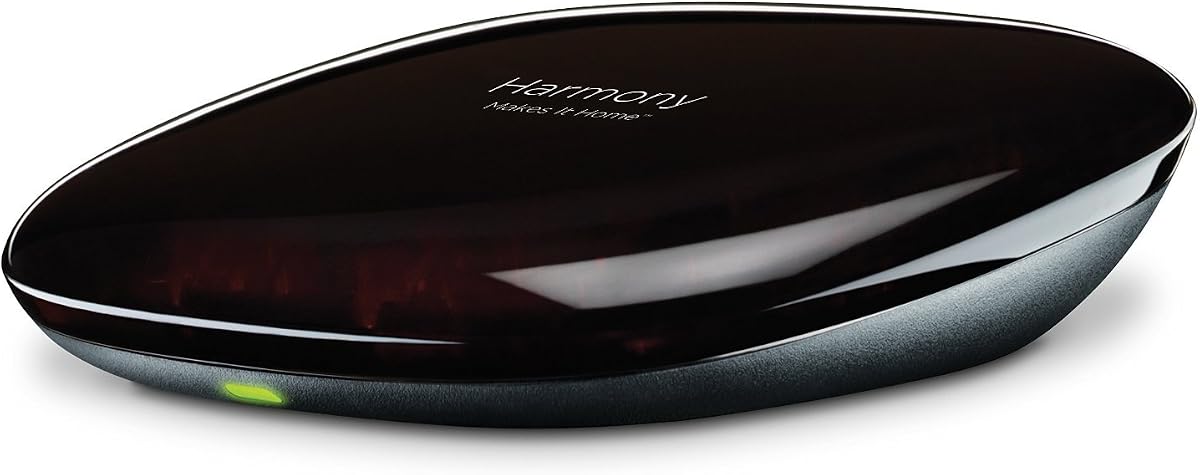
Logitech Harmony Home Hub
3.9Editor score
Controls up to 8 devices
Compatible with Alexa voice control
Includes closed cabinet control option
This guide compares the top Logitech Harmony Home Hub models to help you find the best universal remote solution for your smart home entertainment needs today.
Finding the right control solution for your entertainment setup can be challenging with so many devices competing for attention. A good hub centralizes commands and simplifies your daily routine significantly.
We evaluated these models based on compatibility, ease of setup, and integration capabilities with modern smart home ecosystems like Alexa and Philips Hue lighting systems.
Each pick highlights key strengths and weaknesses to guide your decision. Note that pricing and availability fluctuate frequently so always verify current details before purchasing.
3.9Editor score

3.7Editor score

3.8Editor score
The following table provides a side-by-side overview of the leading Logitech Harmony Home Hub options available in the market today for informed decision making.
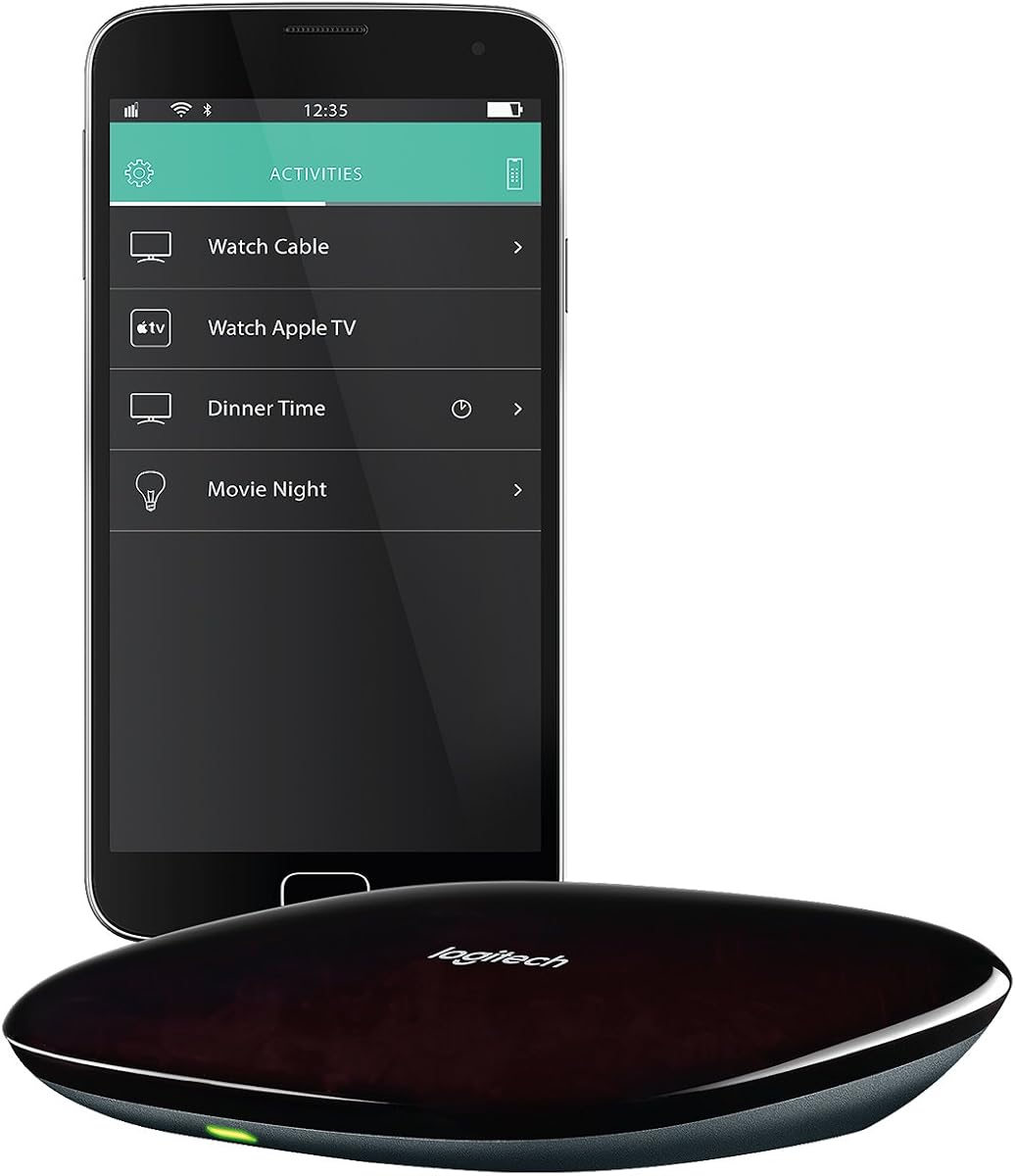


The Logitech Harmony Elite stands out as the most comprehensive control solution available. It earns high marks for its ability to unify disparate entertainment and home automation systems.
We may earn a commission when you buy through this link, at no additional cost to you.
Its full color touchscreen allows users to swipe through channels and adjust settings with ease. Integration with Amazon Alexa ensures that voice commands work seamlessly alongside manual inputs.
While the initial setup requires some time to configure activities, the result is a streamlined interface. Users appreciate how it reduces clutter by replacing multiple remotes with one central unit.
This model is ideal for households with extensive device setups. If you seek premium functionality and voice control, the Harmony Elite remains a top recommendation.
By combining remotes into one hub, you reduce clutter and simplify daily interactions with your media center significantly.
Alexa compatibility allows hands-free operation which is particularly useful when your hands are full or you are across the room.
We may earn a commission when you buy through this link, at no additional cost to you.
For those seeking an entry point into smart home automation, this hub offers essential features without breaking the bank. It provides core functionality for managing entertainment devices effectively.
We may earn a commission when you buy through this link, at no additional cost to you.
The ability to integrate with Alexa makes it a versatile choice. You can control devices hidden behind cabinet doors which solves a common issue with IR remotes.
While it relies on a smartphone for control and lacks a dedicated physical unit, this trade-off suits modern users. It is particularly useful for basic automation needs.
This option is best for budget conscious shoppers who want to start with smart home integration. It delivers reliable performance for the price.
You get access to smart device control without the premium cost of more advanced models in the lineup.
Control relies on your mobile device which is convenient for some but may be an issue if you prefer physical buttons.
We may earn a commission when you buy through this link, at no additional cost to you.
The Harmony 1100 is a legacy powerhouse known for its robust RF capabilities and vivid display. It offers a premium feel that newer budget models often lack.
We may earn a commission when you buy through this link, at no additional cost to you.
Its ability to control devices via radio frequency means it works through walls and cabinets without needing line of sight. This is a significant advantage over basic IR solutions.
The rechargeable battery ensures long periods of use without constant recharging. Users value the customization options available through the activity setup menus.
If you prioritize physical hardware over app control, this remains a strong contender. It suits those who want a dedicated high-end remote device.
Radio frequency signals allow control through obstructions making it superior for hidden entertainment centers.
You can tailor icons and screens to match your personal preferences for a truly personalized experience.
We may earn a commission when you buy through this link, at no additional cost to you.
This model bridges the gap between physical remotes and smart home apps. It offers tactile control while still connecting to your home network for advanced features.
We may earn a commission when you buy through this link, at no additional cost to you.
The swipe and tap interface on the remote mimics modern smartphone usability. It supports popular devices like Sonos and Philips Hue out of the box.
Users appreciate the inclusion of a dedicated remote alongside the app. This dual approach ensures control even if your phone is not nearby.
It is a balanced choice for those who want versatility. Consider this if you need physical buttons but also value app connectivity.
Having both a physical remote and app control offers flexibility depending on where you are in the house.
Direct Wi-Fi support means faster response times and more reliable command execution across your network.
We may earn a commission when you buy through this link, at no additional cost to you.
The Ultimate Hub is designed specifically for users with closed entertainment cabinets. It includes a mini blaster to solve line of sight issues common with IR devices.
We may earn a commission when you buy through this link, at no additional cost to you.
Its app interface is straightforward and intuitive. You can access streaming services directly which simplifies navigation for platforms like Netflix and YouTube.
The compact nature of the hub makes it easy to hide away. It focuses on functionality over flashy features which appeals to practical users.
Choose this model if cabinet control is your primary concern. It delivers targeted solutions without unnecessary complexity.
The included blaster allows control of devices hidden in cabinets where direct line of sight is blocked.
Direct integration with popular streaming apps reduces the need to switch inputs manually on your television.
We may earn a commission when you buy through this link, at no additional cost to you.
This model focuses on providing a simple touch screen interface for entertainment control. It is a straightforward device for managing basic TV and media functions.
We may earn a commission when you buy through this link, at no additional cost to you.
Users who prefer a handheld device will appreciate its ergonomic design. It acts as a centralized controller for common household entertainment systems.
The renewed status makes it an attractive option for those seeking savings. It offers a chance to own premium hardware at a reduced cost.
Consider this if you need a basic remote with modern touch controls. It suits simple setups without complex automation needs.
The handheld nature of the remote makes it comfortable to use for long periods of browsing media menus.
Buying a renewed unit provides significant savings while still offering reliable functionality for everyday control.
We may earn a commission when you buy through this link, at no additional cost to you.
This renewed version offers the same robust feature set as the new model but at a potentially lower price. It retains the core benefits of the Harmony Elite lineup.
We may earn a commission when you buy through this link, at no additional cost to you.
The touchscreen remains responsive and colorful. Alexa integration works effectively for voice commands which adds convenience to your daily entertainment routine.
Because it is renewed, condition may vary slightly. However, it still provides a high level of control for complex home environments.
It is a smart buy for those who want top tier features without the full price tag. Ensure you check return policies when purchasing.
Alexa compatibility allows you to control lights and TV with simple voice commands without picking up a remote.
Purchasing a renewed unit allows access to premium hardware at a fraction of the retail cost.
We may earn a commission when you buy through this link, at no additional cost to you.
This kit provides the essential components needed to establish a universal control system. It includes the hub remote and app support out of the box.
We may earn a commission when you buy through this link, at no additional cost to you.
Users appreciate the comprehensive nature of the package. It allows you to start controlling devices immediately without hunting for additional accessories.
The app integration remains a core benefit for managing settings. It ensures that your devices are linked and ready for custom activities.
This is a practical choice for those who need a complete start-to-finish solution. It removes uncertainty about hardware compatibility.
Having the hub remote and app in one box simplifies the unboxing and initial configuration process significantly.
The ability to control everything from one system reduces the need to switch between different controllers constantly.
We may earn a commission when you buy through this link, at no additional cost to you.
This remote alone provides significant control capabilities when paired with existing infrastructure. It is a good option if you already have a hub or rely heavily on apps.
We may earn a commission when you buy through this link, at no additional cost to you.
The color touch screen ensures easy navigation through settings and favorite channels. One touch activities help automate complex routines effectively.
Users who prefer physical interaction will find the layout intuitive. It balances modern touch capabilities with traditional remote functions.
If you need just the remote without a new hub this serves well. It is a flexible addition to your existing setup.
The screen allows you to see icons for favorite channels which simplifies finding your preferred content quickly.
One touch activities reduce the number of steps needed to get your entertainment system ready for use.
We may earn a commission when you buy through this link, at no additional cost to you.
The original Hub offers basic functionality for managing devices via an app. It was designed for simplicity and ease of installation in standard setups.
We may earn a commission when you buy through this link, at no additional cost to you.
While discontinued it still functions for basic control needs. Users can manage devices behind cabinets through IR blasters if configured properly.
Its small footprint makes it easy to place anywhere in your entertainment center. It avoids clutter while still offering centralized control.
This model is best for existing owners or those seeking very basic hub functionality. Support may be limited compared to newer products.
It provides core automation capabilities without the complexity of advanced touch interfaces or voice commands.
Note that this model is discontinued so finding new units may be difficult compared to other options.
We may earn a commission when you buy through this link, at no additional cost to you.
Selecting the right hub depends on your specific setup needs and whether you prefer physical remotes or app control. Consider the following factors.
Ensure the hub supports all your entertainment and smart home devices. Most models support over 270,000 devices including TVs and game consoles.
Check the database for specific brand codes before purchasing to guarantee seamless operation.
Decide if you want a physical remote with a touchscreen or rely solely on your smartphone. Physical remotes offer tactile feedback that some users prefer.
Phone apps provide unlimited screen space but may be less convenient in the dark.
Alexa compatibility is crucial for hands-free control. Many modern hubs allow voice commands to switch inputs or adjust volume.
Look for explicit Alexa support if you use smart speakers in your living room.
Modern hubs connect with lights and locks to create complete activities. This allows your lights to dim when you start watching a movie.
Verify that smart lights like Philips Hue are included in the supported list.
Devices hidden inside cabinets need IR blasters to function. Hubs without blasters cannot control equipment without direct line of sight.
Check if a mini blaster is included in the package to avoid extra costs later.
New models often come with a higher price tag. Renewed options provide significant savings if you are comfortable with used hardware.
Consider if a warranty is included when choosing a renewed unit for peace of mind.
The ability to create custom activities like Watch Movie or Read Book simplifies usage. These routines automate multiple device states at once.
Prioritize hubs that offer flexible activity editing tools within their app.
Wi-Fi connectivity allows for faster command response and advanced features. Some older models rely solely on Bluetooth or IR signals.
Ensure your home network is ready for a seamless setup experience.
Begin by downloading the Harmony app on your smartphone and creating an account. Follow the prompts to connect the hub to your home Wi-Fi network securely.
Add each of your devices to the system by scanning codes or searching the database. This ensures the hub knows the correct infrared signals for every component.
Clean the remote screen with a soft dry cloth to avoid scratches. Keep the hub in a well-ventilated area to prevent overheating during extended use.
Yes but only if you use a Harmony IR Mini Blaster. The hub sends signals to the blaster which then emits the command directly to the hidden device. Without a blaster, IR signals cannot pass through solid surfaces.
Yes the Harmony Elite supports Amazon Alexa for voice control. You can issue commands to the device to turn on systems or launch activities. This allows for hands-free operation of your entertainment setup.
The setup process is designed to be user-friendly through the smartphone app. It guides you through connecting the hub and adding devices step by step. While it takes time the instructions are clear and logical.
Absolutely. Many users prefer the app for its larger interface and ease of use. The hub allows you to turn off the remote to save battery if you rely mostly on your phone.
Renewed products are pre-owned items that have been inspected and tested to work properly. They are often cheaper than brand new units. They may show minor cosmetic wear but function as expected.
Yes. it integrates with many smart home products like Philips Hue lights. You can include them in activities to dim or change colors automatically. This creates a more immersive experience.
We highlighted the Harmony Elite for its premium features and the Home Hub for its budget-friendly value. Each option serves different user needs and preferences effectively.
Prioritize compatibility with your specific devices and consider whether you need physical controls or app-based convenience. These factors will guide your final decision.
Prices change frequently on retail platforms so please check current availability before finalizing your purchase. Enjoy your streamlined entertainment experience.