
HP 14 Student Laptop Quad-Core Processor
4.0Editor score
Affordable entry price
Windows 11 ready
128GB UFS storage
Finding the right laptop for back to school requires balancing performance, portability, and price. Students need reliable machines for research, writing, and streaming without breaking the bank.
We compared ten top models based on processor speed, memory capacity, display quality, and battery life. Each selection offers unique strengths for different academic needs and budgets.
Our picks highlight specific benefits like storage bundles, premium displays, and long endurance. Prices change frequently so verify current deals before making your final purchasing decision today.
4.0Editor score

4.5Editor score
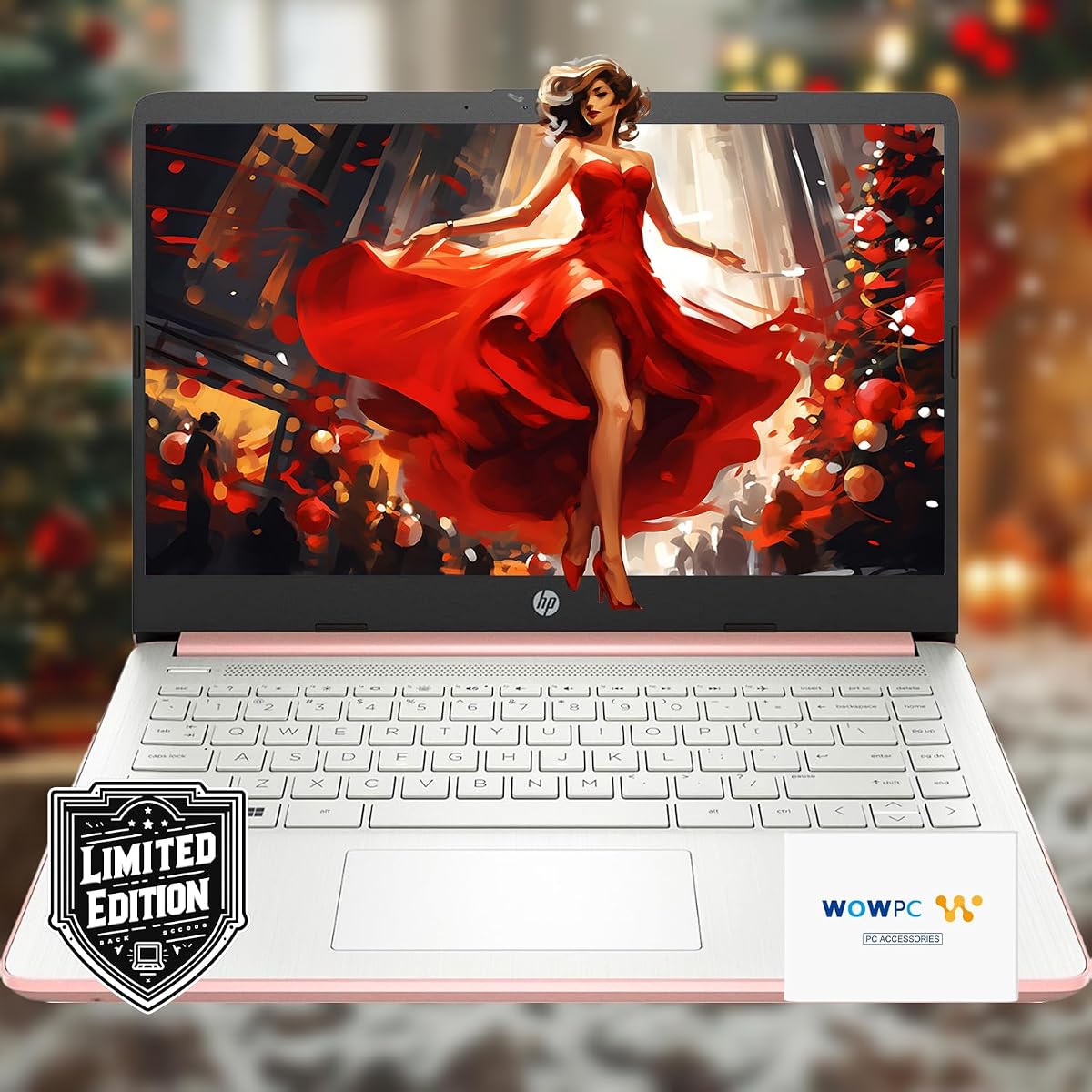
4.7Editor score
As an Amazon Associate we earn from qualifying purchases.
This comparison table lists all ten models side by side for easy evaluation of key specifications and features for your academic year needs.



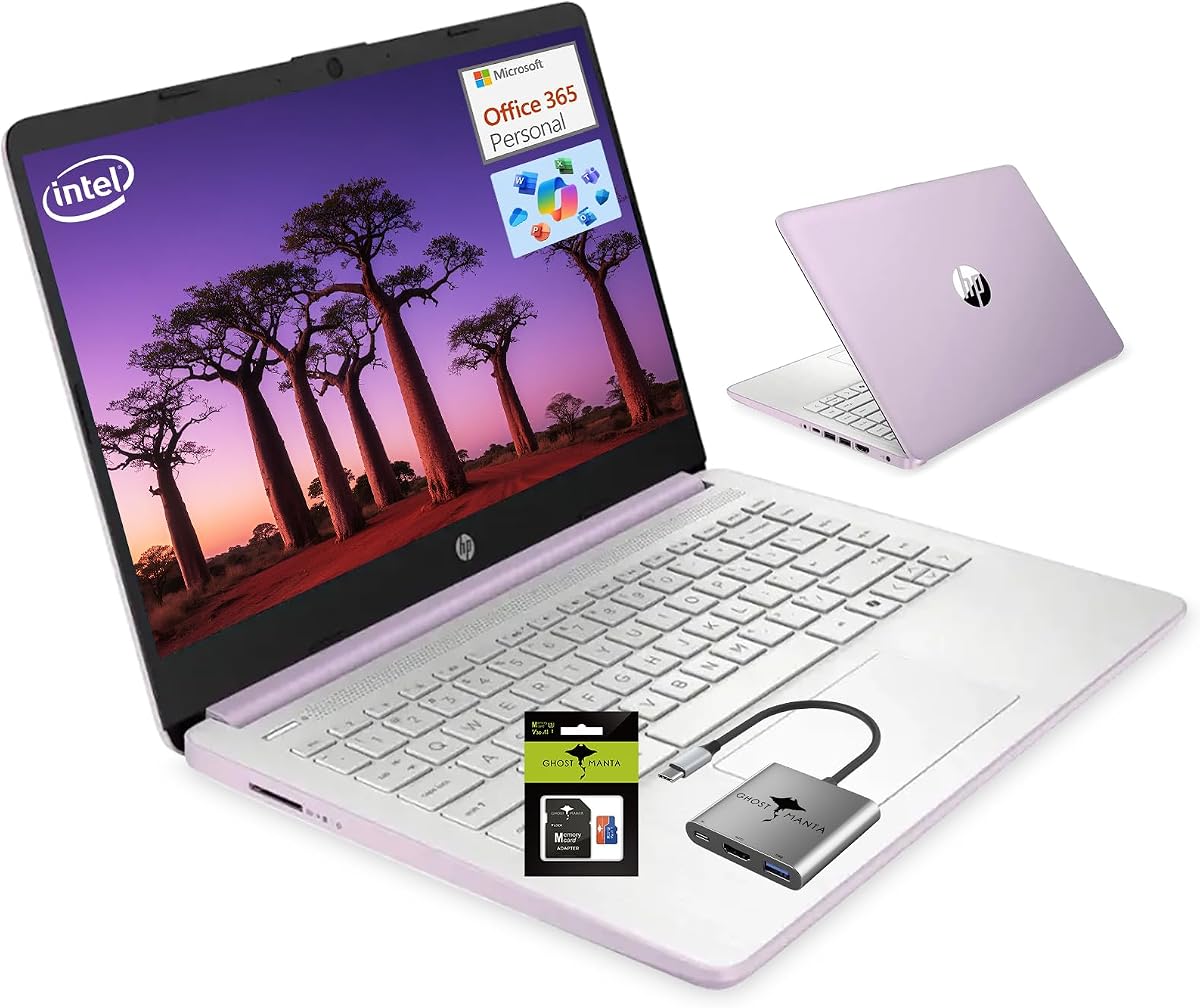
This model earns our editor's choice for balancing powerful specs with student needs. It includes 16GB RAM for smooth multitasking and a massive storage bundle.
We may earn a commission when you buy through this link, at no additional cost to you.
The Intel Quad-Core processor handles daily tasks efficiently while the 1TB storage keeps files safe. Microsoft 365 ensures you have essential tools ready.
While the display is standard HD it remains clear for reading text. The weight is slightly higher but acceptable for the added power and storage.
Ideal for students needing robust performance without complex configurations. This bundle offers significant value for academic and personal use cases.
The 16GB RAM allows running multiple browser tabs and apps simultaneously without lag.
Included external drive and accessories save extra costs and setup time immediately.
We may earn a commission when you buy through this link, at no additional cost to you.
The Chromebook variant offers distinct advantages for web-based learning. Its long battery life supports full days on campus without chargers.
We may earn a commission when you buy through this link, at no additional cost to you.
Chrome OS simplifies security updates and app management through the Play Store. The device is thin and light for easy transport in backpacks.
Storage is limited to 64GB so cloud reliance is necessary. This works well if your curriculum focuses on browser apps rather than heavy software.
Great for younger students or those needing a secondary device. Its simplicity ensures quick setup and minimal maintenance requirements.
Up to 14 hours of life ensures uninterrupted focus during lectures or study sessions.
Automatic updates and integrated antivirus reduce technical distractions from learning.
We may earn a commission when you buy through this link, at no additional cost to you.
This laptop leverages cloud storage to extend local limitations effectively. DDR5 RAM ensures faster data access compared to older memory standards.
We may earn a commission when you buy through this link, at no additional cost to you.
The Intel N150 delivers efficient performance for standard schoolwork and streaming. Its slim profile makes it a breeze to carry between classes.
Local storage is small so managing files via OneDrive is essential. The included 1TB cloud space covers most student document needs perfectly.
Perfect for students who prioritize mobility and cloud integration. It balances modern connectivity with a low-cost entry point.
DDR5 RAM provides quicker data retrieval for smoother system responsiveness.
Generous cloud allowance keeps files backed up without local hardware limits.
We may earn a commission when you buy through this link, at no additional cost to you.
Windows 11 Pro adds business features beneficial for advanced study or internships. The bundle includes essential accessories like a mouse and headphones.
We may earn a commission when you buy through this link, at no additional cost to you.
Wi-Fi 6 ensures stable connections in crowded campus networks. Copilot AI helps automate tasks and streamline writing processes efficiently.
Memory is modest so heavy multitasking may strain performance. The external drive solves space needs for media or project files.
Recommended for students needing professional software compatibility. It offers a practical suite for comprehensive academic workflows.
Windows 11 Pro offers enhanced security and encryption for sensitive data.
Copilot helps draft texts and summarize notes quickly during study.
We may earn a commission when you buy through this link, at no additional cost to you.
This Essential model provides a solid foundation for basic academic tasks. It balances cost with reliable features for general daily productivity.
We may earn a commission when you buy through this link, at no additional cost to you.
The Intel N150 handles web browsing and word processing with ease. Office 365 ensures you have tools like Word and Excel available.
Local storage is limited to 128GB requiring cloud reliance. Its lightweight design fits comfortably in backpacks for travel.
Suitable for students needing a dependable secondary machine. It offers essential features without complex configurations or high cost.
Balanced pricing keeps budgets intact while delivering necessary computing power.
Wi-Fi 6 provides fast streaming speeds for digital lectures.
We may earn a commission when you buy through this link, at no additional cost to you.
This model stands out for offering 8GB RAM in a budget package. It supports more simultaneous applications than standard 4GB entry devices.
We may earn a commission when you buy through this link, at no additional cost to you.
Copilot AI assists with tasks and writing workflows automatically. The N150 processor handles routine study tasks without lagging significantly.
Storage is minimal so external drives may be needed soon. The 8GB memory helps future-proof basic performance for longer.
Great for students needing more memory without high costs. It supports multitasking better than typical low-end models.
8GB RAM allows smoother operation when managing multiple apps.
Copilot helps streamline routine study tasks efficiently.
We may earn a commission when you buy through this link, at no additional cost to you.
Portability is key with this lightweight Essential model. It weighs just under 3.5 pounds making it easy to carry daily.
We may earn a commission when you buy through this link, at no additional cost to you.
Battery life supports full days of browsing or reading sessions. The secure microcontroller protects data against unauthorized access attempts.
Storage is minimal so cloud solutions are required immediately. Performance suits basic writing or browsing rather than heavy tasks.
Ideal for students carrying multiple books needing a light laptop. It offers simple reliability for standard academic work.
Lightweight construction reduces strain when carrying between classes.
Secure microcontroller adds hardware-level protection for data safety.
We may earn a commission when you buy through this link, at no additional cost to you.
This model delivers core features at an accessible price. It includes Copilot AI to boost productivity without extra subscriptions.
We may earn a commission when you buy through this link, at no additional cost to you.
The Quad-Core processor handles standard tasks efficiently. Office 365 ensures full access to productivity apps immediately upon setup.
Memory is limited to 4GB so multitasking requires care. The SSD ensures boot times remain quick for daily use.
Perfect for students needing a cost-effective primary device. It offers essential tools without unnecessary complexity.
Core features remain accessible without inflating the total cost.
Copilot helps organize work efficiently even on entry hardware.
We may earn a commission when you buy through this link, at no additional cost to you.
This premium model offers massive storage through bundled drives and cloud. It ensures you never run out of space for projects.
We may earn a commission when you buy through this link, at no additional cost to you.
The 16GB RAM supports demanding workflows smoothly. Rose Gold styling adds a touch of personal flair to your setup.
Local storage is modest but the external drive adds significant capacity. This makes it ideal for media-heavy coursework.
Best for students needing maximum power and storage. It balances aesthetics with robust technical specifications.
Total 1600GB capacity eliminates worry about running out of space.
16GB RAM ensures smooth multitasking for heavy academic workloads.
We may earn a commission when you buy through this link, at no additional cost to you.
This model strikes a balance between memory and storage capacity. It includes an SD card for flexible expansion options.
We may earn a commission when you buy through this link, at no additional cost to you.
The 8GB RAM improves responsiveness compared to lower tier options. Copilot AI helps streamline workflow for efficiency.
Storage is better than average but may still need cloud. The distinctive color helps identify your device quickly in class.
Recommended for students needing a solid all-rounder. It offers balanced specs for reliable daily academic usage.
8GB RAM and 256GB storage offer solid daily utility.
SD card slot allows easy storage upgrades when needed.
We may earn a commission when you buy through this link, at no additional cost to you.
Selecting the right laptop requires evaluating key factors like processor, memory, and storage to match your academic workload and budget.
The processor is the brain of your laptop. For general students, Intel Core i3 or N150 series handles basic tasks like writing and streaming well.
For engineering or heavy media editing, aim for Core i5 or higher. Prioritize processors with Turbo Boost for smooth multitasking.
RAM determines how many apps you can run simultaneously. 4GB is the bare minimum for web browsing and document editing.
We recommend at least 8GB for smooth performance. 16GB ensures longevity if you plan to keep the device for several years.
Storage holds your files and operating system. SSDs are essential for fast boot times and responsiveness compared to traditional hard drives.
Look for at least 128GB locally. If your budget allows, 256GB or 512GB offers more breathing room for offline projects.
You will spend hours looking at your screen. A 14-inch or 15.6-inch Full HD display provides sharp text for reading.
Ensure the screen has anti-glare coating to reduce eye strain. Brightness should be at least 250 nits for visibility in bright rooms.
Battery life impacts your ability to work without outlets. Aim for at least 8 to 10 hours for full class days.
Fast charging features are a bonus. They allow you to top up quickly between classes if you forget your charger.
Weight matters when carrying your laptop in a backpack. Devices under 3.5 pounds are easier to transport daily.
Consider the chassis size. A thinner design fits better in tight spaces like lecture halls or study tables.
Wi-Fi 6 ensures you connect to campus networks quickly. It provides faster speeds than older Wi-Fi 5 standards.
Check for USB-C ports for versatile charging and display connections. HDMI ports help you plug into projectors for presentations.
Determine your price range before shopping. Many models include Microsoft 365 to save you subscription costs.
Remember to factor in potential accessory costs like mice or bags. A complete bundle often offers better overall value.
Keep your laptop cool by using it on hard surfaces. Soft surfaces like beds can block vents and cause overheating issues over time.
Use a soft microfiber cloth to clean the screen. Avoid harsh chemicals or paper towels that might scratch the display coating.
Update your operating system and drivers regularly. This ensures security patches are applied and performance remains optimized for new tasks.
Most general students do not need a top-tier processor. A mid-range quad-core unit handles web research and document writing easily. Save money by avoiding high-end gaming chips unless you need them.
4GB RAM works for basic writing and browsing. However, having many tabs open or running specialized software may cause lag. 8GB is safer for future proofing your academic needs.
SSD storage is faster and more durable than eMMC. It boot up your system quicker and load apps faster. eMMC is cheaper but often feels sluggish with heavy daily use.
Chromebooks are excellent if your work is web-based. They are secure and have great battery life. However, they may struggle with specialized software required for some majors.
Look for at least 8 to 10 hours for a full day. This ensures you can attend lectures and study without finding a power outlet constantly. It reduces reliance on carry chargers.
A 14-inch or 15.6-inch screen is usually best. The 14-inch offers better portability while the 15.6-inch provides more screen real estate. Choose based on your transport needs.
Our top picks offer a range of solutions from budget-friendly to premium models. The HP 15.6 Limited Edition stands out for its massive storage and memory.
Prioritize what matters most to your coursework. If you carry your device daily, weight and battery life should rank higher than raw speed.
Check current deals and verify specs before purchasing. Prices fluctuate frequently so ensure you get the best value for your specific needs now.