
Seagate 1TB Mobile HDD
4.4Editor score
Compact 2.5 inch design
Lightweight portable storage
Affordable entry level price
Building a reliable media server requires careful hardware selection, especially when storing large libraries of movies and TV shows. The right Hard Drive for Jellyfin ensures smooth playback, fast metadata scanning, and long-term data integrity for your home entertainment setup.
We analyzed ten top rated storage solutions based on capacity, speed, reliability ratings, and specific optimizations for NAS or desktop use. Our comparison covers internal SATA drives, external USB options, and specialized video storage drives tailored for continuous write operations.
Each pick below highlights key specs, pros, and cons to help you match storage needs with your server size and budget. Prices and availability change frequently, so verify current offers before purchasing to ensure you get the best value for your media library.
4.4Editor score

4.7Editor score

4.6Editor score
As an Amazon Associate we earn from qualifying purchases.
This side by side comparison lists all ten drives with their core specifications and links to verified product pages. Review capacity, interface type, RPM, cache size, and warranty details to find the exact model fitting your Jellyfin server architecture.




The Seagate 8TB BarraCuda stands out as the top choice for Jellyfin servers needing massive local storage. With a 4.7 rating and 8TB capacity, it handles extensive media libraries efficiently. Its SATA 6 Gb/s interface delivers reliable performance for streaming and metadata operations.
We may earn a commission when you buy through this link, at no additional cost to you.
This drive features a sustained transfer rate of 190MB/s, ensuring smooth data access during peak viewing times. It is designed for general desktop applications, making it suitable for home servers where cost and capacity matter most. The 3.5 inch form factor fits standard PC cases easily.
While not specifically NAS optimized, the BarraCuda series offers proven reliability for consumer use. The packaging is minimal, reducing waste, though users should handle the static bag carefully. Warranty coverage is shorter than NAS specific drives, so regular backups remain essential.
Buy this if you need a high capacity, affordable internal drive for a dedicated media PC. It balances performance and price well for single drive setups or non RAID configurations. Ideal for users prioritizing storage size over enterprise grade endurance.
Eight terabytes provide ample room for thousands of HD movies and TV episodes without needing multiple drives immediately.
The 190MB/s sustained rate supports smooth playback and quick file transfers for typical home media server loads.
We may earn a commission when you buy through this link, at no additional cost to you.
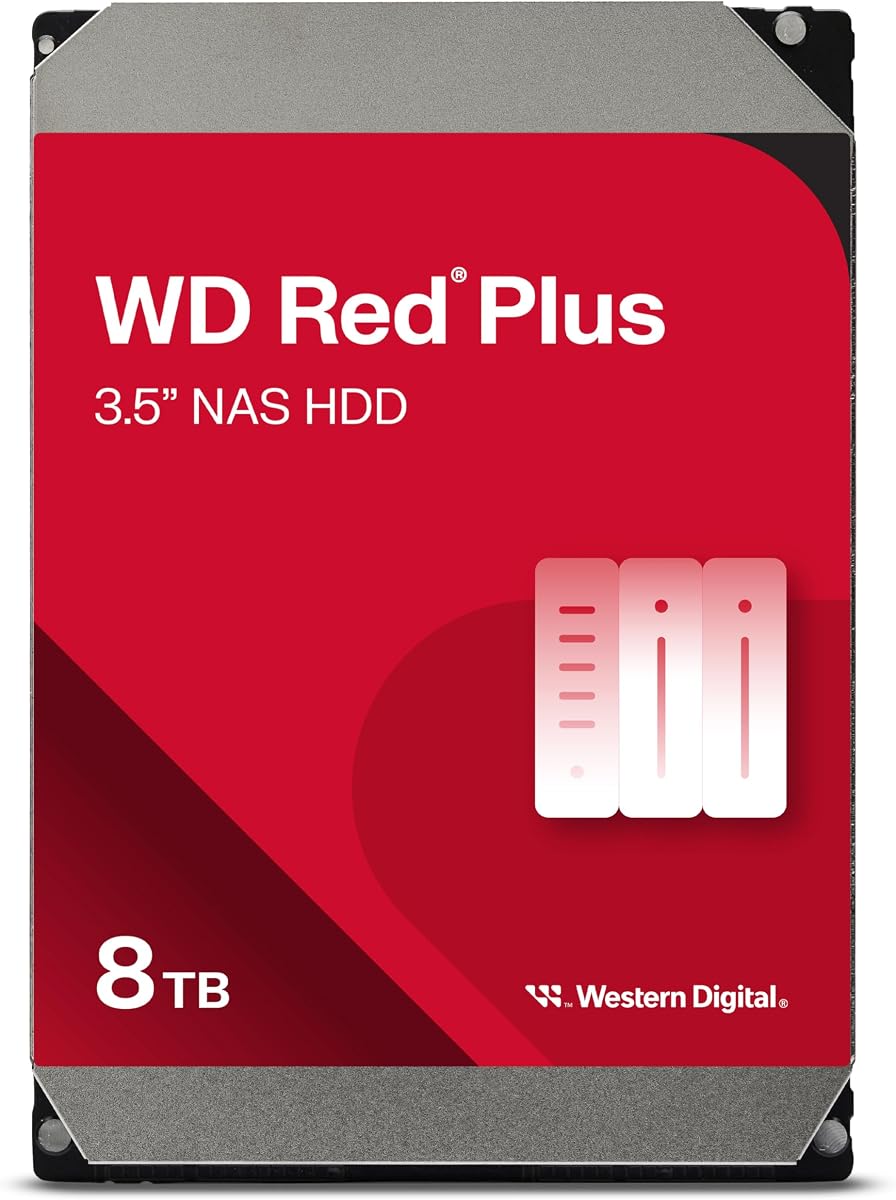
The WD Red Plus NAS drive is engineered for 24×7 environments typical of home media servers. With 8TB capacity and NASware firmware, it ensures compatibility with multi-drive enclosures. The 4.2 rating reflects its steady performance in business and home NAS systems.
We may earn a commission when you buy through this link, at no additional cost to you.
Featuring CMR technology, this drive avoids performance issues common with SMR in RAID setups. It supports up to 180TB yearly workloads, ideal for continuous streaming and recording. The 256MB cache helps manage data flow efficiently during high usage periods.
While the 5640 RPM is slower than desktop drives, it reduces heat and noise for always on operation. The 3 year warranty adds peace of mind for critical data storage. However, the price point is higher than general purpose internal drives.
Choose this for dedicated NAS enclosures where reliability and multi-drive support matter most. It suits Jellyfin setups requiring consistent uptime and potential expansion. Best for users willing to pay a premium for NAS specific features.
NASware firmware ensures smooth integration with various NAS operating systems and file management tools.
Designed for heavy usage, supporting annual data transfers up to 180TB without performance degradation.
We may earn a commission when you buy through this link, at no additional cost to you.
The Seagate One Touch 8TB external drive offers a convenient solution for Jellyfin servers needing expandable storage. With USB-C compatibility and bus power, it connects easily to various systems without extra cables. Its 4.6 rating highlights user satisfaction with reliability and ease of use.
We may earn a commission when you buy through this link, at no additional cost to you.
This drive provides high capacity in a compact form, perfect for storing files in one place. The included Rescue Data Recovery Services add an extra layer of protection for important media assets. Setup is fuss-free, requiring only one port and cord for operation.
As an external drive, transfer speeds are limited by USB interface capabilities compared to internal SATA. It may not suit high throughput applications requiring sustained high bandwidth. However, for most media streaming needs, it performs admirably.
Opt for this if you need quick add on storage without opening your server case. It works well for backup or overflow libraries where portability helps. Ideal for users prioritizing convenience and data recovery options over maximum speed.
No wall outlet required, reducing cable clutter and power consumption on your server desk.
Included data recovery services provide peace of mind for valuable media collections and projects.
We may earn a commission when you buy through this link, at no additional cost to you.
The Seagate 1TB Mobile HDD is the top budget choice for small Jellyfin setups. At just 7mm thin, it fits laptop and mini PC cases easily. With a 4.4 rating, it delivers reliable performance for entry level media storage without breaking the bank.
We may earn a commission when you buy through this link, at no additional cost to you.
This drive stores up to 124 hours of high definition video, sufficient for limited libraries. The 2.5 inch form factor reduces weight and space requirements significantly. Standard SATA 6Gb/s ensures compatibility with most modern systems.
While the 1TB capacity is small for extensive collections, it serves as a cost effective starting point. It is not optimized for continuous multi-drive operations. Users planning large libraries will need to upgrade eventually.
Buy this for testing Jellyfin or for secondary storage in tight spaces. It is ideal for users with budget constraints or smaller media needs. Perfect for portable or mini server builds where space is limited.
The 7mm thickness and 2.5 inch size allow installation in space constrained desktops or laptops.
Pricing makes it accessible for users testing media server concepts or with limited storage needs.
We may earn a commission when you buy through this link, at no additional cost to you.
The Seagate IronWolf 4TB is purpose built for NAS enclosures serving multiple users. Its 4.5 rating reflects solid performance in home and small business environments. The CMR technology ensures stable write operations crucial for Jellyfin transcoding and streaming.
We may earn a commission when you buy through this link, at no additional cost to you.
IronWolf Health Management allows easy drive monitoring to prevent unexpected failures. The drive minimizes noise and vibration, maintaining quiet operation in living areas. A 1M hour MTBF supports long term reliability for continuous media service.
While 5400 RPM is slower than desktop alternatives, it balances power and heat for 24×7 duty. The 3 year warranty and Rescue Services offer added protection for valuable media data. Capacity is moderate compared to high end options.
Select this for multi-bay NAS setups requiring reliable, quiet operation. It suits households needing robust storage without enterprise pricing. Ideal for users wanting health monitoring and recovery features out of the box.
Optimized for NAS enclosures to deliver performance and reliability in multi-drive RAID environments.
Integrated system lets users monitor drive health easily to prevent data loss and downtime.
We may earn a commission when you buy through this link, at no additional cost to you.
The WD 12TB Blue Internal delivers premium capacity and speed for high demand servers. A 4.6 rating confirms strong performance in everyday computing tasks. With 7200 RPM and 512MB cache, it handles data access quickly for large media libraries.
We may earn a commission when you buy through this link, at no additional cost to you.
This drive supports capacities up to 12TB, reducing the need for multiple drives in early setups. Free Acronis True Image WD Edition facilitates easy backups and cloning. Western Digital quality ensures dependable operation for extensive storage needs.
While not NAS specific, the Blue series offers strong performance for desktop based servers. The larger cache improves efficiency during complex file operations. Users should consider heat and power needs due to high RPM and capacity.
Choose this for users prioritizing speed and maximum capacity in one unit. It suits dedicated media PCs needing fast access to large video files. Ideal for enthusiasts building powerful, centralized storage solutions.
Twelve terabytes allow storage of tens of thousands of HD files without immediate expansion.
7200 RPM and 512MB cache ensure quick data access and efficient handling of large files.
We may earn a commission when you buy through this link, at no additional cost to you.
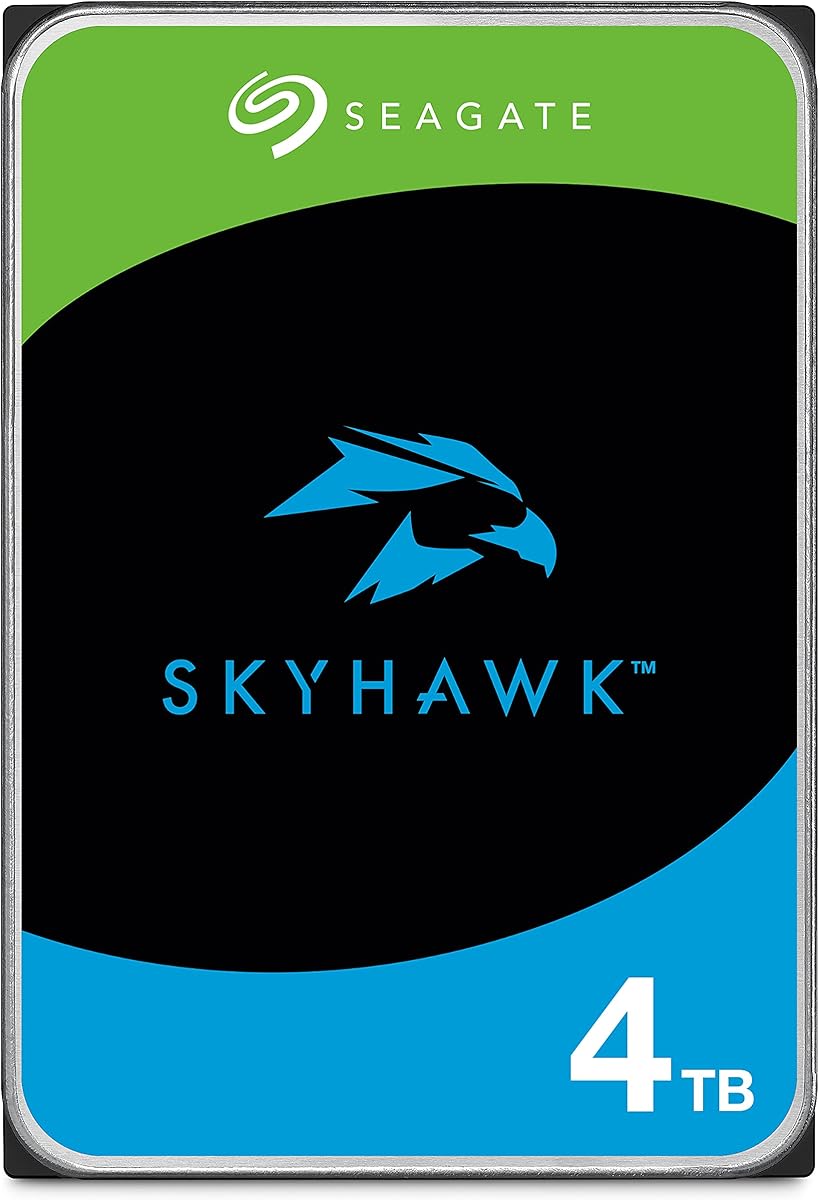
The Seagate Skyhawk 4TB is optimized for video workloads common in continuous recording environments. With a 4.4 rating, it delivers reliable performance for 24×7 write tasks. Its design supports up to 180TB yearly workloads with zero dropped frames.
We may earn a commission when you buy through this link, at no additional cost to you.
Built-in RV sensors maintain performance in multi-bay systems, preventing slowdowns from vibration. Lower power consumption reduces heat emissions, improving overall reliability. The included 3 year warranty and Rescue Services provide comprehensive protection.
While targeted at surveillance, its write optimized nature benefits streaming servers needing constant data access. The health management tools help prevent unexpected drive failures. Users may find it over specified for simple playback tasks.
Select this for servers running heavy concurrent streams or recording tasks. It suits environments where drive stability under load is critical. Ideal for users wanting enterprise grade reliability at a mid tier price.
Designed for write intensive tasks like surveillance and streaming, ensuring consistent performance.
Rotational vibration sensors maintain performance in multi-drive systems to prevent data loss.
We may earn a commission when you buy through this link, at no additional cost to you.
The WD Purple 6TB is engineered for surveillance and write intensive workloads ideal for media servers. With a 4.5 rating, it ensures stable performance during constant data writing. AllFrame AI technology enhances workload rates for systems handling many streams simultaneously.
We may earn a commission when you buy through this link, at no additional cost to you.
Supporting up to 180TB yearly workloads, this drive handles heavy concurrent access well. It accommodates systems with more than eight bays, offering scalability for growing needs. The 128MB cache aids in managing data flow efficiently.
While designed for security, its write optimization benefits high traffic Jellyfin environments. Heat emission is managed well, ensuring longevity under continuous operation. Users may prefer NAS drives for pure storage over video focus.
Choose this for servers needing robust write performance and multi stream support. It suits users managing large libraries with frequent metadata or indexing tasks. Ideal for high reliability needs in constant operation scenarios.
AllFrame AI technology provides enhancements for higher workload rates in AI enabled recorder systems.
Supports annual data transfers up to 180TB to handle intensive write operations without stress.
We may earn a commission when you buy through this link, at no additional cost to you.
The Seagate Skyhawk 4TB with Image Perfect firmware delivers crisp video playback ideal for streaming. A 4.6 rating highlights its reliability for 24×7 video workloads. It supports maximum 180TB/year workload, three times that of standard desktop drives.
We may earn a commission when you buy through this link, at no additional cost to you.
Rotational vibration sensors help maintain performance in RAID and multi-drive systems. The drive is built for surveillance but works well for media servers needing constant writes. Up to 10TB capacity stores extensive HD video archives effectively.
Though tailored for surveillance, its robustness suits Jellyfin servers requiring stable, continuous operation. The included 3 year warranty and Rescue Services add confidence for critical data. Some may prefer NAS specific options for general storage.
Buy this for setups prioritizing write stability and long-term reliability. It suits users handling heavy media ingestion or frequent access. Ideal for those wanting robust hardware proven in continuous duty environments.
Custom firmware ensures clear, continuous video data handling without dropouts or errors.
Rotational vibration sensors maintain performance in RAID or multi-drive configurations effectively.
We may earn a commission when you buy through this link, at no additional cost to you.
The Seagate IronWolf 6TB is designed for NAS servers needing dependable multi-user storage. With a 4.4 rating, it offers reliable performance for home and small office media services. The 5400 RPM and 256MB cache balance speed and energy use effectively.
We may earn a commission when you buy through this link, at no additional cost to you.
This drive supports 8-bay environments, scaling well as library needs grow. IronWolf Health Management tracks drive status to prevent failures. It is purpose built for RAID setups, ensuring consistent throughput during heavy loads.
While 5400 RPM is slower, it reduces heat and power for always-on operation. Capacity is moderate, fitting users who don't need massive single-drive storage. The NAS optimization ensures stable behavior in multi-bay configurations.
Choose this for balanced NAS storage requiring steady performance without high power use. It suits users wanting reliable, server-rated hardware at a mid price. Ideal for growing Jellyfin setups needing consistent data access.
Designed for NAS environments to ensure smooth operation and stability in multi-drive systems.
Built for server use to provide consistent and reliable data storage for long periods.
We may earn a commission when you buy through this link, at no additional cost to you.
Selecting the right storage involves balancing capacity, speed, reliability, and budget for your specific server setup. Understanding key factors ensures smooth playback, efficient transcoding, and long-term data safety.
Jellyfin libraries can grow quickly with HD and 4K content, so aim for at least 4TB to 8TB per drive. For single-drive setups, 8TB or 12TB offers room to expand. Larger capacities reduce the need for multiple drives, simplifying management and backups.
Always consider future growth when choosing size to avoid frequent drive replacements.
NAS optimized drives like WD Red Plus or Seagate IronWolf are designed for 24/7 operation and multi-bay environments. Desktop drives like BarraCuda suit single-drive or non-NAS setups where cost matters more. NAS drives often have better vibration protection and warranty coverage.
Choose NAS drives for enclosures or RAID setups to ensure stability and reliability over time.
SATA 6 Gb/s is standard for internal drives, offering up to 600MB/s theoretical throughput. This is sufficient for streaming multiple 4K streams without bottlenecks. Ensure your motherboard or enclosure supports the interface to avoid slowdowns.
Verify SATA compatibility on your system before purchasing to maximize performance.
Higher RPM like 7200 offers faster access but generates more heat and noise. Lower RPM like 5400 or 5640 is better for quiet, always-on servers. Larger cache, such as 256MB, helps manage data flow during intense metadata scanning or streaming.
Select RPM based on your tolerance for noise and heat in your server location.
CMR drives use traditional recording for consistent write speeds, while SMR may slow down in multi-drive setups. For Jellyfin, especially with large libraries, CMR ensures stable performance during transcoding and streaming. Always check product specs to confirm CMR technology.
Prefer CMR to avoid potential performance drops when writing large media files.
NAS drives typically come with 3-year warranties and data recovery services, protecting your investment. Desktop drives often have shorter warranties, so consider backup strategies if using them. Longer warranties indicate manufacturer confidence in endurance.
Prioritize drives with extended warranties for long-term server reliability and peace of mind.
Capacity costs vary, with larger drives often offering better per-terabyte value. Balance your budget against needed capacity; sometimes one large drive is cheaper than multiple smaller ones. External drives offer flexibility but may cost more per TB.
Calculate price per TB to find the most cost-effective option for your library size.
Higher capacity and RPM drive more power and generate more heat. Ensure your server case has adequate airflow to prevent overheating. Lower RPM drives consume less power, which is useful for always-on home servers.
Plan for proper ventilation and cooling to maintain drive health and longevity.
Install the drive securely using anti-static precautions to protect internal components. Connect SATA power and data cables firmly, ensuring no loose connections. Initialize and format the drive in your OS with file systems like ext4 or NTFS for compatibility.
Mount the drive in Jellyfin's media library settings so the server recognizes the storage path. Add folder paths for movies and TV shows, allowing Jellyfin to scan and index metadata automatically. Configure scheduled scans to keep library information fresh.
Maintain the drive by ensuring adequate cooling through case fans and proper airflow. Monitor drive health using tools like SMART data to detect early warning signs. Keep backups of metadata and library settings separately to prevent data loss during failures.
For a typical home library with thousands of HD files, 8TB to 12TB per drive is recommended. This provides enough space for years of content without needing immediate expansion. Consider your expected growth and number of users when selecting capacity.
If you use a multi-bay enclosure or run 24/7, a NAS drive ensures better reliability and vibration resistance. For single-drive or occasional use, a desktop drive works well at a lower cost. Choose based on your server environment and workload.
A modern SATA drive can handle several 4K streams without issues, provided transcoding is done by the server CPU or GPU. Bottlenecks usually occur with multiple HDDs or slow interfaces rather than the drive itself. Ensure sufficient cache and RPM for smooth operation.
Yes, external USB drives work for Jellyfin if your server OS recognizes them as mounted storage. They offer flexibility but may be slower than internal SATA drives. Ideal for overflow storage or temporary setups where portability helps.
Linux servers typically use ext4 or Btrfs for stability and features like snapshots. Windows servers often use NTFS for compatibility. Avoid file systems with heavy journaling on low power systems to reduce wear and improve performance.
RAID improves redundancy and performance but is not required for basic Jellyfin setups. Use RAID if you need high availability or multiple drive pools. For backups and single-drive servers, standard setups with external backups work well.
Replace drives when SMART data shows errors or performance degrades significantly, usually around 5 to 7 years. Regular backups and monitoring help detect issues early. Always plan for periodic replacements to maintain data safety.
Drive speed influences how quickly media files are read for transcoding. Faster drives reduce latency during high load. While not the primary factor, sufficient bandwidth helps avoid buffering and ensures smooth streaming to clients.
The Seagate 8TB BarraCuda, WD Red Plus NAS, and Seagate One Touch stand out as top choices balancing capacity, reliability, and price. Each suits different server types from single-drive PCs to multi-bay NAS enclosures.
Prioritize CMR technology, warranty length, and power needs based on your usage environment. NAS drives are ideal for 24/7 operation, while desktop drives fit budget friendly setups. Match your choice to your library size and expected growth.
Always check current prices and availability before purchasing since offers change frequently. Ensure your server hardware supports the drive interface and power requirements. With the right storage, your Jellyfin server will deliver smooth streaming for years to come.