
MAIWO Hard Drive Docking Station Cloner for 2.5 3.5 Inch SATA HDD SSD
4.5Editor score
48TB total capacity support
3x USB 3.0 hub ports
Independent power supply
Finding the right hard drive duplicator cloner docking station is essential for efficient data management and backup strategies. Whether you need to migrate data quickly or clone drives offline, the right tool simplifies complex tasks significantly.
We analyzed ten top-rated models based on compatibility, transfer speeds, and user reviews. Our selection focuses on devices that offer reliable performance for both home users and IT professionals needing robust solutions.
Each pick highlights specific strengths like offline cloning or multi-bay support. Prices and availability change frequently, so always verify current details before purchasing to ensure you get the best value available.
4.5Editor score

4.5Editor score

4.5Editor score
As an Amazon Associate we earn from qualifying purchases.
Here is a side-by-side comparison of the top ten models to help you quickly identify the best fit for your storage requirements.





The SABRENT USB 3.0 Dual Bay Docking Station is a top choice for users needing reliable data duplication. It offers high transfer speeds and supports offline cloning, making it versatile for various tasks.
We may earn a commission when you buy through this link, at no additional cost to you.
Its USB 3.0 interface ensures fast data transfers up to 5Gbps. The offline cloning feature allows copying drives without a computer, which saves time for backups. Supports up to 10TB drives comfortably.
While the cloning speed is capped at 60Mbps, this is standard for offline modes. The lack of a USB-C cable might inconvenience some modern users. However, the overall value and performance justify these minor drawbacks.
Ideal for home users and small businesses needing efficient drive management. It provides a straightforward solution for cloning and accessing SATA drives without complex setups. Highly recommended for reliability.
USB 3.0 interface provides up to 5Gbps speed for quick file access.
Clone drives without a computer using the dedicated offline cloning button.
We may earn a commission when you buy through this link, at no additional cost to you.
This model brings USB-C connectivity to docking stations, appealing to users with modern laptops. It maintains high performance with offline cloning capabilities similar to its predecessor. Ideal for tech-savvy users.
We may earn a commission when you buy through this link, at no additional cost to you.
The USB-C port ensures compatibility with newer devices without adapters. Hot-swapping allows easy drive changes. Offline cloning works efficiently as long as the target drive is large enough to hold data.
Users should note limitations like no IDE support. Drive size restrictions for cloning can be a hurdle. However, the robust design and modern interface make it a strong contender for current setups.
Great for users transitioning to USB-C ecosystems. It balances speed and convenience effectively. Recommended for those who prioritize modern connectivity and reliable performance in daily tasks.
Connects directly to USB-C ports for simplified cable management.
LED lights show activity status for each drive bay.
We may earn a commission when you buy through this link, at no additional cost to you.
The ICY BOX station stands out with its support for both NVMe and SATA drives. It offers triple-bay functionality and blazing-fast transfer speeds up to 10Gbps. Perfect for users managing diverse storage types.
We may earn a commission when you buy through this link, at no additional cost to you.
Cloning between different drive types is seamless. The tool-free design makes swapping drives convenient. Its USB 3.2 Gen 2 interface ensures future-proof connectivity for high-speed tasks.
While the price is higher than standard models, the versatility justifies the cost. Some users might need adapters for specific NVMe sizes. Overall, it is a powerful tool for advanced storage management.
Best for IT professionals or enthusiasts handling mixed storage. It simplifies complex workflows and enhances productivity. Recommended for those needing maximum flexibility in drive docking and cloning.
Handles M.2 NVMe SSDs alongside 2.5 and 3.5 SATA drives.
Access three drives simultaneously for efficient multitasking.
We may earn a commission when you buy through this link, at no additional cost to you.
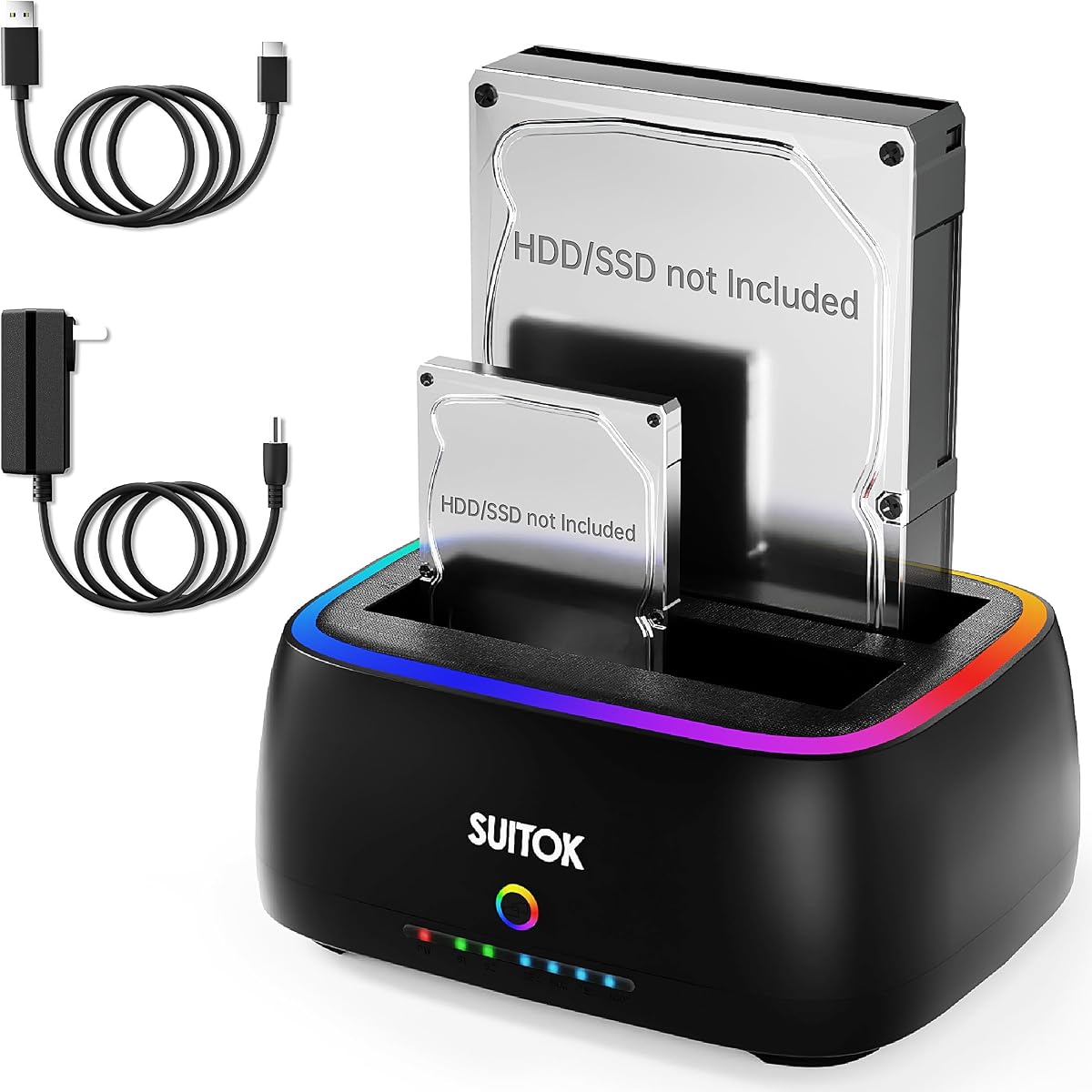
MAIWO offers exceptional value with high capacity support and extra USB hub ports. It provides essential features like offline cloning and independent power at an affordable rate. Great for budget-conscious buyers.
We may earn a commission when you buy through this link, at no additional cost to you.
Each bay supports up to 24TB, totaling 48TB. The built-in USB hub adds convenience for peripherals. Offline cloning helps automate backups without needing a PC constantly.
USB 3.0 speeds are decent but lack USB-C options. Charging via the hub might be slow for some devices. However, for its price, it delivers impressive performance and features.
Ideal for users needing reliable docking on a budget. It simplifies data management effectively. Recommended for home offices or small businesses looking for cost-effective solutions.
Supports drives up to 24TB each for massive storage needs.
Three USB 3.0 ports allow connecting additional peripherals easily.
We may earn a commission when you buy through this link, at no additional cost to you.
This model provides essential docking and cloning features at a low price. It supports large capacities and uses modern USB-C interfaces. Ideal for users needing basic functionality without breaking the bank.
We may earn a commission when you buy through this link, at no additional cost to you.
The vertical design aids heat dissipation. Offline cloning works smoothly for backups. It supports 40TB total capacity, allowing expansion for media or data libraries.
Build quality may be simpler compared to premium models. Support resources are limited. However, for occasional use, it meets expectations well and saves money effectively.
Best for casual users or secondary backup needs. It balances functionality and cost reasonably. Recommended for those who prioritize price while needing reliable docking features.
Vertical orientation helps dissipate heat better during operation.
Connects to modern devices via USB-C for broader compatibility.
We may earn a commission when you buy through this link, at no additional cost to you.
StarTech targets IT professionals with robust design and performance. Its cloning speed reaches 28GB/min, ensuring efficiency. TRIM support prolongs SSD life. It is ideal for rigorous work environments.
We may earn a commission when you buy through this link, at no additional cost to you.
The top-loading design allows easy access. Support includes lifetime technical assistance. Compatibility covers various OS, ensuring flexibility. Reliable hardware prevents downtime in critical tasks.
The price is higher compared to standard docks. Top-loading might feel less sturdy to some users. However, durability and support justify the cost for business applications.
Best for IT departments and server maintenance. It ensures dependable performance daily. Recommended for those prioritizing reliability and professional features over cost.
TRIM support helps maintain SSD performance and longevity over time.
Includes free lifetime technical assistance for troubleshooting.
We may earn a commission when you buy through this link, at no additional cost to you.
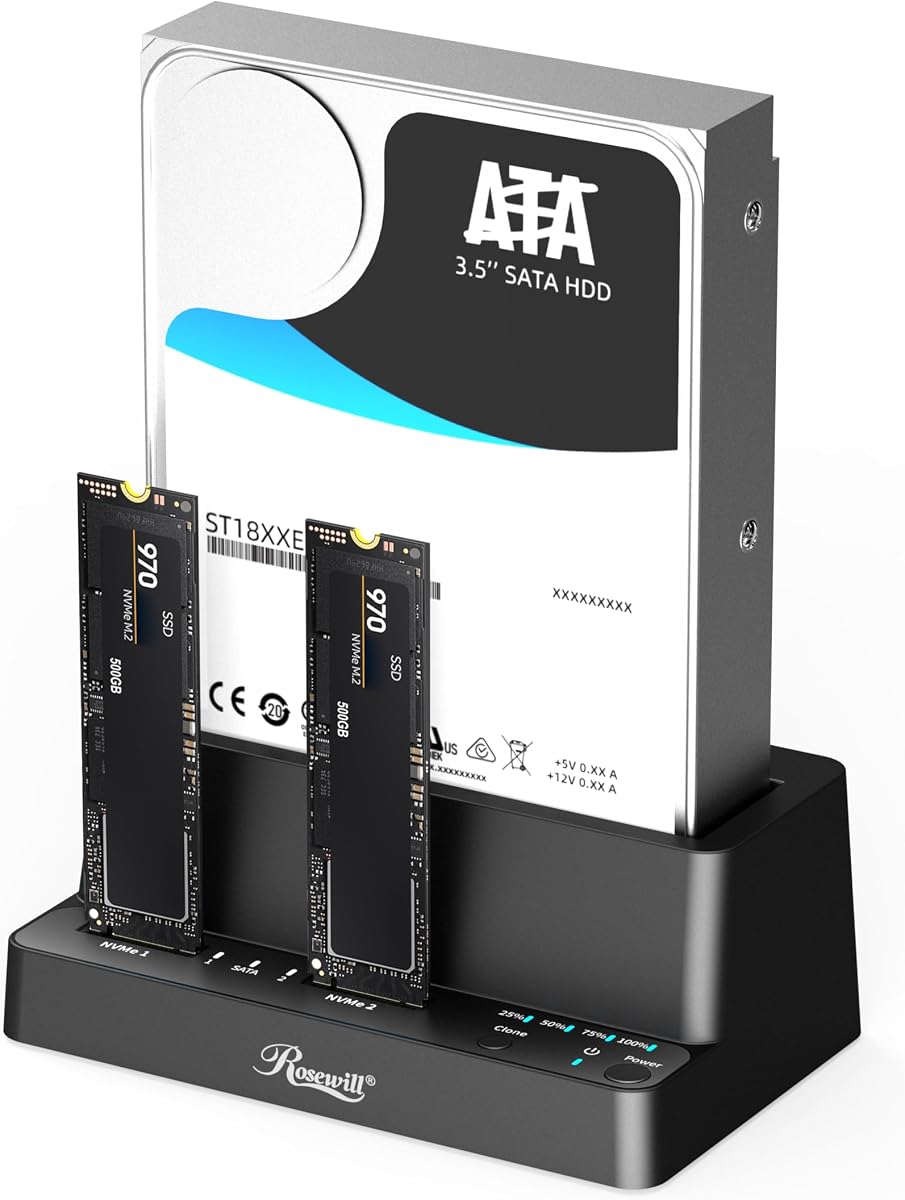
Rosewill offers a compact solution supporting both NVMe and SATA drives. It delivers high transfer speeds with USB 3.2 Gen 2. Portability makes it suitable for on-the-go tech professionals.
We may earn a commission when you buy through this link, at no additional cost to you.
The design accommodates multiple drives simultaneously. Offline cloning is straightforward. It provides flexibility for mixed storage environments without needing multiple docks.
Some larger drives might need extra clearance. Cable management is simple but could be better. Despite minor issues, performance remains strong for diverse setups.
Ideal for mobile IT workers or those with limited desk space. It balances performance and portability well. Recommended for users needing versatile docking in a small footprint.
Lightweight build allows easy transport between locations.
Handles both M.2 and traditional SATA drives effectively.
We may earn a commission when you buy through this link, at no additional cost to you.
ORICO provides a 5-bay solution for massive storage needs. It supports up to 100TB total with durable aluminum construction. Offline duplication helps manage large data volumes efficiently.
We may earn a commission when you buy through this link, at no additional cost to you.
The aluminum alloy design aids heat dissipation significantly. Four drive cloning simplifies backups. Ideal for photographers or video editors requiring extensive storage access.
Build quality is solid, but ratings suggest some user issues. Size may be too large for small desks. Still, it serves specialized high-volume needs well.
Best for professional users needing large capacity. It offers robust performance for data-heavy workflows. Recommended for those managing extensive libraries of media files.
Supports up to 100TB total across five bays.
Aluminum construction helps keep drives cool during heavy use.
We may earn a commission when you buy through this link, at no additional cost to you.
WAVLINK offers UASP support for improved speeds over standard USB. It supports up to 16TB per bay. A built-in power switch adds control. Suitable for users prioritizing speed and control.
We may earn a commission when you buy through this link, at no additional cost to you.
Energy-saving features help reduce power consumption. Offline cloning works reliably. Compatibility with most systems ensures broad usability. Ideal for general backup needs.
Mac compatibility excludes newer Apple Silicon models. Online cloning is not supported. However, for its price and features, it remains a strong option for many users.
Best for standard PC and Mac users. It balances performance and affordability well. Recommended for those needing basic docking with UASP enhancements.
UASP protocol accelerates data transfers by up to 20%.
Built-in switch allows manual control over power supply.
We may earn a commission when you buy through this link, at no additional cost to you.
StarTech offers a premium solution with advanced secure erase capabilities. It allows duplicating one drive to three simultaneously. IDE and SATA support ensure versatility for legacy systems. Ideal for enterprise use.
We may earn a commission when you buy through this link, at no additional cost to you.
The LCD menu simplifies navigation. Clone and erase modes meet compliance standards. Designed for IT pros needing high reliability. Supports large capacities easily.
High cost limits appeal to average users. Interface complexity may require learning. However, the features justify the investment for professional data management needs.
Best for enterprise IT departments. It provides unmatched cloning and security features. Recommended for organizations requiring strict data control and robust duplication tools.
Meets industry standards for secure data destruction.
Includes IDE adapters for compatibility with older drives.
We may earn a commission when you buy through this link, at no additional cost to you.
Choosing the right docking station involves considering factors like compatibility, speed, and features to match your specific data management needs.
Ensure the station supports your drive types such as 2.5 or 3.5 SATA, NVMe, or IDE. Some models support only SATA, while others include M.2 slots for versatility.
Check manufacturer specs for supported capacities to avoid limitations.
Look for USB 3.0, 3.1, or 3.2 interfaces offering speeds up to 5Gbps or higher. Faster speeds reduce wait times for large backups and migrations.
Higher speeds also improve overall workflow efficiency during data transfers.
Offline cloning allows copying drives without a computer, which is crucial for automated backups. Ensure the model includes this feature if you need standalone functionality.
Offline modes usually have specific speed limits but add significant convenience.
Dual bay models are common for most users, but 3 to 5 bay options exist for bulk tasks. Consider how many drives you need to access or duplicate simultaneously.
More bays increase flexibility but may require more desk space and power.
Durable materials like aluminum alloy help with heat dissipation and longevity. Effective cooling prevents overheating during continuous operation.
A solid build ensures reliability over time for frequent use.
Features like USB hubs, LED indicators, or power switches add value. Some include secure erase options for data sanitization which is vital for IT pros.
Identify which extra features match your workflow needs to avoid paying for unnecessary extras.
Most devices work with Windows and macOS but check for exceptions like M1/M2 Mac compatibility. Linux support is often available but verify before purchase.
Ensuring OS compatibility avoids driver installation issues and downtime.
Prices range from budget-friendly options to premium enterprise-grade units. Determine how much you are willing to invest based on frequency of use.
Higher-priced models often offer better durability and advanced features that justify costs for professionals.
Start by connecting the docking station to a power outlet and your computer using the included cables. Most devices are plug and play requiring no additional drivers for basic operation.
Insert your drives carefully into the designated bays ensuring correct orientation. Many units feature tool-free slots for easy installation without screws or tools.
For offline cloning, insert source and target drives then press the clone button. Monitor LED indicators to track progress. Keep the device well-ventilated to prevent overheating.
Offline cloning copies data without needing a computer, using buttons on the dock. Online cloning requires connecting both drives to a PC. Offline is more convenient for quick backups but online offers more control via software.
Most models are plug and play compatible with major operating systems without extra drivers. Exceptions exist for some advanced features or legacy systems. Check the product description for compatibility details before buying.
Not all docking stations support NVMe drives. Only models specifically listing M.2 or NVMe slots work with them. Standard SATA docks only fit SATA SSDs and HDDs.
Offline cloning generally requires the target drive to be equal or larger than the source. Attempting to clone to a smaller drive will fail or truncate data. Always verify capacity before starting.
Wait until all transfers are complete and LED indicators show idle. Use eject buttons if available to safely unmount. Then physically remove the drive to avoid data corruption.
Most docks support macOS including versions 10.10 or later. Some models may not support Apple Silicon chips. Verify compatibility notes to ensure it works with your specific Mac model.
With proper care and ventilation, docking stations can last several years. Heavy daily use may wear ports faster. Using surge protectors and avoiding overheating extends device longevity.
Our top picks include the SABRENT USB 3.0 model for overall value and StarTech for enterprise-grade features. Each option balances speed, compatibility, and features differently.
Prioritize features like offline cloning and interface type based on your workflow needs. Budget models offer solid performance while premium units provide advanced security options.
Prices and availability fluctuate frequently so verify current deals before purchasing. Always check compatibility with your drives to ensure seamless operation.