
Kingwin 80mm Silent Fan
4.5Editor score
Optimized silent operation
High airflow blade design
Long life bearing
This guide compares the top 10 exhaust fans for PC cases and electronics to help you choose the best cooling solution for your setup.
Keeping your computer cool is essential for performance and longevity. An exhaust fan for PC helps remove hot air from the case, ensuring components stay within safe operating temperatures during intense workloads or gaming sessions.
We evaluated ten top-rated exhaust fans based on airflow, noise levels, bearing life, and compatibility. Each product was selected for its ability to improve airflow and reduce heat buildup in various PC configurations and electronic enclosures.
Each pick highlights unique features like PWM control, ARGB lighting, or silent operation. Prices and availability can change frequently, so verify current details before purchasing to ensure you get the best value for your needs.
4.5Editor score

4.8Editor score

4.7Editor score
The following table provides a side-by-side comparison of all ten exhaust fans, highlighting key specifications like airflow, speed, noise, and bearing type to help you make an informed decision quickly.




This fan stands out for its flexibility with AC plug and variable speed controller. It achieves a 4.4 rating by balancing high airflow with long bearing life. Its design suits servers and cabinets needing direct power.
We may earn a commission when you buy through this link, at no additional cost to you.
The dual-ball bearings provide a 50,000-hour lifespan, ensuring durability. You can adjust speed from 700 to 2800 RPM to match cooling needs. The 95.8 CFM airflow effectively moves heat out of enclosures.
Noise can reach up to 41dB at full speed, which might be noticeable in quiet rooms. It lacks PWM control for automatic motherboard syncing. However, the manual controller offers sufficient flexibility for static setups.
Buy this for PC cabinets, routers, or gaming consoles where AC access exists. It is ideal for users wanting a simple, powerful exhaust fan without complex wiring or motherboard integration requirements.
The AC plug and controller let you power the fan directly without a PSU cable, while speed adjustment helps tune noise and cooling.
With dual-ball bearings rated for 50,000 hours, this fan is built for continuous operation in servers or equipment racks.
We may earn a commission when you buy through this link, at no additional cost to you.
The be quiet! Pure Wings 3 delivers exceptional balance between noise and performance. It earned a 4.7 rating thanks to its rifle bearing and optimized blades. This fan is perfect for silent builds requiring reliable cooling.
We may earn a commission when you buy through this link, at no additional cost to you.
Its seven fan blades reduce noise while ensuring performance under load. The rifle bearing offers 80,000 hours of operation. PWM control allows automatic speed adjustments based on system temperature for efficiency.
While excellent, it lacks RGB lighting or unique frame features found in higher-end models. The focus remains purely on airflow and silence. This makes it slightly less versatile for aesthetic-focused builds.
Ideal for quiet desktops or servers where noise matters most. Choose this if you value German engineering quality and long life over flashy lights or advanced control features.
The blade design and rifle bearing work together to minimize vibration and noise even under demanding cooling configurations.
With 80,000 hours of bearing life, you can rely on this fan to perform consistently for years without replacement.
We may earn a commission when you buy through this link, at no additional cost to you.
This 3-pack offers great value for users needing multiple fans. With a 4.6 rating, it delivers effective cooling with low noise. The hydraulic bearings and silicone cushions help keep vibration down during operation.
We may earn a commission when you buy through this link, at no additional cost to you.
Each fan uses nine blades to reach up to 1200 RPM. Noise stays around 32.1 dBA. PBT material ensures heat resistance and durability. Installation is straightforward for all case types.
Speed is lower than performance models, limiting airflow for extreme setups. It lacks advanced PWM or lighting features. However, the low price and bundle size make it a smart choice for budget builds.
Buy this for standard case upgrades where cost is key. It suits users needing reliable, quiet cooling without breaking the bank on expensive individual units.
Four silicone cushions per fan absorb vibration, keeping noise levels low and the case environment quieter during work.
Getting three fans in one package lowers the cost per unit, perfect for filling multiple intake or exhaust slots.
We may earn a commission when you buy through this link, at no additional cost to you.
The X1 USB Fan is ideal for external devices and mini PCs. It operates at just 18dB, quieter than a library. With USB power, it avoids complex wiring. Its 4.4 rating highlights reliability and low noise.
We may earn a commission when you buy through this link, at no additional cost to you.
The 9-blade design moves 55.8 CFM air. Shock-absorbing pads prevent surface scratches. Dimensions allow flat or upright placement. The integrated cable simplifies connection to power banks or ports.
It lacks traditional mounting screws for PC cases. Airflow is moderate compared to high-performance fans. But for routers and consoles, it provides excellent targeted cooling without clutter.
Use this for Xbox, PlayStation, or mini PCs needing external help. Choose if you prioritize quiet operation and portability over case-integrated mounting.
At 18dB, this fan is nearly silent, ensuring your entertainment setup stays cool without adding noise to the room.
You can power it from any USB port or bank, making it perfect for devices without dedicated fan ports.
We may earn a commission when you buy through this link, at no additional cost to you.
This CORSAIR fan simplifies wiring with daisy-chain capability. It links multiple fans to one header. With a 4.6 rating, it balances airflow and noise well. AirGuide technology focuses air exactly where needed.
We may earn a commission when you buy through this link, at no additional cost to you.
Airflow reaches 72.8 CFM with high static pressure. Magnetic Dome bearings reduce friction and noise. PWM speeds reach 2100 RPM. This is ideal for radiator cooling or dense cases.
You must have a compatible PWM controller for best results. RGB is not included, which may limit aesthetics. However, cooling performance and cable management are strong points.
Buy for liquid cooling setups or complex builds. It suits those needing multiple fans without running out of motherboard headers.
Daisy-chaining lets you connect several fans to one header, keeping your build cleaner and reducing cable clutter.
AirGuide vanes direct air to hot components, maximizing cooling efficiency on radiators or heatsinks.
We may earn a commission when you buy through this link, at no additional cost to you.
This pack combines cooling with striking ARGB lighting. Rated 4.7, it uses S-FDB bearings for stability and silence. Light effects sync with motherboards. It suits builds needing aesthetics and airflow.
We may earn a commission when you buy through this link, at no additional cost to you.
Fans run to 1550 RPM with 66.17 CFM airflow. Noise stays under 25.6 dBA. The 55cm cable aids series control. Light reflects well, matching coolers perfectly.
Premium price reflects RGB features. Speed is lower than raw performance fans. But for visual impact and silent cooling, it offers strong value in a 5-pack.
Choose for RGB-centric builds needing multiple fans. It works well for case and CPU cooling where looks matter.
Up to 17 light modes sync with your motherboard, creating a unified and vibrant lighting look across your system.
S-FDB bearings and optimized design ensure minimal noise while moving enough air for daily gaming or workloads.
We may earn a commission when you buy through this link, at no additional cost to you.
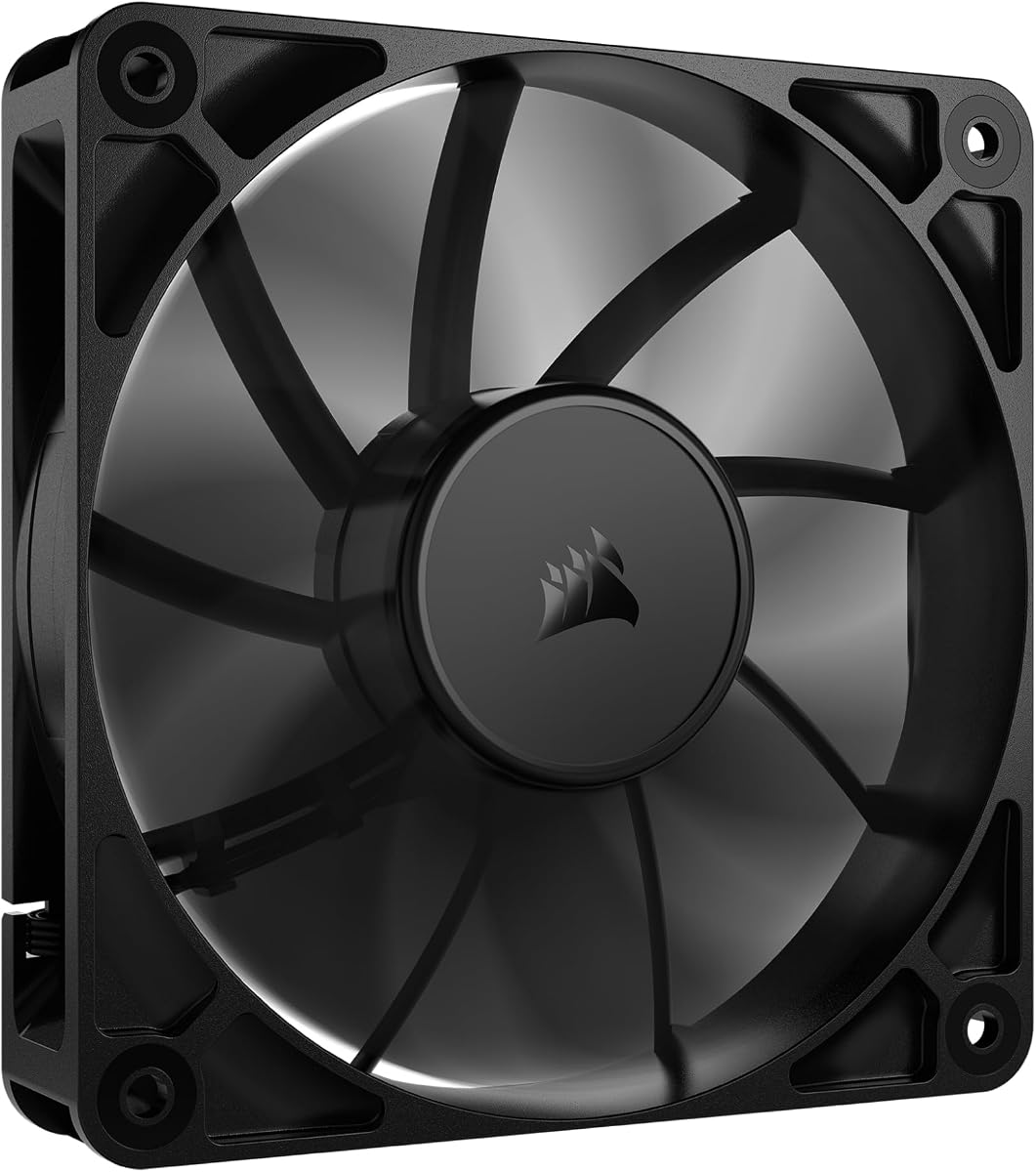
This 80mm fan fits tight spaces requiring low noise. With a 4.5 rating, it is reliable for office PCs. Long life bearings ensure consistent performance over time.
We may earn a commission when you buy through this link, at no additional cost to you.
Optimized blades deliver airflow without excess noise. It suits standard 80mm mounts on cases and coolers. The black frame blends into most builds well.
Airflow is lower than larger fans, limiting use in high-heat scenarios. It lacks PWM or advanced features. However, for compact or silent setups, it is a solid pick.
Buy for small form factor PCs or quiet offices. It is great for replacing worn 80mm fans without noise or cost.
The 80mm size fits cases where standard fans won't, making it essential for mini PCs and compact enclosures.
Designed for silent operation, it keeps workstations cool without disturbing meetings or focused work tasks.
We may earn a commission when you buy through this link, at no additional cost to you.
Noctua leads with a 4.8 rating and legendary reliability. This redux edition offers proven quality at better cost. Pressure-optimised blades excel at static pressure. It is perfect for coolers and radiators.
We may earn a commission when you buy through this link, at no additional cost to you.
Max speed is 1700 RPM with only 25.1 dB noise. MTTF exceeds 150,000 hours. PWM auto-adjusts for silent idle and cooling on demand. Accessories include anti-vibration mounts.
It lacks RGB and modern aesthetics. Pure function over style. For silence and durability, it remains unmatched by competitors.
Buy if noise and longevity are top priorities. Ideal for workstations or home servers requiring consistent, quiet cooling.
Decades of research go into this design, delivering the balance of airflow and silence few others match.
With over 150,000 hours MTTF, this fan likely outlasts most other components in your PC build.
We may earn a commission when you buy through this link, at no additional cost to you.
This fan delivers extreme airflow with 230 CFM. Rated 4.5, it is made for mining rigs or industrial use. 5300 RPM ensures rapid heat removal. 38mm thickness adds pressure.
We may earn a commission when you buy through this link, at no additional cost to you.
Dual-ball bearings last 67,000 hours. Speed regulates via BIOS. It fits GPU and server chassis. Mounting screws included for easy install.
Noise hits 60 dBA at max, too loud for homes. Power use is high. But for raw cooling in enclosed systems, it beats most.
Buy for mining, server, or industrial setups. Choose if you need maximum airflow over silence.
At 230 CFM, this fan removes heat faster than standard 120mm units, making it ideal for heat-intensive tasks.
Thick frame and strong bearings handle continuous operation in demanding environments like mining or data centers.
We may earn a commission when you buy through this link, at no additional cost to you.
This three-pack balances price and features well. With 4.7 rating, it offers RGB and quiet cooling. S-FDB bearings minimize blade shake. Fans work for cases and CPU coolers.
We may earn a commission when you buy through this link, at no additional cost to you.
Max speed 1550 RPM with 66.17 CFM. Noise stays under 25.6 dBA. Light modes sync with motherboard. Ideal for setups needing three RGB fans.
Lacks extra cables or adapters. PWM requires manual setup. But for value and performance, it stands strong among RGB options.
Buy for small RGB builds needing three fans. Good for cases where visual style meets silent performance.
Three fans give flexibility for case and CPU cooling while keeping costs reasonable compared to single premium units.
S-FDB bearings and optimized frame keep noise low even during active cooling cycles.
We may earn a commission when you buy through this link, at no additional cost to you.
Selecting the right exhaust fan involves balancing airflow, noise, size, and power control. This guide covers key factors to help you match a fan to your system needs.
CFM measures how much air a fan moves per minute. Higher CFM means better heat removal, but may increase noise. Match CFM to your case size and heat load.
Look for fans with at least 50 CFM for standard cases. High-performance systems need 70+ CFM for effective exhaust.
Noise measured in dBA should fit your environment. Quiet rooms require 20-30 dBA fans. Industrial or gaming setups tolerate higher noise for cooling.
Check specs for noise ratings at max RPM. Fans with rubber mounts reduce vibration noise.
Bearings determine fan lifespan. Rifle and S-FDB bearings offer quiet and long life. Ball bearings last longest but may be noisier.
Choose bearings based on expected use duration. For servers, ball bearings are best.
PWM allows speed control via motherboard. It saves power and noise when cooling is less needed. Ensure your motherboard has PWM headers.
Buy PWM fans if you want automatic speed adjustments based on system temps.
Fans come in 120mm and 80mm sizes. Thickness ranges from 25mm to 38mm. Thicker fans push more air through dense radiators.
Measure your case mounts before buying. 120mm is standard; 80mm fits smaller or older cases.
RGB or ARGB adds visual flair. Sync lighting via motherboard for consistent effects. Non-RGB fans save cost for functional builds.
Choose lighting if you care about case looks. Functional builds may skip lights for budget.
Fans use 4pin PWM or USB. Standard fans need case or motherboard power. USB fans suit external devices or mini PCs.
Select power source based on wiring needs. AC fans are best for server cabinets.
Install fans so air moves out of the case. Mount exhaust fans at the rear or top to remove hot air efficiently.
Regularly clean dust from blades and grills. Use compressed air to keep airflow unobstructed and prevent overheating.
Check bearing noise over time. Replace fans that develop grinding sounds or fail to spin freely.
120mm is the most common size for modern cases, offering balanced airflow and fit. Use 80mm only for older or compact cases where 120mm won't fit.
PWM fans are recommended if your motherboard supports speed control. They adjust RPM based on temperature, reducing noise and power usage when full speed isn't needed.
Quiet fans run below 30 dBA, while high-performance ones may reach 40 dBA. Choose based on your tolerance for noise during gaming or office work.
USB fans can work inside but are designed for external devices. They lack case mounting screws and proper airflow direction for internal PC exhaust.
Most fans include standard M3 mounting screws. Check the product details to confirm screws are included before installation.
Clean fans every 3 to 6 months depending on dust levels. More frequent cleaning prevents airflow blockage and keeps components cooler.
The Noctua NF-P12 redux leads for silence and reliability, while the Thermalright 5 Pack offers great RGB value. Budget buyers should consider the DARKROCK 3-Pack or Kingwin 80mm for cost-effective cooling.
Prioritize airflow, bearing type, and PWM control based on your system needs. For quiet builds, look at low dBA models. For high heat, focus on CFM and static pressure.
Always check current prices and compatibility before buying. Prices fluctuate and models update frequently, so verify specs match your case and cooling setup.