
Blackmagic Design Mini Converter Audio to SDI CONVMCAUDS
4.5Editor score
Auto Switching SD and HD
Advanced 3 Gb/s SDI
International Power Support
This guide compares the best audio to sdi embedder options for professional video production, broadcasting, and live events to ensure reliable signal conversion
Professional video production requires precise signal conversion to maintain quality across different equipment. An audio to sdi embedder ensures that audio tracks are perfectly synchronized with video streams for seamless delivery.
We evaluated ten top models based on compatibility, reliability, and audio fidelity. Our analysis covers features like redundant inputs, format support, and ease of integration into existing workflows.
Each pick highlights specific strengths for different production needs. Prices and availability may vary, so verify current stock before making your final decision for critical setups.
4.5Editor score

4.9Editor score

3.8Editor score
The following table provides a side-by-side comparison of all ten featured audio to sdi embedder models to help you identify the right fit for your workflow.
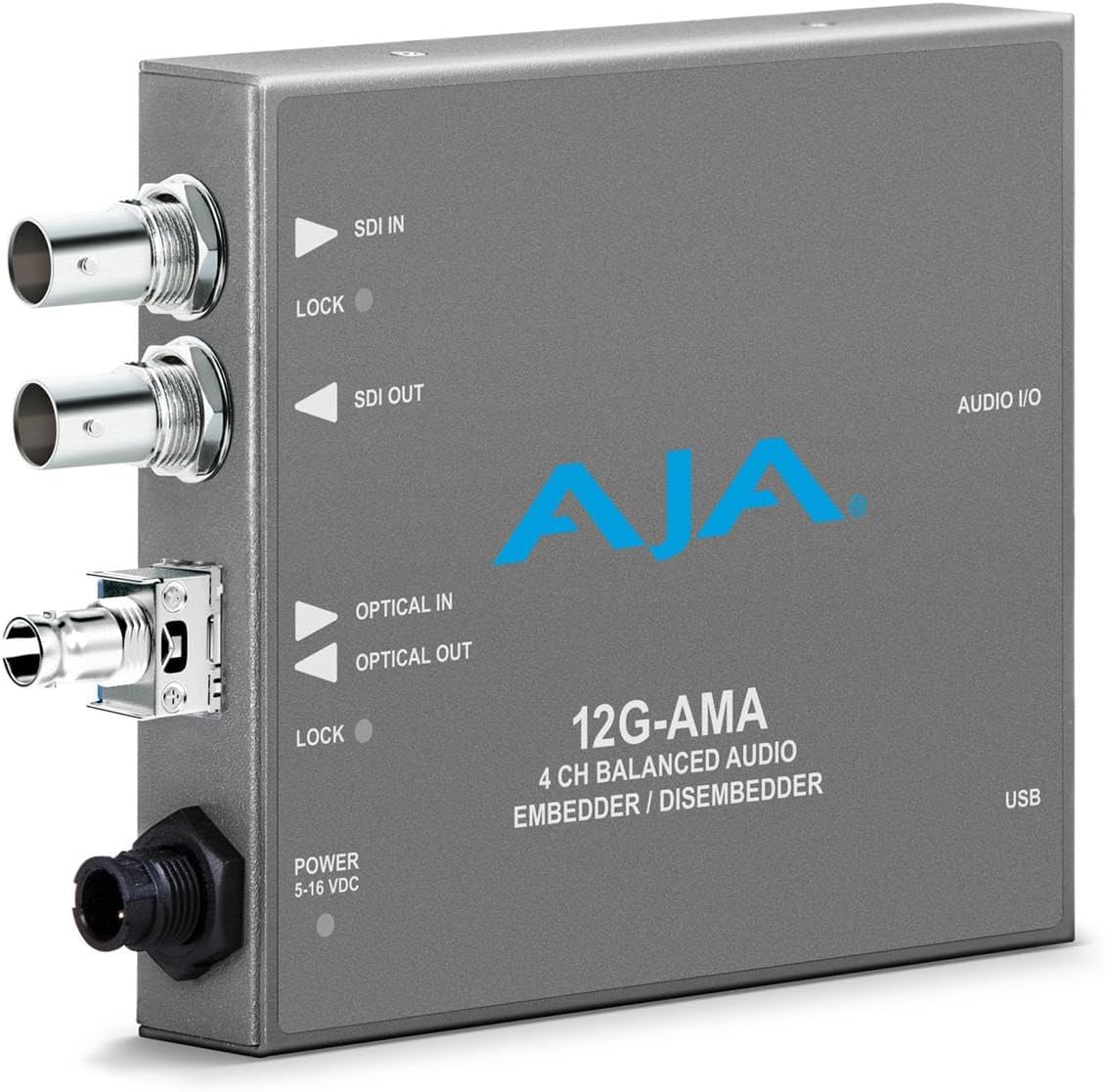


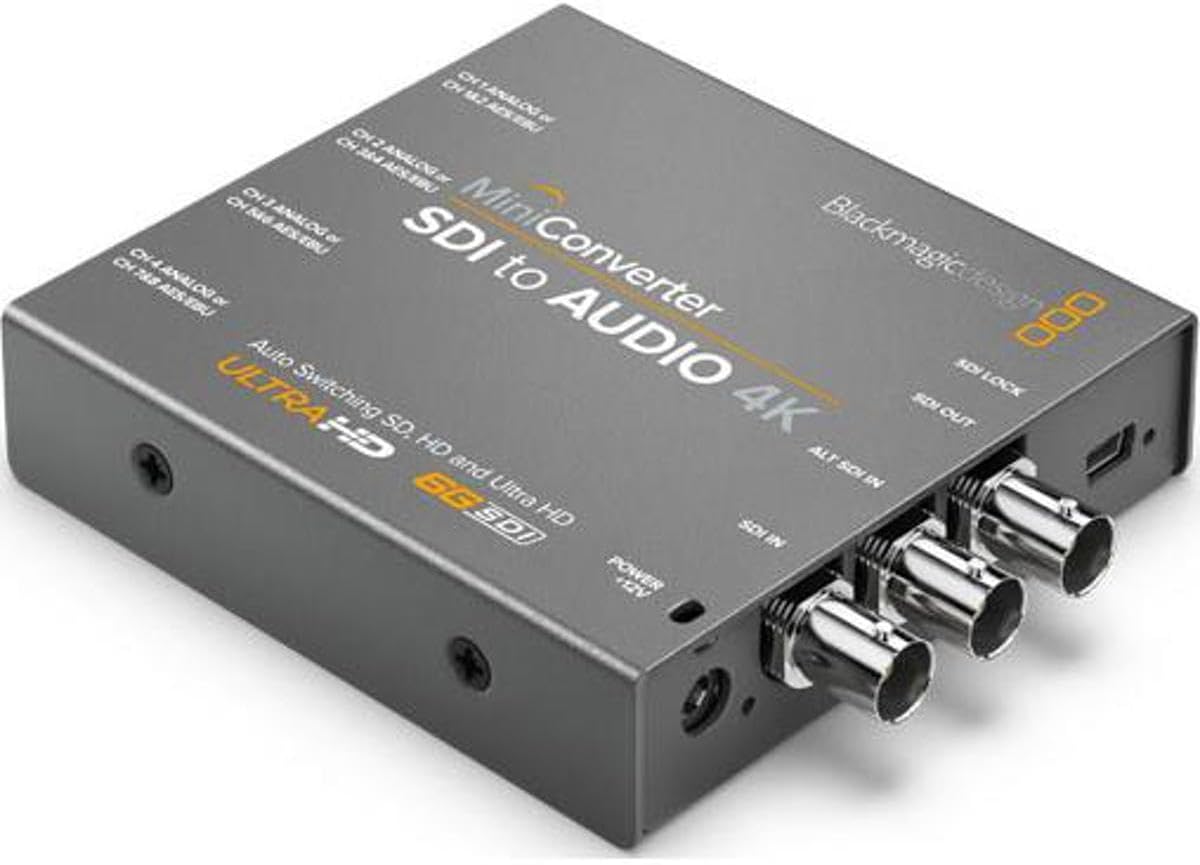


This converter offers exceptional reliability for professional setups requiring consistent signal integrity. It holds a strong rating and is praised for its redundant inputs that prevent signal loss during critical broadcasts.
We may earn a commission when you buy through this link, at no additional cost to you.
The standout feature is the automatic switching capability between primary and redundant SDI inputs. This ensures uninterrupted audio embedding even if a cable is damaged. The universal power supply also simplifies logistics for international shoots.
While highly robust, it does not offer extensive USB connectivity for advanced configuration compared to newer models. Users must rely on pen-based settings adjustments for some parameters which can be less intuitive for quick changes.
Broadcast engineers and live event producers should choose this model for mission-critical tasks. The combination of redundancy and high audio quality makes it a top choice for ensuring uninterrupted professional output.
Redundant SDI inputs allow the device to switch instantly if the primary cable fails.
International power adapters included make it easy to use in various regions without extra gear.
We may earn a commission when you buy through this link, at no additional cost to you.
This model balances cost and functionality effectively for small studios. It supports automatic switching between standard and high definition formats making it versatile for various broadcast standards without manual intervention.
We may earn a commission when you buy through this link, at no additional cost to you.
Users benefit from advanced 3 Gb/s SDI technology which ensures compatibility with modern high-speed video equipment. The universal power supply and redundant input options add significant value at this price point.
The interface relies on physical pen adjustments for settings like AES/EBU configuration which may slow down setup times. However the automatic format detection largely mitigates the need for frequent manual tuning.
Indie filmmakers and small production teams will find this unit offers the best value. Its redundancy features and global power options make it a practical choice for on location work where reliability is key.
Automatic switching handles NTSC, PAL and various HD formats seamlessly to reduce setup complexity.
USB connection allows firmware upgrades to support new video standards as they emerge.
We may earn a commission when you buy through this link, at no additional cost to you.
Designed for high-end production this converter handles 12G-SDI signals effortlessly. It supports 4K Ultra HD workflows which is essential for modern broadcast standards where high resolution is required.
We may earn a commission when you buy through this link, at no additional cost to you.
The inclusion of both AES/EBU balanced digital audio and optical S/PDIF inputs provides exceptional flexibility for audio integration. This ensures pristine sound quality across various professional audio sources and interfaces.
The automatic switching between SD HD and 4K is robust but requires careful setup to avoid timing issues in multi-format environments. Users may find the advanced settings overwhelming without prior experience with high-speed SDI protocols.
High-end broadcast facilities and post-production houses should invest in this premium unit. Its ability to handle ultra-high-resolution signals with professional audio inputs makes it indispensable for flagship production pipelines.
Supports 12G-SDI for true 4K video workflows without compromising signal integrity or resolution.
Multiple input types ensure compatibility with both balanced digital and optical audio systems.
We may earn a commission when you buy through this link, at no additional cost to you.
This specialized unit distinguishes itself with fiber optic options which are critical for long distance signal transmission. It ensures that audio and video signals remain pristine over extended cable runs without signal degradation or interference.
We may earn a commission when you buy through this link, at no additional cost to you.
It features balanced audio embedding capabilities that integrate seamlessly with professional audio mixing consoles. This ensures that high-fidelity audio is carried alongside video streams without introducing noise or crosstalk issues.
While powerful the unit may require specific fiber optic cabling knowledge to configure effectively. Users unfamiliar with fiber protocols might find the initial setup challenging compared to standard coaxial SDI systems.
Large venue production teams and facilities with long cable runs should prioritize this model. The fiber options provide a necessary solution for maintaining signal integrity across large physical spaces.
Fiber options allow transmission over long distances without signal loss or electromagnetic interference.
Designed for professional balanced audio inputs ensuring clean signal embedding into the SDI stream.
We may earn a commission when you buy through this link, at no additional cost to you.
This mini converter is designed to extract audio from SDI signals efficiently. It is ideal for setups where audio needs to be monitored separately from the video stream without altering the video signal path.
We may earn a commission when you buy through this link, at no additional cost to you.
It comes with a power supply and multinational adapters which makes it ready to use out of the box. The compact design allows it to fit easily into rack systems or small production trucks.
Users should note that this unit does not pass through video which limits its use to audio monitoring tasks. However for its intended purpose of providing clean audio from SDI sources it performs reliably.
Production crews needing simple audio monitoring at remote locations will find this converter practical. Its portability and included power accessories make it a convenient tool for field audio checks.
Compact design and universal power adapters make it easy to carry and deploy anywhere.
Focused on delivering clean audio output from SDI inputs for monitoring applications.
We may earn a commission when you buy through this link, at no additional cost to you.
This converter bridges the gap between modern digital SDI signals and legacy analog display equipment. It is essential for setups involving older monitors or distribution amplifiers that require analog video inputs.
We may earn a commission when you buy through this link, at no additional cost to you.
It allows users to de-embed audio signals to balanced analog or AES/EBU outputs providing flexibility in audio routing. This feature is valuable when integrating with older audio systems that lack digital inputs.
While it supports standard and high definition signals it does not handle modern ultra-high-resolution formats. Users must ensure their source signals are within the supported resolution range to avoid compatibility issues.
Production managers maintaining hybrid digital and analog systems should consider this unit. It ensures compatibility with legacy hardware while maintaining signal quality for standard broadcast environments.
Converts digital SDI signals to analog video for use with older monitors and distribution systems.
Audio can be de-embedded to balanced analog outputs for integration with legacy audio equipment.
We may earn a commission when you buy through this link, at no additional cost to you.
This unit is designed for high-resolution workflows where audio extraction from 4K SDI signals is required. It automatically matches the input video format to ensure consistent audio timing and quality.
We may earn a commission when you buy through this link, at no additional cost to you.
It provides both analog and AES/EBU digital audio outputs giving users flexibility in connecting to various audio interfaces. Reclocking features help maintain synchronization even when video inputs fluctuate.
Since it is focused on audio output it does not offer video pass through capabilities. This limits its role to monitoring and recording scenarios where visual output is handled elsewhere.
High-resolution production teams requiring precise audio extraction from 4K feeds will find this reliable. Its ability to handle multiple video formats automatically makes it adaptable for mixed-resolution environments.
Supports high-resolution audio extraction ensuring fidelity matches the high-quality video source.
Offers both analog and AES/EBU outputs to match diverse audio monitoring requirements.
We may earn a commission when you buy through this link, at no additional cost to you.
This converter transforms legacy analog video sources into modern SDI signals allowing older cameras to work in digital workflows. It is ideal for events where legacy equipment must be integrated into current broadcast chains.
We may earn a commission when you buy through this link, at no additional cost to you.
It supports embedding audio from balanced AES/EBU or analog inputs ensuring sound travels with the video. This capability allows for a unified signal output that simplifies downstream routing and switching tasks.
Users should be aware that analog video quality may limit the final output resolution. However the conversion process preserves the best possible quality for the specific source equipment being used.
Broadcasters managing hybrid fleets of cameras should use this unit for legacy feeds. It ensures older equipment remains usable without requiring expensive hardware replacements for the entire setup.
Converts component and composite analog video to SDI for use with modern digital switchers.
Embeds audio during conversion to deliver a single video signal with synchronized sound.
We may earn a commission when you buy through this link, at no additional cost to you.
This unit offers detailed audio control through dedicated software allowing precise customization of embedding parameters. It supports 3G-SDI signals ensuring high bandwidth audio and video transmission for professional environments.
We may earn a commission when you buy through this link, at no additional cost to you.
The 4-channel balanced analog audio inputs facilitate seamless integration with high-quality microphones and mixers. Its ultra-low latency ensures real-time synchronization which is critical for live video production workflows.
Configuration relies on MiniConfig software which requires a computer connection. While powerful this may slow down rapid adjustments in fast-paced live environments where physical controls are preferred.
Post-production and live broadcast engineers requiring granular audio control should opt for this model. The software tools provide a level of precision that standalone hardware often cannot match.
Software interface allows detailed adjustment of audio levels and embedding settings for precision.
Ultra-low latency maintains synchronization between video and audio during live production.
We may earn a commission when you buy through this link, at no additional cost to you.
This converter supports 4K resolutions ensuring that audio embedding processes are fully compatible with ultra-high-definition video workflows. It handles 4096x2160p30 formats automatically for seamless integration.
We may earn a commission when you buy through this link, at no additional cost to you.
It offers both balanced analog and AES/EBU audio inputs supporting 4 and 8 channels respectively. Advanced sampling rates ensure that audio fidelity matches the high quality of the video signal.
The redundant input feature adds reliability but may require additional cabling infrastructure. Users must be prepared to manage these extra connections to fully utilize the redundancy capabilities.
High-resolution broadcast facilities should choose this model for critical 4K productions. Its combination of support and audio fidelity makes it suitable for projects demanding uncompromising visual quality.
Supports high-resolution video formats ensuring audio is embedded without compromising quality.
Redundant input ensures continuous operation even if the primary signal connection fails.
We may earn a commission when you buy through this link, at no additional cost to you.
Choosing the right embedder requires balancing features with budget and specific production needs. This guide outlines the critical factors to consider.
Ensure the embedder supports the specific resolutions and standards you use such as SD HD or 4K. Mismatched formats can lead to signal loss or quality degradation.
Look for units that offer automatic switching between standards to minimize manual configuration.
Check whether the unit accepts balanced analog or AES/EBU digital audio inputs. Some workflows require specific connector types to integrate with existing consoles.
Units supporting both options provide greater flexibility for different production scenarios.
For live events or broadcasts redundant SDI inputs are vital to prevent signal loss if a cable fails.
Always prioritize models with redundant input capabilities for mission-critical applications.
Universal power supplies with international adapters simplify logistics for travel. Without these you may need separate adapters in different regions.
Select units that include robust power options to ensure stability in varying environments.
Some models require software for settings while others use physical controls. Consider the impact on setup time during live events.
Hardware-based controls are generally preferred for quick adjustments during production.
Look for firmware upgradable units that can support new standards via USB connection. This extends the device lifespan.
Avoid models that cannot be updated as industry standards evolve.
Entry-level models offer basic conversion while premium units provide advanced features like redundancy. Balance cost against the reliability required.
Invest in redundancy if signal loss is not an option for your workflow.
Compact designs are easier to mount in small rack spaces or trucks. Ensure the dimensions fit your available equipment housing.
Standard size units integrate easily with existing infrastructure.
Connect your video and audio sources to the appropriate inputs on the device. Ensure all cables are securely locked to prevent signal interference during operation.
Adjust the settings using either physical controls or software to match your specific video and audio requirements. Verify the output format matches your destination equipment.
Regularly update the firmware to maintain compatibility with new broadcast standards. Keep the unit cool and free from dust to ensure long-term reliability.
It combines audio signals with video to create a single SDI stream. This simplifies routing and ensures perfect synchronization for broadcast systems.
Redundancy is essential for live events where signal loss is unacceptable. It allows automatic switching to a backup cable if the primary one fails.
Yes newer models support 4K resolutions while older units may be limited to HD. Check specifications carefully for resolution compatibility before purchasing.
Most professional embedders support balanced analog and AES/EBU digital inputs. Some also include optical S/PDIF connections for broader compatibility.
Settings can be adjusted via physical buttons or dedicated software. Newer models often use USB connections for easy firmware updates and configuration.
Yes many models come with international adapters for global use. Always verify power requirements before shipping equipment to international locations.
The Blackmagic Design Mini Converter Audio to SDI 2 leads our list for its robust redundancy and universal power features. It offers a balance of reliability and simplicity ideal for professional workflows.
Production teams should prioritize format compatibility and redundancy based on their specific operational needs. Entry-level options work well for small setups but critical tasks demand higher specs.
Always verify the current availability and specific feature sets before purchasing. Prices change and stock levels fluctuate so check the latest details from authorized sellers.