
Dell Latitude 5350 Touch
5.0Editor score
13.3 inch touchscreen display
Intel Core Ultra 7 165U
32GB DDR5 RAM capacity
Choosing the right business laptop requires balancing power, portability, and reliability. Dell Latitude models are renowned for their durability and enterprise features, making them a top choice for professionals who need consistent performance in any environment.
We analyzed the latest Dell Latitude lineup to bring you a curated selection of the most capable machines available. Our comparison focuses on real-world usability, including battery endurance, display quality, connectivity options, and processing power for demanding workflows.
Each pick in this guide highlights specific strengths tailored to different professional needs. Remember that prices and availability can change frequently, so verify the latest details before making your final decision to ensure you get the best value today.
5.0Editor score

4.6Editor score

4.5Editor score
As an Amazon Associate we earn from qualifying purchases.
The following table provides a side-by-side comparison of the top ten Dell Latitude laptops, highlighting key specifications like processor, memory, storage, and display size to help you quickly identify the model that fits your specific professional requirements.




The Dell Latitude 5450 stands out as a premier choice for professionals seeking a balance of power and portability. With a high rating and advanced AI capabilities, it handles complex workflows effortlessly while maintaining a sleek design.
We may earn a commission when you buy through this link, at no additional cost to you.
Powered by the Intel Core Ultra 7 processor, this laptop delivers rapid response times for heavy applications. The 32GB of DDR5 RAM ensures that switching between dozens of tabs and software tools remains smooth without any lag.
While the price is higher than entry-level models, the inclusion of robust security features and premium build quality justifies the investment. It is particularly suitable for users who require reliable performance for long workdays without frequent recharging.
If you need a dependable machine for hybrid work environments, this model is highly recommended. It offers the reliability needed for critical business tasks while supporting modern connectivity standards for seamless collaboration.
The built-in AI capabilities optimize system performance and enhance productivity through intelligent task management and streamlined workflows.
The 14-inch display provides sharp visuals with high brightness, ensuring comfortable viewing even in brightly lit office environments.
We may earn a commission when you buy through this link, at no additional cost to you.
This model offers a unique combination of touch interaction and high-end processing power ideal for creative professionals. The perfect rating reflects its exceptional build quality and performance consistency across various demanding tasks.
We may earn a commission when you buy through this link, at no additional cost to you.
The Intel Core Ultra 7 processor ensures that even intensive software runs smoothly. With 32GB of memory, users can run virtual machines or edit large files without experiencing slowdowns or interruptions during critical work periods.
Although the screen is smaller than some competitors, the touch functionality adds a layer of convenience for presentations and quick navigation. The premium build ensures durability for frequent travel and daily use.
For those who prioritize interface versatility and raw power in a compact form factor, this laptop is an outstanding choice. It bridges the gap between productivity and innovation with its advanced feature set.
Touchscreen capability allows for intuitive interaction with documents and design tools, enhancing user engagement and efficiency.
The latest generation processor delivers significant improvements in efficiency, supporting AI-enhanced applications and complex calculations.
We may earn a commission when you buy through this link, at no additional cost to you.
The Dell Latitude 3450 proves that budget-friendly does not mean compromising on essential business features. It offers a robust build and sufficient performance for everyday administrative tasks and remote work scenarios.
We may earn a commission when you buy through this link, at no additional cost to you.
Despite the entry-level processor, the 16GB of DDR5 RAM provides a surprisingly responsive experience for web browsing and document editing. The battery life supports a full workday, making it ideal for commuters.
Trade-offs include less graphics power for heavy media editing, which is acceptable for typical office use. The build quality remains high, ensuring the laptop withstands the rigors of daily transport and use.
For small businesses or students needing a reliable device without a premium price tag, this is the smart choice. It delivers core functionality and durability where it matters most.
Tested against military standards for durability, this laptop resists harsh conditions and frequent handling effectively.
Wi-Fi 6E ensures stable and fast internet connections, crucial for reliable video conferencing and cloud access.
We may earn a commission when you buy through this link, at no additional cost to you.
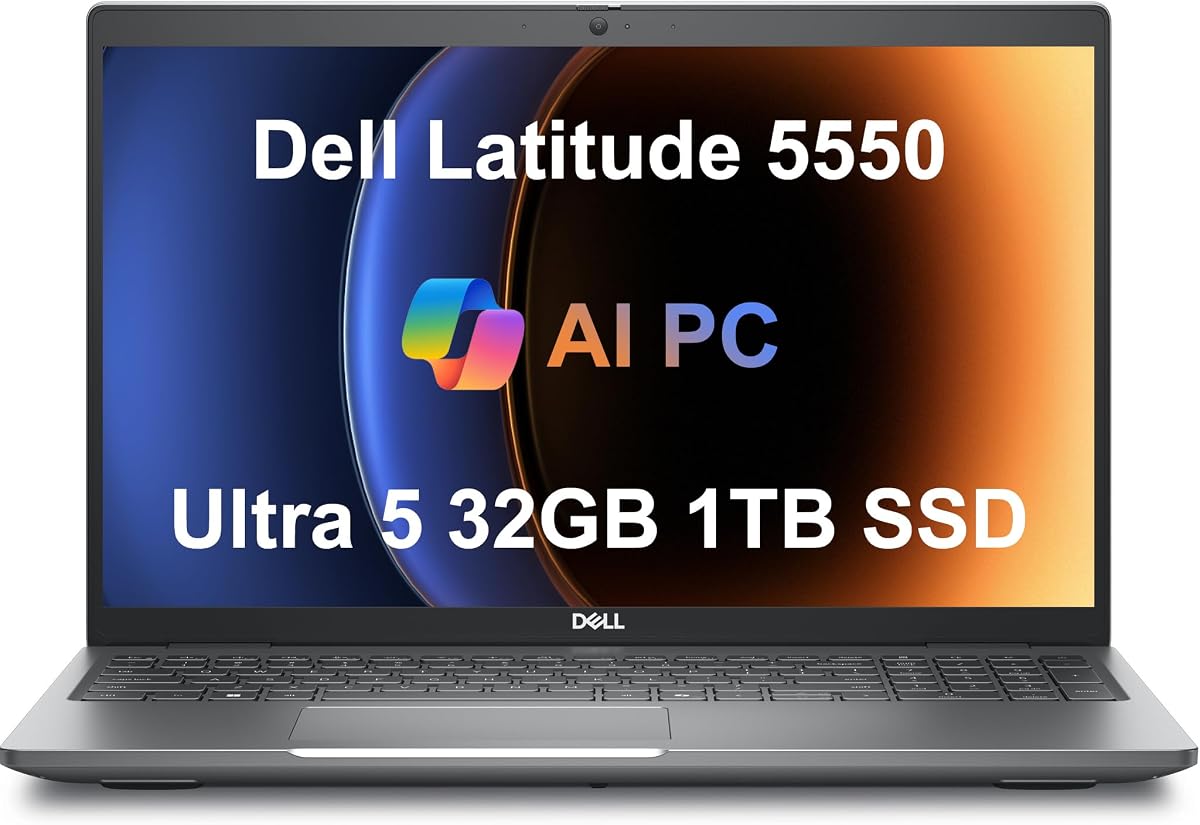
The Latitude 5550 offers a spacious display and robust memory configuration tailored for power users who need ample workspace. It excels in multitasking scenarios where managing multiple applications simultaneously is a daily requirement.
We may earn a commission when you buy through this link, at no additional cost to you.
The 32GB DDR5 RAM and 1TB storage provide significant headroom for data-heavy tasks. Dual SSDs ensure that system operations remain fast and independent from personal file storage for better organization.
While the weight is slightly higher than ultrabooks, the trade-off provides better thermal management and stability on a desk. The AI features help streamline routine tasks, boosting overall productivity.
This model is ideal for professionals who prioritize screen real estate and internal capacity over portability. It serves as a capable desktop replacement for those who move occasionally.
Dual drive configuration separates system and data, improving speed and organization for complex file structures.
The larger display reduces eye strain during long work sessions, enhancing comfort for detailed analysis tasks.
We may earn a commission when you buy through this link, at no additional cost to you.
This model combines a high-resolution display with a powerful processor for a versatile work experience. It is engineered for professionals who demand clarity and speed in a single compact package.
We may earn a commission when you buy through this link, at no additional cost to you.
The 16-inch WUXGA display offers more screen real estate than standard HD models, improving productivity for creative and technical work. The processor ensures that applications launch quickly and run smoothly.
Security features like facial recognition add a layer of convenience and protection for sensitive corporate data. The build quality passes rigorous tests, ensuring reliability in various environments.
If you need a balance of modern features and performance without the bulk of a workstation, this is a strong contender. It is designed to handle diverse professional tasks efficiently.
The high-resolution screen provides sharp text and vibrant colors, enhancing the visual experience for all media.
Despite its size, the laptop is designed for mobility, making it suitable for office to field transitions.
We may earn a commission when you buy through this link, at no additional cost to you.
The Next-Gen Pro 16 offers a generous screen size at an accessible price point for modern business needs. It provides the essential features required for daily operations without unnecessary bloat.
We may earn a commission when you buy through this link, at no additional cost to you.
With 16GB of DDR5 RAM, it handles multitasking effectively for standard office tasks. The SSD ensures quick boot times and responsive application launches throughout the workday.
While it may not suit heavy graphical workloads, it is perfectly adequate for administrative and collaborative roles. The inclusion of Wi-Fi 6E keeps connections stable and fast.
This model is a practical choice for teams needing reliable hardware with a larger viewing area. It delivers good value for the specifications offered in this market segment.
The larger screen allows for better window management, reducing the need for constant resizing during work.
Fast wireless standards ensure seamless connection to peripherals and networks in modern office environments.
We may earn a commission when you buy through this link, at no additional cost to you.
This laptop is engineered for maximum mobility without sacrificing performance, making it a favorite for frequent travelers. The high rating indicates consistent satisfaction with its reliability and efficiency.
We may earn a commission when you buy through this link, at no additional cost to you.
Weighing just 2.72 lbs, it is easy to carry for hours without strain. The Intel Ultra 5 processor ensures that daily tasks run smoothly even on a small chassis.
AI-driven video effects enhance meeting quality by automatically framing and reducing noise. The ExpressCharge feature ensures that downtime is minimized during busy schedules.
For consultants or executives who move frequently between meetings, this is the ideal tool. It balances performance and portability effectively for on-the-go professionals.
The lightweight design ensures comfort during travel, making it perfect for commuting and business trips.
Built-in AI effects improve virtual meetings, ensuring clear audio and video regardless of the environment.
We may earn a commission when you buy through this link, at no additional cost to you.
The renewed model provides high-end specifications at a reduced price, offering excellent value for budget-conscious buyers. It retains the core strengths of the Latitude line while updating features for modern software.
We may earn a commission when you buy through this link, at no additional cost to you.
With 32GB of RAM, it remains capable of heavy multitasking. The large SSD ensures that storage is never a bottleneck for files and applications.
While the display resolution is basic, the practicality of the hardware outweighs this for many users. The SD card reader adds utility for those working with photography or data transfer.
For teams needing multiple units without breaking the budget, this is a viable solution. It offers proven reliability with essential connectivity options for general business use.
Buying renewed allows access to higher specs for a lower cost, ideal for bulk purchasing scenarios.
Features like the SD card reader and Thunderbolt support add significant utility for specific workflow needs.
We may earn a commission when you buy through this link, at no additional cost to you.
This notebook focuses on integrating AI-driven workflows into a standard business form factor. It uses a modern processor to ensure longevity and compatibility with future software updates.
We may earn a commission when you buy through this link, at no additional cost to you.
The 15.6-inch screen offers a comfortable workspace for document editing and data analysis. While RAM is standard, the processor ensures efficient memory usage for typical workloads.
It serves well as a reliable machine for office tasks and meetings. The inclusion of Wi-Fi 6E ensures that connectivity remains fast as networks upgrade.
For organizations looking to adopt AI-enabled hardware in a familiar format, this is a strong option. It offers a modern experience without requiring a learning curve for users.
The Ultra 7 processor brings advanced efficiency to business tasks, improving battery life and performance.
Integrated NPU support allows for local AI tasks, enhancing privacy and speed for specific applications.
We may earn a commission when you buy through this link, at no additional cost to you.
This model brings a powerful processor to a more accessible price bracket, offering performance that rivals higher tiers. It is a smart pick for those who prioritize computing power over premium finishes.
We may earn a commission when you buy through this link, at no additional cost to you.
The 1TB SSD ensures that there is plenty of space for archives and applications. The 16GB DDR5 RAM supports modern multitasking standards effectively.
While the build is simpler, the inclusion of essential security features like a fingerprint reader adds value. It covers the basics of business computing with modern speed.
For small businesses needing reliable machines that can handle complex software without breaking the bank, this is a solid investment. It balances cost and capability well.
Delivers high-end processing power at a lower cost, maximizing value for technical tasks.
Generous storage capacity reduces the need for external drives, keeping data centralized and accessible.
We may earn a commission when you buy through this link, at no additional cost to you.
Selecting the right Latitude model depends on your specific workflow needs, budget, and mobility requirements. This guide breaks down the critical factors to help you make an informed decision.
The processor is the heart of your laptop's performance. For general office work, an Intel Core i3 or i5 is often sufficient, but data analysts and engineers should look for Core Ultra 5 or i7 processors to handle complex computations and AI tasks efficiently.
Always prioritize a newer generation processor to ensure longevity and better power efficiency. Avoid older generations if you plan to keep the laptop for several years.
RAM determines how many applications you can run simultaneously. 16GB is the standard for modern productivity, allowing smooth multitasking between browsers and email clients. If you use virtual machines or heavy design software, 32GB is a recommended investment.
Ensure the model supports future upgrades if possible, as this extends the device's lifespan. Non-upgradeable memory should match your expected long-term needs.
Solid State Drives (SSD) are essential for fast boot times and application loading. Aim for at least 512GB to accommodate your operating system and core files. Users with large media libraries should look for 1TB options to avoid clutter.
Dual-drive configurations found in some models allow separate system and data drives, which improves performance and organization. Check the available slots for future expansion.
A clear screen reduces eye strain during long workdays. FHD is standard, but consider higher resolutions like WUXGA if you work with detailed data or graphics. Brightness levels above 300 nits are beneficial for office environments with overhead lighting.
Touchscreens offer an intuitive way to interact with documents but may consume more battery. Anti-glare coatings are a must for reducing reflections in bright settings.
For hybrid workers, all-day battery life is crucial. Look for models rated for at least 8 to 10 hours of typical use. ExpressCharge technology can significantly reduce downtime by quickly recharging the battery in short intervals.
Real-world usage often varies based on screen brightness and workload. Choose a model with a larger watt-hour battery if you frequently work in areas without power outlets.
Business laptops are often transported daily. Models that meet MIL-STD-810H standards have been tested for resistance to drops, temperature extremes, and vibration. This durability ensures the device survives the rigors of travel.
Metal builds generally feel more premium and offer better thermal management than plastic. A sturdy hinge mechanism also contributes to long-term reliability of the screen.
Modern laptops rely heavily on USB-C and Thunderbolt ports for charging and data transfer. Ensure the model has enough USB-A ports for legacy peripherals like mice or hard drives. Ethernet ports are vital for stable network connections in offices.
Check for HDMI or DisplayPort to connect to external monitors easily. Wi-Fi 6E support is a plus for faster and more stable wireless internet connections.
Protecting sensitive business data requires robust security features. Look for hardware-based privacy shutters on webcams and biometric login options like facial recognition or fingerprint readers. These prevent unauthorized access when the device is idle.
Windows 11 Pro includes enterprise-grade security tools like BitLocker encryption. Ensure your chosen model includes this operating system version for full compatibility with corporate security protocols.
To maximize performance, keep your system updated regularly. Install the latest BIOS and driver updates from the Dell support site to ensure hardware stability. Regularly scan for malware and update Windows to protect your data from security threats.
Maintain your battery health by avoiding complete discharge cycles. When storing the laptop for long periods, charge it to about 50 percent. Use the ExpressCharge feature wisely to recharge quickly without overheating the battery cells.
Clean your display gently with a soft, lint-free cloth to avoid scratches. Avoid using harsh chemicals on the screen or keyboard. Use a surge protector when plugging into power sources to protect internal components from voltage spikes.
While it has a budget-friendly processor, the 16GB of DDR5 RAM allows it to handle multiple browser tabs and office apps smoothly. It is suitable for general business use but not recommended for heavy video editing or 3D rendering tasks.
The 5450 is slightly larger with a 14-inch screen and often higher specs, while the 5350 focuses on portability with a 13.3-inch form factor. The 5450 typically offers more thermal headroom and larger battery options for longer use.
Most Latitude models allow some level of upgrades via accessible slots. However, newer models with soldered memory may limit RAM expansion. Always check the specific technical specifications of the model you choose before purchasing.
Yes, most models support external displays via HDMI and Thunderbolt ports. Some high-end models can drive up to three external 4K monitors without needing a docking station, enhancing productivity for desktop setups.
Standard warranties usually cover hardware defects for one year. Some products include extended support options. Always verify the warranty terms on the product listing as they can vary based on the seller and region.
Absolutely. They are built for reliability and run Windows 11 Pro, which is excellent for online classes and virtual meetings. Their webcams and microphones are optimized for clear communication during remote sessions.
AI features like Windows Studio Effects improve video call quality with noise suppression and automatic framing. They also assist in system optimization, managing power and performance based on usage patterns efficiently.
The Dell Latitude lineup offers a robust selection for every professional need, from the compact 5350 to the powerful 5450. Whether you prioritize portability or raw processing power, there is a model tailored to your workflow.
Focus on what matters most to you, such as battery life, screen size, or specific connectivity ports. Investing in the right amount of RAM and storage now will ensure your device remains relevant for years to come.
Prices fluctuate based on demand and promotions, so check current listings before purchasing. We hope this guide helps you find the perfect laptop to support your productivity and professional growth.