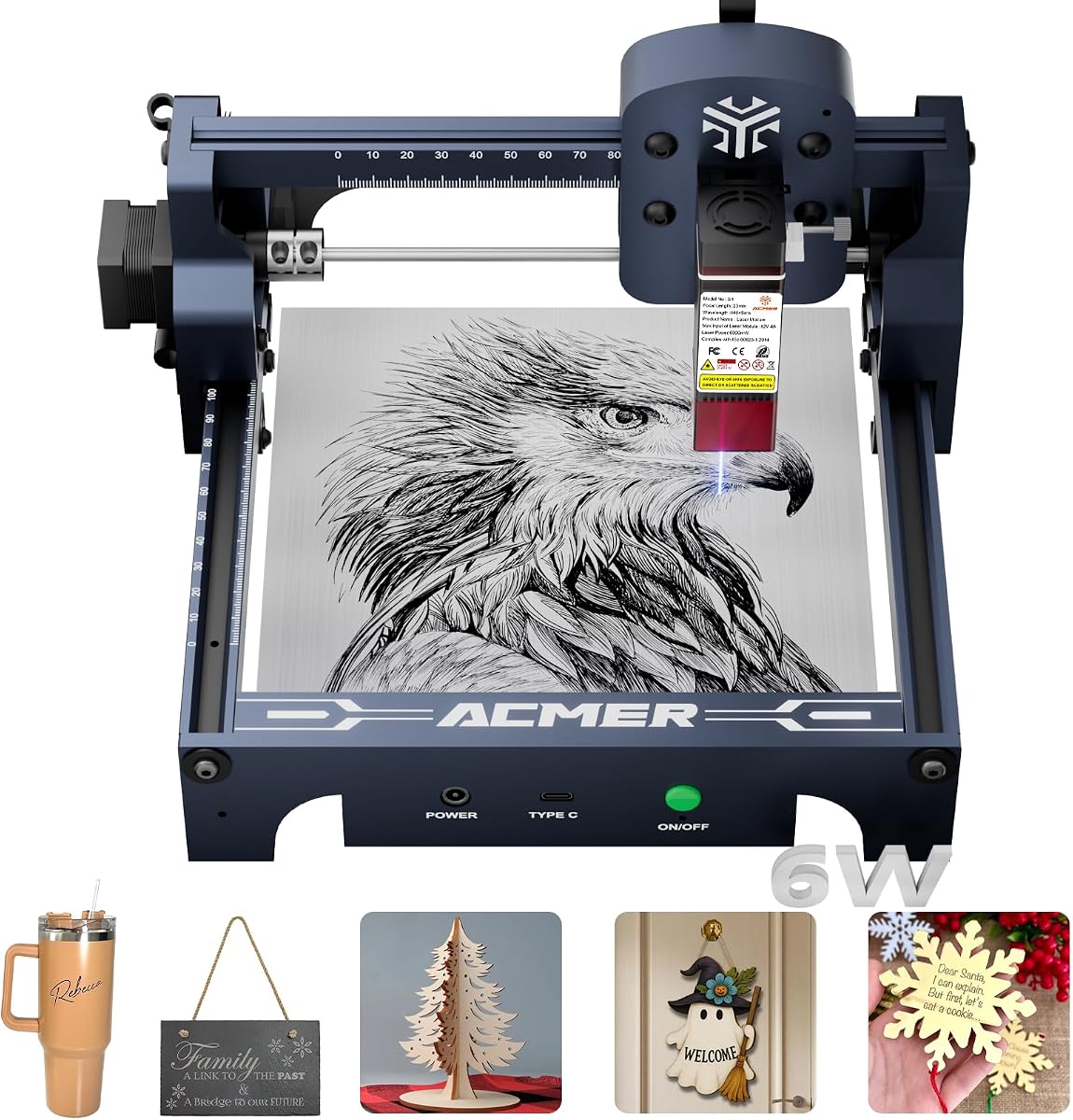
ACMER S1 Laser Engraver Machine
4.3Editor score
6000mW diode laser power
99% preassembled design
Lightweight portable aluminum build
This guide compares the top Acmer laser engraver models for 2026, evaluating precision, power, software features, and build quality to help you choose the
Finding the right laser engraver can transform your creative projects into professional results. Whether you are a hobbyist or a small business owner, selecting a machine that balances power, precision, and ease of use is essential for consistent output and safety.
We analyzed ten top-rated ACMER laser engraver models based on user feedback, technical specifications, and real-world performance. Our comparison focuses on laser power, working area, software compatibility, and safety features to ensure you find a reliable tool for your needs.
Each pick in this list highlights specific strengths such as budget-friendly options, high-power cutting capabilities, or enclosed safety designs. Keep in mind that product availability and pricing can fluctuate, so checking current listings is recommended before making your final purchase decision.
4.3Editor score

4.4Editor score

5.0Editor score
The following table provides a side-by-side overview of all ten models, highlighting their key technical specifications, laser power, working areas, and unique features to help you quickly identify the best fit for your workshop.



The ACMER S2 Laser Engraver stands out as a top choice for makers seeking a balance between power and precision. With a rating of 4.4, it delivers consistent results for both detailed engraving and deeper cutting tasks across various materials.
We may earn a commission when you buy through this link, at no additional cost to you.
Its true 12W laser module combined with a refined 0.08 by 0.08mm spot size ensures fine details are reproduced cleanly. The 300 by 300mm workspace offers ample room for signs and multi-piece layouts without constant repositioning.
While the machine is powerful, users should note that setup requires attention to safety protocols. The included anti-UV protective shield and goggles are essential for safe operation during long engraving sessions.
This model is ideal for hobbyists and small businesses ready to grow their capabilities. The ability to add rotary modules or air assist accessories means the S2 can evolve with your projects over time.
Works with ACMER Studio for streamlined project management and supports third-party tools like LightBurn and LaserGRBL for advanced users.
Up to 0.01mm positioning accuracy allows for intricate patterns and text that remain sharp and consistent across the entire workspace.
We may earn a commission when you buy through this link, at no additional cost to you.
This version of the S2 emphasizes ease of use with built-in AI design tools that simplify the creation process. Users can turn text prompts or photos directly into engraving designs without needing complex external software initially.
We may earn a commission when you buy through this link, at no additional cost to you.
The machine maintains the robust 12W laser power and large workspace found in other S2 variants. The 32-bit chip ensures high-speed performance reaching up to 10,000mm/min for efficient production runs.
While the AI features are innovative, some users might prefer familiar interfaces like LightBurn for complex projects. The machine supports both, providing flexibility as skills develop.
Ideal for beginners who want professional results without the steep learning curve. The large workspace and fast speeds make it suitable for those planning to scale up their creative output soon.
Built-in AI tools convert text prompts and photos into ready-to-use engraving designs reducing setup time for new users.
Up to 10000mm/min engraving speed powered by a 32-bit chip ensures quick turnaround on projects without sacrificing detail.
We may earn a commission when you buy through this link, at no additional cost to you.
The ACMER S1 is designed for users who need a compact solution for home use or small projects. It arrives 99% preassembled, allowing you to start creating almost immediately after unboxing.
We may earn a commission when you buy through this link, at no additional cost to you.
With a 6000mW laser and a 130 by 130mm workspace, it handles detailed engraving on wood, leather, and acrylic effectively. Its lightweight aluminum build makes it easy to move and store when not in use.
While the smaller workspace limits large-scale projects, it is perfect for personalized gifts and intricate designs. The software compatibility ensures you can still use professional tools like LightBurn if needed.
This model is an excellent entry point for hobbyists exploring laser engraving. The balance of affordability and ease of use makes it a smart choice for those testing the waters before investing more.
Arrives 99% preassembled with just 1-minute laser head installation so you can start projects without complex setup delays.
Weighing only 2kg and featuring a small footprint it fits easily into home workstations without sacrificing performance.
We may earn a commission when you buy through this link, at no additional cost to you.
This S2 variant focuses on safety and reliability with a perfect 5.0 user rating. It includes motion detection that automatically pauses the laser if abnormal movement is detected, adding a layer of security.
We may earn a commission when you buy through this link, at no additional cost to you.
With 7000mW power it handles standard engraving and cutting tasks efficiently. The anti-UV protective shield and goggles are standard, ensuring eye protection is always available for safe operation.
While the power is slightly lower than the 12W version it remains robust for most hobbyist needs. The large workspace and compatibility with expandable accessories keep it versatile for growing projects.
Recommended for classrooms or home workshops where safety is a priority. The reliable performance and strong user feedback make it a trustworthy choice for consistent results.
Motion detection auto-pause stops operation immediately if abnormal movement occurs reducing risk during engraving sessions.
An anti-UV protective shield protects eyes from harmful rays ensuring safe operation without extra purchases.
We may earn a commission when you buy through this link, at no additional cost to you.
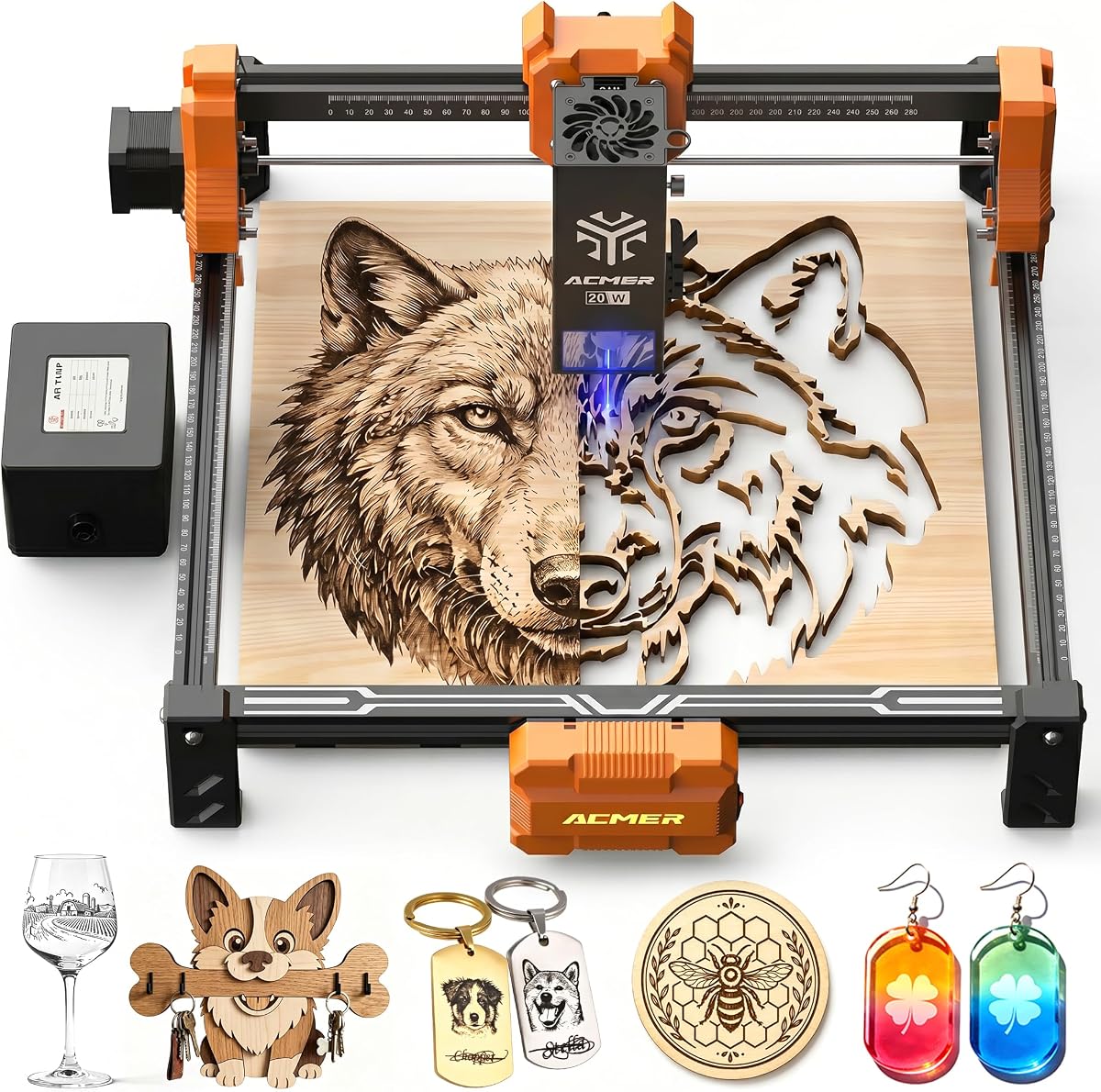
The P1 S Pro 20W delivers strong cutting performance with a built-in 25L/min air assist pump. This feature minimizes burn marks and smoke residue, leading to cleaner edges on materials like wood and acrylic.
We may earn a commission when you buy through this link, at no additional cost to you.
With a true 20W diode laser it handles demanding projects with ease. The 0.08 by 0.1mm spot size ensures sharp lines and smooth gradients for detailed artwork and photo engraving.
Acceleration up to 500mm/s² ensures smooth and stable operation even during long production runs. Limit switches protect the machine from over-traveling, adding longevity to your investment.
This model is perfect for users who prioritize cut quality and efficiency. The air assist saves time on post-processing and protects the lens for longer life.
A 25L/min air assist pump minimizes burn marks and smoke residue for cleaner edges and a cleaner workspace.
Acceleration up to 500mm/s2 ensures stable fast operation for efficient batch production or creative projects.
We may earn a commission when you buy through this link, at no additional cost to you.
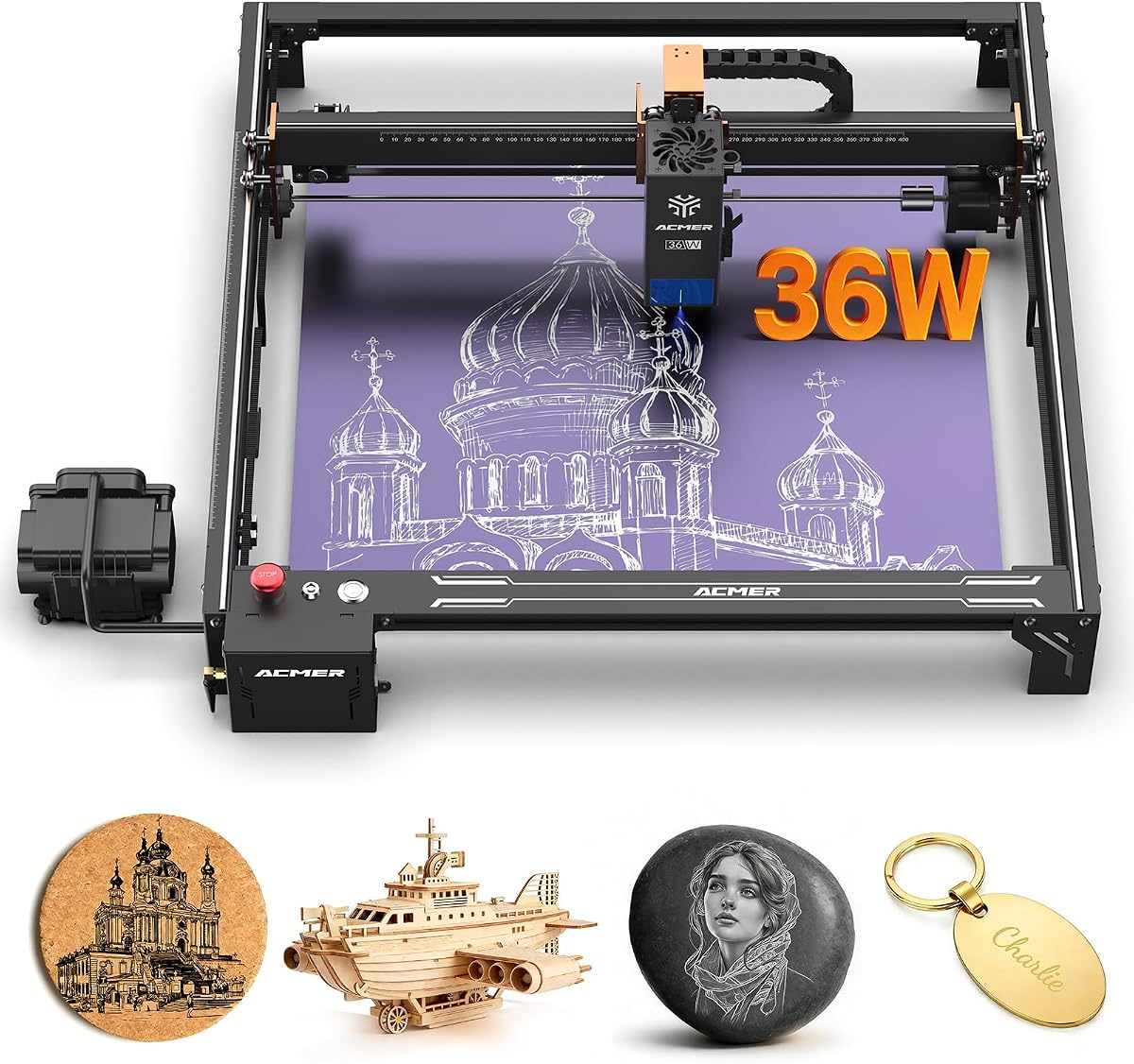
The S2 Pro 36W features a dual linear rail system for industrial-level stability. This reduces vibration during high-speed engraving, ensuring consistent alignment for fine text and graphics.
We may earn a commission when you buy through this link, at no additional cost to you.
With 36000mW power and a 30L/min air assist, it handles cutting and engraving with minimal debris. The 400 by 400mm workspace allows for larger creative projects without needing to stitch images together.
Connectivity options including WiFi and TF card support make offline engraving easy. Tilt protection adds safety by stopping operation if the machine shifts during use.
This machine suits small businesses or serious hobbyists needing reliable performance. The robust build and large workspace justify the higher price for professional-quality output.
Dual linear rails deliver better stability than single rail designs reducing vibration and misalignment during long runs.
WiFi TF card and USB connections allow wireless control and convenient offline engraving without constant PC tethering.
We may earn a commission when you buy through this link, at no additional cost to you.
This model combines 20W power with a 25L/min air assist for high-quality cuts. The air pump reduces burn marks and protects the lens for consistent operation over time.
We may earn a commission when you buy through this link, at no additional cost to you.
The 0.08 by 0.1mm spot size delivers sharp details and smooth gradients. With acceleration up to 300mm/s², it maintains stable performance even on detailed designs.
Limit switches define the working area accurately preventing the laser from hitting the frame. This protects the machine and ensures precise engraving within the intended boundaries.
An excellent choice for users needing a balance of power and finish quality. The high rating indicates satisfaction with its performance in various applications.
A 25L/min air assist pump reduces burn marks and improves edge quality for a cleaner look on cuts.
Built-in limit switches prevent the laser head from hitting the frame ensuring accurate area definition and safety.
We may earn a commission when you buy through this link, at no additional cost to you.
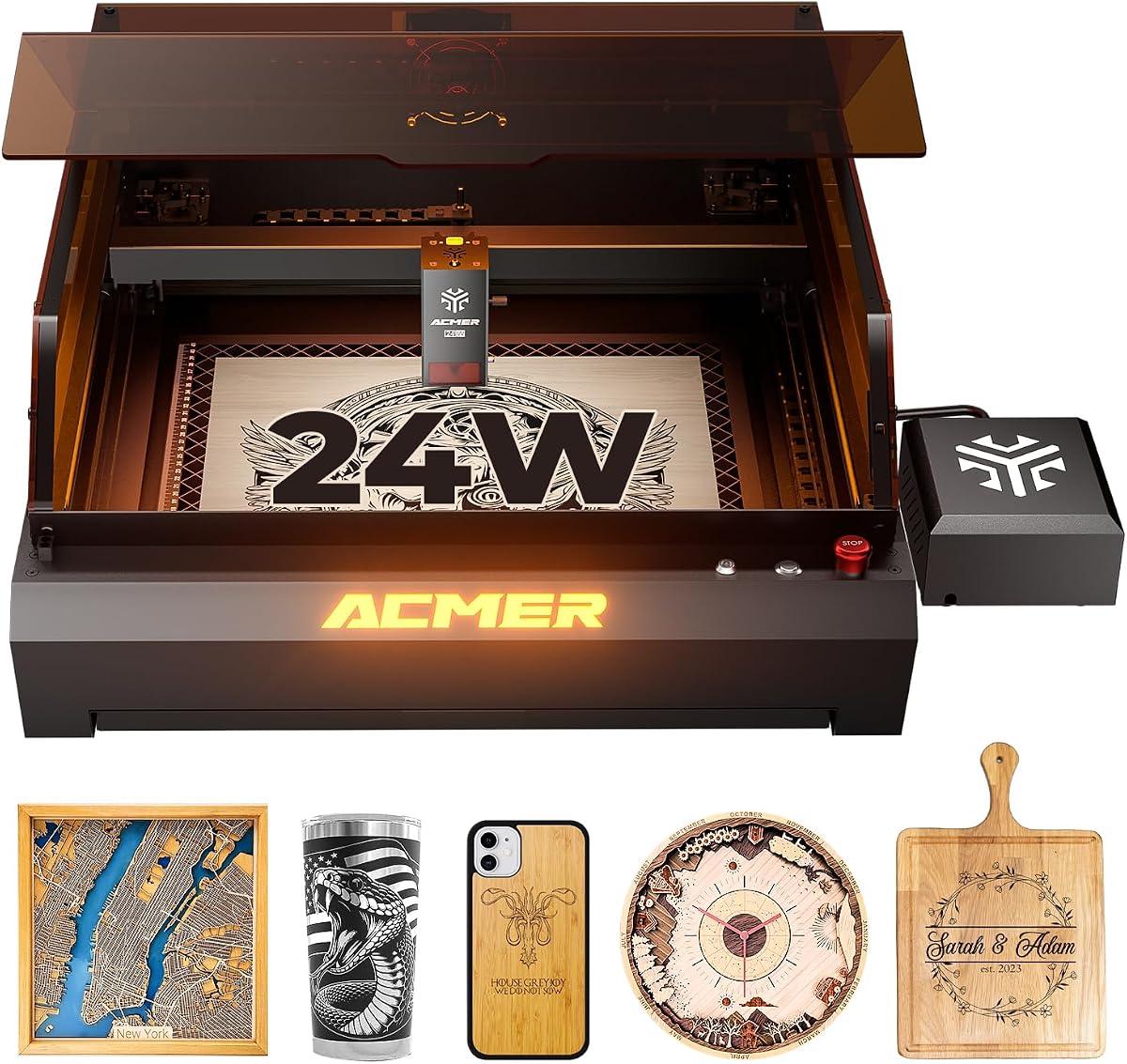
The P3 offers switchable laser outputs allowing you to choose between 48W and 24W for different material needs. A closed-box design provides Class 1 safety, reducing smoke and noise significantly.
We may earn a commission when you buy through this link, at no additional cost to you.
It features a CoreXY structure for high-speed precision and a visual camera module to assist with material positioning. This reduces setup time and improves alignment for intricate cuts.
Safety features like automatic fire detection and over-temperature protection give peace of mind during operation. The sturdy aluminum frame ensures durability for professional applications.
This is the ultimate choice for those prioritizing safety and power. The enclosed system makes it suitable for office or classroom environments where open lasers might be restricted.
Dual laser output of 24W and 48W lets you switch modes for different materials and project requirements easily.
A closed-box design reduces smoke by 90% and ensures Class 1 laser safety for secure operation.
We may earn a commission when you buy through this link, at no additional cost to you.
This desktop model integrates a housing that reduces smoke and noise by 90%. The built-in camera module enables free dragging of materials for accurate positioning up to 2mm precision.
We may earn a commission when you buy through this link, at no additional cost to you.
With a max speed of 48000mm/s, it is extremely fast for engraving tasks. The aviation grade aluminum frame provides excellent stability and durability for daily use.
Safety is ensured with over-temperature protection and a flame detection system. These features make it a reliable choice for environments where safety and efficiency are paramount.
It suits users who need a compact but powerful solution. The speed and camera features streamline workflow for quick and accurate production runs.
Max speed of 48000mm/s ensures rapid engraving for high throughput on projects.
Built-in camera allows free dragging of materials for positioning accuracy of up to 2mm easily.
We may earn a commission when you buy through this link, at no additional cost to you.
The P1 S Pro 6W features a large 380 by 370mm workspace suitable for big projects. WiFi control allows for convenient data transfer and operation without connecting a computer.
We may earn a commission when you buy through this link, at no additional cost to you.
It uses a dual-beam laser module with a 0.06mm spot size for precise engraving. The Class 1 safety certification and protective glasses ensure safe operation for all users.
While 6W is lower than higher power models, it is ideal for detailed engraving and thin materials. The optional rotary attachment allows for cylindrical objects like tumblers.
This machine is a great choice for those needing a large workspace and wireless control. The ease of use and safety features make it accessible for beginners.
The 380 by 370mm workspace provides ample room for large scale designs and creative work.
WiFi control and mobile app support allow flexible operation without needing a constant PC connection.
We may earn a commission when you buy through this link, at no additional cost to you.
Choosing the right laser engraver involves balancing power, workspace, and safety features. This guide breaks down key factors to help you select a machine that matches your skill level and project goals.
Laser power determines how quickly and deeply a machine can cut or engrave. Higher wattage models like the 48W P3 are better for cutting thick materials, while lower wattage units suit detailed work on wood or leather.
Look for true wattage ratings to ensure performance matches claims.
The working area defines the maximum material size you can process. Models range from 130mm for compact needs to 400mm for large signs or batches.
Measure your typical materials to choose a workspace that fits your workflow.
Software compatibility ensures you can use preferred design tools like LightBurn or LaserGRBL. Some models offer custom apps with AI tools for easier setup.
Check if the machine supports the software you already use to avoid learning new systems.
Safety is critical when using lasers. Look for protective shields, motion detection, or closed-box designs that reduce exposure risks.
Ensure the machine includes safety goggles and has reliable limits to prevent accidents.
Air assist pumps clear smoke and debris from the cutting path for cleaner edges. Built-in options save space and improve cut quality.
Consider models with air assist if you plan to cut acrylic or wood regularly.
Connectivity options like WiFi, USB, or TF cards allow flexible operation. Wireless control is convenient for offline work or mobile setups.
Choose a machine with connectivity that matches your workspace and setup needs.
Build quality affects stability and longevity. Look for industrial-grade aluminum frames and dual rail systems for reduced vibration.
Sturdy construction ensures consistent results and extends the life of your equipment.
Expandability allows you to grow your setup. Rotary modules, risers, or enclosures add capabilities without buying a new machine.
Check if accessories are available for your model to future-proof your investment.
Begin by assembling the machine according to the manual and securing it on a flat, stable surface. Connect to your computer or mobile app and open supported software to load your design.
Adjust the laser focus and test settings on scrap material to ensure safe cuts and clear engraving. Always wear protective glasses and keep flammable materials away from the workspace.
Clean the lens and rails regularly with a soft cloth and compressed air to maintain performance. Store the machine in a dry place and update firmware when available for best results.
Most models can engrave and cut wood, leather, acrylic, and coated metals. The higher wattage versions cut through thicker materials like 15mm wood or 12mm acrylic with multiple passes.
Most units come with safety goggles, but ensure they match the laser wavelength. Additional ventilation or air assist may be required for cutting toxic materials.
Yes, all listed models support LightBurn as well as LaserGRBL. This allows you to use professional tools for advanced design control.
Clean the lens gently with a soft cloth and mild cleaner. Check it regularly for dust and smoke residue to maintain cut quality and prevent damage.
Many models support optional rotary modules that allow engraving tumblers or bottles. Check the accessory list before purchasing to confirm compatibility.
Typical diode laser modules last around 8000 hours of use. Proper cooling and usage limits help extend this lifespan for consistent performance over time.
The ACMER S2 and P3 models stand out for their balance of power and features suitable for serious makers. Whether you need a compact unit or a high-power enclosed machine, there is an option for every budget.
Prioritize safety and workspace size to match your specific needs. Models with air assist and dual rails offer better finish and stability for professional results.
Always check current pricing and availability before making a purchase since deals and stock can change quickly. Choosing the right machine ensures you get reliable performance for your projects.