
Canon Canoscan Lide 300
4.2Editor score
Auto Scan Mode
USB connectivity
Compact design
Finding the right scanner for your needs can be challenging with so many options available on the market today. A good flatbed scanner should deliver crisp images, reliable connectivity, and ease of use for various tasks like digitizing photos or documents.
We evaluated ten top models based on resolution, scanning speed, size compatibility, and software features. Our list covers everything from compact photo scanners to large format models capable of handling oversized materials with precision and clarity.
Each pick highlights key strengths and ideal use cases to help you make an informed decision. Remember that availability and pricing can change over time so check current details before making your final selection for your workspace needs.
4.2Editor score

3.7Editor score

3.8Editor score
As an Amazon Associate we earn from qualifying purchases.
Here is a side-by-side look at all ten models to help you compare their key specifications and capabilities at a glance before choosing the right one.


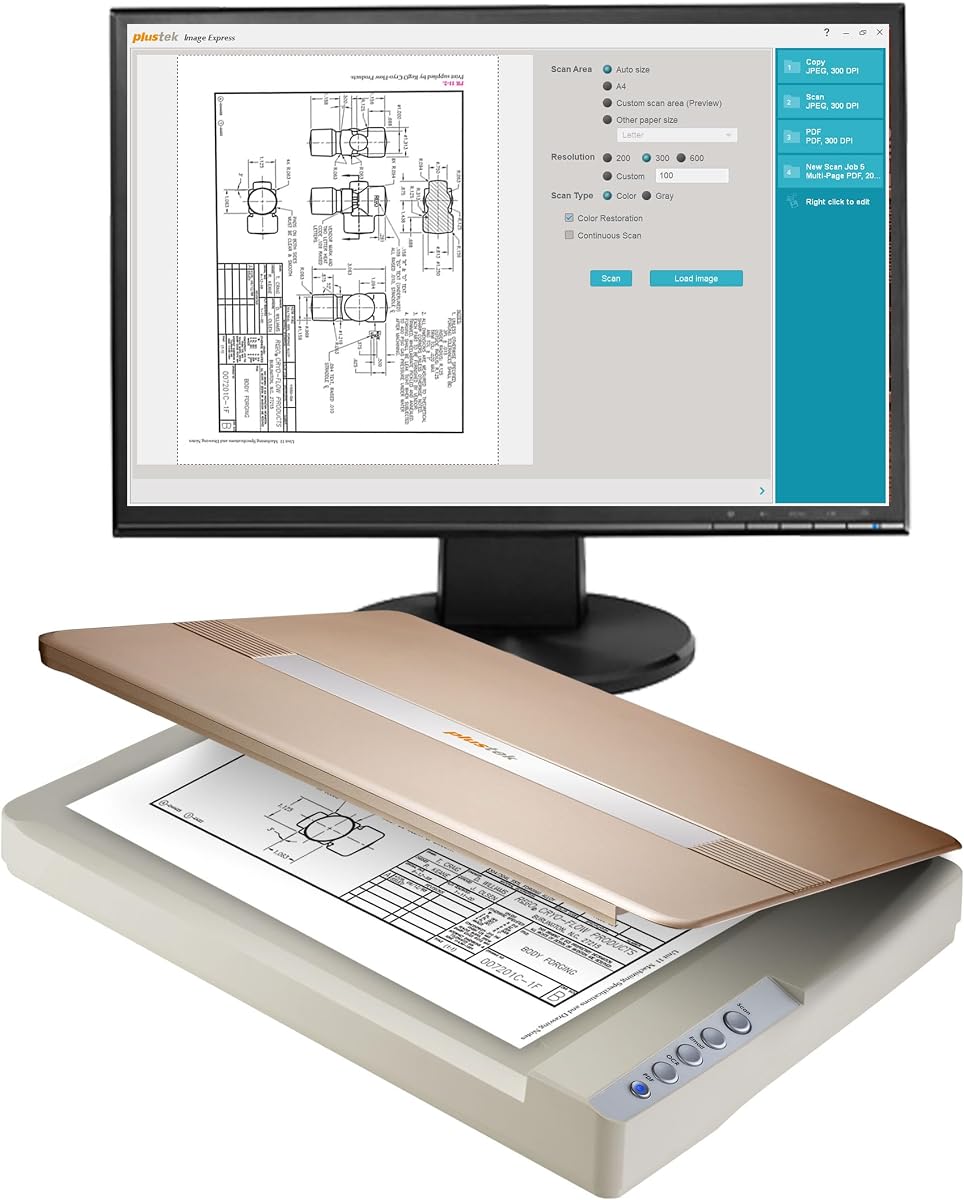
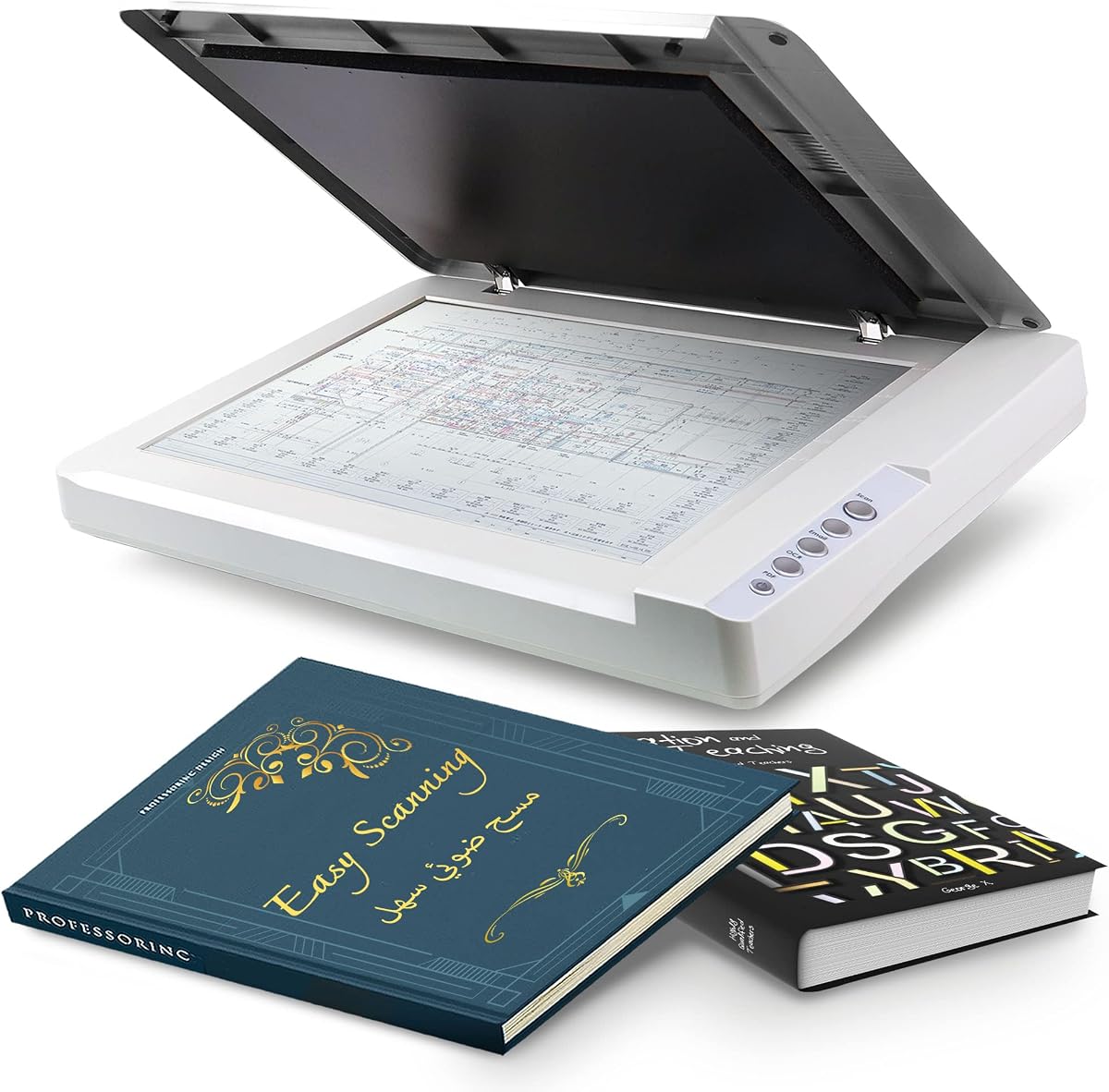


This scanner delivers exceptional clarity for photos with its high optical resolution. It is rated well for home users seeking to preserve memories digitally. The ease of use makes it a favorite among non technical individuals.
We may earn a commission when you buy through this link, at no additional cost to you.
Standout qualities include the ability to restore faded photos with one click. You can also scan oversized images by stitching them together seamlessly. These features enhance your creative projects significantly without needing extra tools.
Some users note that the removable lid might feel slightly fragile over time. The software interface may require a bit of reading to master fully. These trade-offs are acceptable given the overall value and output quality provided.
It is ideal for photographers and families wanting to digitize albums. If you need reliable scans with minimal setup time this model fits well. We recommend it for anyone prioritizing image quality and photo restoration features.
Easy Photo Fix technology brings color back to old images with one click.
Send scans directly to cloud services for backup and sharing convenience.
We may earn a commission when you buy through this link, at no additional cost to you.
This model offers a budget friendly entry into scanning for home offices. It is praised for its Auto Scan Mode which simplifies the workflow. Users appreciate how quickly it can digitize standard documents.
We may earn a commission when you buy through this link, at no additional cost to you.
The Auto Scan Mode detects what you are scanning without manual input. This saves time when processing multiple pages or mixed documents. The USB connection ensures it works with most modern computers easily.
It lacks advanced features like large format support or photo enhancement tools. The focus is strictly on document digitization which may limit versatility. Still it fits well for basic text and simple image needs.
Buyers on a tight budget should consider this reliable option. It is perfect for small offices needing quick document scans. Prioritize this if you need simple functionality without complex software.
The scanner automatically identifies what you place to skip manual setup.
USB connection means no extra power adapter is required for most setups.
We may earn a commission when you buy through this link, at no additional cost to you.
This scanner is designed for high quality scanning of larger items like books. It supports A3 sizes which makes it useful for schools and libraries. The frameless design allows edge to edge scanning without borders.
We may earn a commission when you buy through this link, at no additional cost to you.
It scans an A3 size document in about 8 seconds at standard settings. The Auto-Scan function starts automatically when the lid is closed. This boosts efficiency in continuous scanning workflows significantly.
The CIS sensor is great for flat paper but not for 3D objects. Windows drivers have some resolution limits depending on the mode used. These constraints are manageable if you understand the hardware capabilities.
Schools and small offices handling oversized items will find this useful. It balances speed and size well for educational materials. Choose this if you need to scan books or magazines regularly.
Scan edge to edge without frame boundaries to save cropping steps.
Works with global voltage so no converters are needed abroad.
We may earn a commission when you buy through this link, at no additional cost to you.
This model is known for its incredibly fast scanning speeds for A3 items. It offers high resolution output suitable for detailed business drawings. The frameless design supports large CAD and engineering works.
We may earn a commission when you buy through this link, at no additional cost to you.
At 200 DPI it can scan a color A3 document in four seconds. The four button control panel simplifies operations to email or print directly. This level of speed helps busy offices maintain productivity.
The speed noted applies under specific conditions like resolution and size. It also uses a CIS sensor which limits it to flat materials. Be aware of these constraints when planning bulk document digitization.
Businesses needing quick handling of large blueprints will appreciate this. The speed and resolution combination fits engineering needs well. Recommend for high volume environments where time is money.
Achieves maximum speed under standard settings for rapid workflows.
Physical buttons send scans to email or print with one touch.
We may earn a commission when you buy through this link, at no additional cost to you.
This compact unit is ideal for photo enthusiasts with limited desk space. It uses USB power which makes it easy to transport anywhere. The high resolution captures fine details in pictures effectively.
We may earn a commission when you buy through this link, at no additional cost to you.
It includes ScanSmart software for generating searchable PDFs and editable docs. The high rise lid allows scanning of books and albums easily. These features help organize digital archives efficiently.
Its small size means it does not support large documents out of box. The lightweight build may feel less sturdy than larger office models. Still it delivers excellent value for home photo digitization.
Families and photographers needing portability should look at this option. It balances size and image quality for personal use. Prioritize this if you want a travel friendly photo scanner.
Removable lid lets you scan thicker items like albums easily.
No extra adapter needed makes it easy to take to events.
We may earn a commission when you buy through this link, at no additional cost to you.
This scanner is built for professional large format scanning tasks. It handles maps and drawings with precision and speed. The included software helps manage files and exports them flexibly.
We may earn a commission when you buy through this link, at no additional cost to you.
Doc Action provides quick access to destinations like email and folders. The OCR function turns scanned text into searchable content automatically. This adds value for archival and document management needs.
Linux users may need to ask the seller for driver support. The price is higher but the build quality and features justify it. It suits businesses needing reliable professional scanning solutions.
Libraries and engineering firms will appreciate its robust capabilities. The batch mode saves time on large archives. Consider this if you need a workstation grade large scanner.
Scan wide format paper like maps and odd shapes easily.
Built in OCR turns images into text searchable documents instantly.
We may earn a commission when you buy through this link, at no additional cost to you.
This model is built for businesses needing to scan quickly. It scans tabloid sizes in just a few seconds. The interface is intuitive and easy for staff to learn.
We may earn a commission when you buy through this link, at no additional cost to you.
One-Key buttons are pre configured to specific destinations. You can set these to match your office workflow needs. This reduces setup time for every single scan.
Color scans take slightly longer than gray but remain quick. The large size takes up more space than compact units. These factors are worth it for high volume daily use.
Offices processing many legal or engineering documents should try this. It balances speed with large format capability well. Choose it if efficiency is your top priority.
Set buttons to email or print for instant workflow steps.
Complete tabloid scans in under five seconds in color.
We may earn a commission when you buy through this link, at no additional cost to you.
This scanner is suitable for libraries and small offices alike. It does not require warm up time which saves energy. The LED source is efficient and provides consistent light.
We may earn a commission when you buy through this link, at no additional cost to you.
It includes ABBYY software for accurate OCR and file sharing. The One-Touch button simplifies operation for non tech users. This makes it easy to set up quickly in a school.
Scan speeds are standard compared to top end business models. The build is straightforward without extra decorative features. Still it offers solid performance for educational digitization tasks.
Libraries needing to digitize books and archives will find it useful. The OCR ensures documents are searchable later. Recommend for schools needing reliable basic scanning.
Start scanning immediately without waiting for light to stabilize.
Enhanced OCR ensures text extraction is highly accurate.
We may earn a commission when you buy through this link, at no additional cost to you.
This scanner focuses on high volume document processing for offices. It includes an ADF that feeds pages automatically for speed. The duplex feature scans both sides without flipping.
We may earn a commission when you buy through this link, at no additional cost to you.
Network connectivity allows multiple users to send scans easily. You can set it to save directly to Dropbox or Google Drive. This simplifies shared access to digital files.
It lacks a flatbed which limits use for fragile items. The focus is purely on paper documents for workflow. Consider this if you need high speed for stacks of paper.
Businesses handling stacks of reports should prioritize this model. The ADF and network features save significant time. Choose it for office document digitization tasks.
Connect via LAN for shared scanning across your office.
Scan front and back simultaneously without manual flipping.
We may earn a commission when you buy through this link, at no additional cost to you.
This model is a strong choice for home users needing speed. It scans color documents in just three seconds. The One-Key operation makes it easy to manage daily scans.
We may earn a commission when you buy through this link, at no additional cost to you.
The built-in PDF button creates searchable files instantly. Software auto rotates and crops to save manual effort. These tools help keep your digital files organized.
It may not handle oversized formats like A3 easily. The feature set is simpler compared to business heavy units. Still it is effective for standard document tasks.
Home offices and individuals will appreciate the efficiency. Prioritize this if you want quick scans without hassle. Choose it for simple document digitization at home.
Save scans as PDFs with one touch to create files.
Auto adjust features crop and rotate images for you.
We may earn a commission when you buy through this link, at no additional cost to you.
Selecting the right scanner involves weighing several key factors to ensure it meets your specific scanning needs and workspace constraints.
Resolution determines the level of detail your scans will capture. Higher DPI values are better for photos or archival tasks while lower DPI is fine for text documents.
Speed matters if you are processing many documents quickly. Look for models that advertise fast times per page to boost your workflow efficiency.
Ensure the scanner supports the size of materials you will use. Standard letter size works for most but large formats need specific models with bigger beds.
Software can simplify your workflow with tools like OCR and PDF creation. Check if the included programs match your file management needs for searchability.
USB is standard but some scanners offer network connectivity for shared use. Choose a connection type that integrates smoothly with your existing computer setup.
Consider how much space the unit will take on your desk. Portable units are great for travel while larger ones may offer better stability for heavy use.
Some scanners are USB powered while others require a wall adapter. USB powered units are more portable and need fewer cables at your workspace.
A warranty provides peace of mind for your investment. Look for brands offering at least one year of support for repairs or replacements.
Update the drivers and software periodically to ensure compatibility with your OS. Regular maintenance like cleaning and software updates helps your scanner last longer.
For photos, a resolution of at least 300 dpi is standard but 600 dpi or higher is better for archival. High resolution captures fine details and allows for larger enlargements later.
Yes most flatbed scanners can scan books. However models with a high rise or removable lid make it easier to scan without damaging the spine.
White lines usually indicate dust or smudges on the glass. Clean the glass thoroughly with a soft cloth. If the issue persists check for scratches on the glass surface.
Most models in this list support Mac OS via ICA or TWAIN drivers. Always check the product page for the latest driver versions available on the official website.
OCR stands for Optical Character Recognition. It converts scanned text into searchable and editable digital text which is crucial for organizing documents effectively.
USB power is sufficient for most portable and small flatbed scanners. Larger high speed models often require a wall adapter to ensure stable performance.
Update your scanner software when new OS versions release or if you encounter compatibility issues. Regular updates ensure security patches and improved driver performance.
Many models offer one touch buttons to send scans to email. You will need to configure your email settings in the scanner software first.
Remember to verify current availability and features before finalizing your choice. These tools are built to last but selecting the right fit ensures satisfaction.