
Keyboard Case for Amazon Fire Max 11 inch
4.5Editor score
Seven color backlight options
Magnetic detachable design
Long battery life support
Compare the top keyboard case for Fire Max 11 options including features like backlighting and pen holders to find the perfect productivity upgrade for your
Finding the right keyboard case for Fire Max 11 can transform your tablet into a portable workstation. We review top models with features like backlighting and pen holders to help you decide.
Our team analyzed compatibility, build quality, and user feedback to compile this comprehensive list. Each product was selected for its ability to enhance typing comfort and device protection significantly.
Each pick highlights key strengths and potential trade-offs to guide your decision. Prices and availability change frequently so verify current details before purchasing any item online today.
4.5Editor score

4.6Editor score
4.6Editor score
The following table provides a side-by-side overview of key specifications for every reviewed model to help you quickly identify the best fit for your specific usage needs.
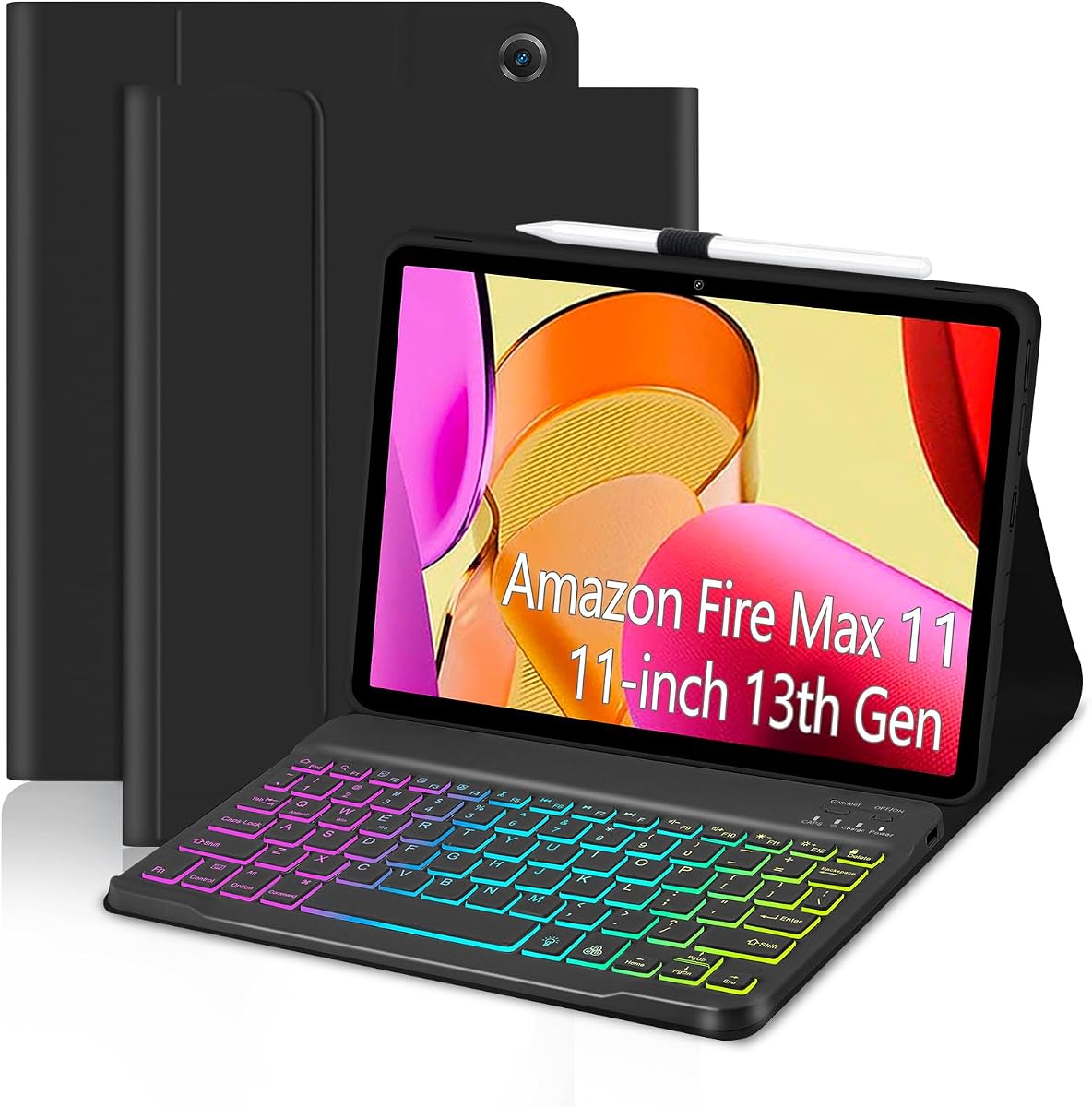
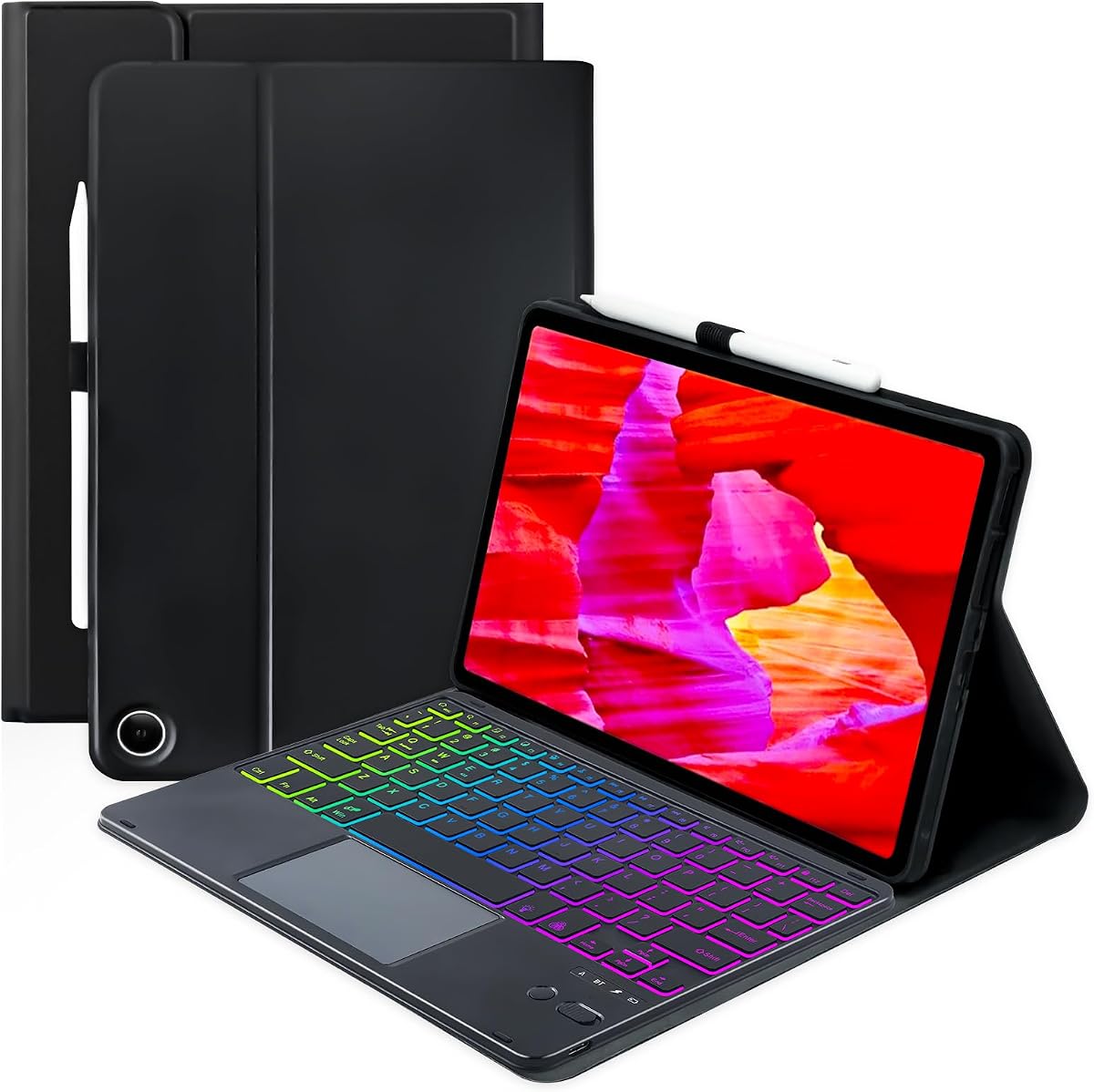


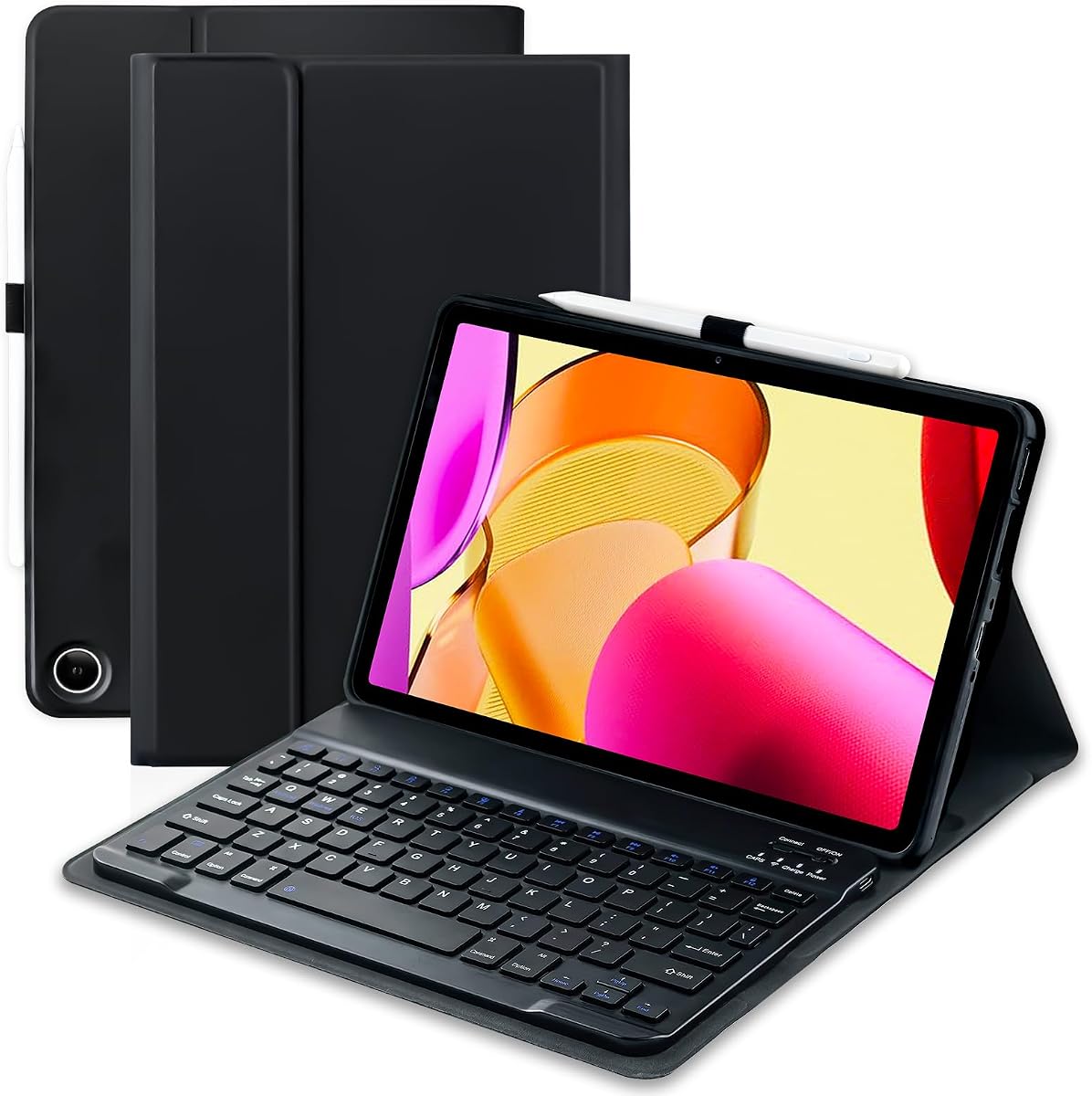


This EAMPANG case delivers a robust typing experience with its seven color rainbow backlit keyboard designed specifically for the Fire Max 11 13th Generation model released in 2023.
We may earn a commission when you buy through this link, at no additional cost to you.
The keyboard features adjustable brightness and automatic color switching modes that enhance usability in low light conditions while the precise cutouts ensure full access to all tablet functions.
While it offers solid protection with a honeycomb inner shell for heat dissipation users should note that the stylus and tablet are not included with the purchase of this accessory.
For those seeking a stylish yet functional keyboard case that balances aesthetics with practical features like pen storage this model stands out as a top contender in the current market.
The RGB rainbow backlight allows users to switch between seven colors and adjust brightness to suit their environment ensuring comfortable typing in any lighting condition.
The soft TPU inner shell utilizes a honeycomb design to facilitate better heat dissipation which helps maintain tablet performance during extended usage sessions.
We may earn a commission when you buy through this link, at no additional cost to you.
The MePadKey case distinguishes itself with an integrated touchpad that supports multi-finger gestures allowing for more efficient navigation without needing an external mouse device.
We may earn a commission when you buy through this link, at no additional cost to you.
Its detachable and rechargeable keyboard design offers flexibility in positioning while the rainbow backlight ensures visibility during evening work sessions or dimly lit environments.
Although it provides good protection with anti-slip grooves the lack of a included tablet or stylus means users must already own the Fire Max 11 device to utilize this case effectively.
This model is ideal for users who prioritize cursor control and ergonomic adjustments in a single compact package designed specifically for the 13th generation Fire Max 11 tablet.
The built-in touchpad supports multi-finger gestures which significantly improves office efficiency by allowing users to scroll and navigate apps directly from the keyboard surface.
Users can adjust the viewing angle to suit different tasks whether reading or typing while the anti-slip grooves keep the tablet secure in place during use.
We may earn a commission when you buy through this link, at no additional cost to you.
TUNKARMOR offers a complete productivity solution by including both a magnetic detachable Bluetooth keyboard and a rechargeable Bluetooth mouse in one package for the Fire Max 11.
We may earn a commission when you buy through this link, at no additional cost to you.
The case supports three viewing angles and features a built-in pen holder for easy stylus access while the auto sleep wake function helps conserve battery life when the lid is closed.
While it provides full 360-degree protection against bumps and scratches the honeycomb inner layer is specifically designed to prevent overheating which extends the device lifespan significantly.
This bundle is perfect for users who need a laptop-like setup with mouse and keyboard support without relying on external peripherals or wired connections for their tablet.
Including both a Bluetooth keyboard and mouse this case turns your tablet into a mini laptop in seconds allowing for versatile work and browsing experiences anywhere.
The protective case automatically wakes the tablet when opened and puts it to sleep when closed which protects the screen and saves battery life efficiently.
We may earn a commission when you buy through this link, at no additional cost to you.
This official Amazon keyboard case delivers a seamless experience with a built-in trackpad that offers adjustable pointer speed and gesture support for navigating documents and apps effortlessly.
We may earn a commission when you buy through this link, at no additional cost to you.
The pogo pin connection eliminates the need to charge the keyboard independently by drawing power directly from the tablet which simplifies the workflow and reduces cable clutter.
Although it comes at a higher price point the included three-month trial of Microsoft 365 Personal adds significant value for productivity users needing document editing and spreadsheet capabilities.
It stands out as the most integrated option for Fire Max 11 owners who prioritize official support and sustainability with recycled materials in its construction.
The keyboard never requires separate charging because the pogo pin connection powers it directly from the Fire Max 11 ensuring it is always ready to use.
The built-in trackpad supports gestures like pinch to zoom and two finger scrolling which provides responsive performance for navigating webpages and email efficiently.
We may earn a commission when you buy through this link, at no additional cost to you.
SAMTUNK provides a comprehensive solution with a three-zone rainbow backlight keyboard and a Bluetooth mouse included in the package for a complete typing and navigation setup.
We may earn a commission when you buy through this link, at no additional cost to you.
The case supports three viewing angles and features a honeycomb inner layer that protects the tablet from overheating which increases lifespan by more than thirty percent during heavy use.
While it does not include the tablet or pencil the auto sleep and wake function helps maintain battery life and the built-in pencil holder makes carrying a stylus convenient for users.
This option is a strong contender for budget-conscious buyers who still want premium features like backlighting and mouse support without paying for a standalone accessory set.
The optional rainbow backlight mode lets you choose from seven colors for visual enjoyment and easier typing even when working in the dark or at night.
The honeycomb grid pattern in the inner layer acts as cushioning that prevents overheating and extends the overall lifespan of the Fire Max 11 tablet.
We may earn a commission when you buy through this link, at no additional cost to you.
This budget-friendly case offers a surprising amount of value with a seven-color backlit Bluetooth keyboard that enhances visibility and style for work or personal use.
We may earn a commission when you buy through this link, at no additional cost to you.
The keyboard features a large 420mAh battery that can last up to ninety hours on a single charge which reduces the frequency of recharging and ensures consistent performance.
While it lacks some advanced features found in premium models the multi-angle viewing support and soft TPU construction provide reliable protection against drops and scratches effectively.
For users prioritizing cost without sacrificing essential features like backlighting and long battery life this case is an excellent entry point for Fire Max 11 accessory upgrades.
The built-in 420mAh battery supports up to ninety hours of continuous use on a single charge which means you rarely need to worry about running out of power.
The seven color backlit keyboard enhances visibility in low light while adding a touch of style to your setup making it valuable for both work and creative projects.
We may earn a commission when you buy through this link, at no additional cost to you.
This premium Amazon case combines high-quality construction with advanced features like an integrated trackpad that supports pinch to zoom and task switching gestures for superior control.
We may earn a commission when you buy through this link, at no additional cost to you.
The pogo pin connection ensures the keyboard never needs separate charging while the detachable back cover allows you to adjust the stand for hands-free video enjoyment easily.
The included three-month trial of Microsoft 365 Personal transforms the tablet into a powerful tool for editing documents and spreadsheets offering significant added value for productivity users.
It is the top choice for those seeking official reliability and premium features like gesture support and sustainable materials with recycled plastics in the keyboard case construction.
With the Microsoft 365 trial included users can edit documents and develop spreadsheets effectively turning the tablet into a capable workstation for professional tasks.
The trackpad supports gestures like task switching and scrolling which makes navigating apps and documents quick and easy without needing an external mouse device.
We may earn a commission when you buy through this link, at no additional cost to you.
This case features a strong magnetic adsorption system that firmly holds the keyboard in place while providing 360-degree full body protection against drops and scratches effectively.
We may earn a commission when you buy through this link, at no additional cost to you.
The keyboard includes a multi-function row with buttons for volume control and playback which adds convenience for daily tasks like watching videos or browsing content easily.
Although it has a rechargeable battery that lasts about fifty hours the design focuses heavily on physical protection with anti-slip grooves and a honeycomb heat dissipation interior.
It is a practical choice for users who need strong physical protection and quick access to media controls without compromising on the stability of the keyboard attachment.
Built-in magnets with strong adsorption function ensure the keyboard is firmly held in place which enhances stability and reliability during typing and usage sessions.
The first row of the keyboard has multi-function buttons that allow quick access to play or pause music and adjust volume for easier daily life use.
We may earn a commission when you buy through this link, at no additional cost to you.
This variant of the EAMPANG case offers the same seven color rainbow backlit keyboard but in a blue color scheme for users who prefer a different visual aesthetic option.
We may earn a commission when you buy through this link, at no additional cost to you.
It features the same honeycomb inner shell for heat dissipation and precise cutouts to maintain full access to all functions of the Fire Max 11 13th Generation tablet model.
While it shares many strengths with the black version the lower average rating suggests users should review recent feedback carefully regarding build quality or key responsiveness details.
For those who like the EAMPANG feature set but want a color change this option provides a similar functional experience with a distinct look for your tablet setup.
This blue color variant offers the same functional benefits as the standard model allowing users to match their device with a different aesthetic preference effectively.
The soft TPU inner shell adopts a honeycomb design that benefits heat dissipation and improves overall tablet performance during extended usage periods effectively.
We may earn a commission when you buy through this link, at no additional cost to you.
This case stands out with a premium vegan leather exterior that provides a high-quality feel and 360-degree protection from accidental scratches for the Fire Max 11.
We may earn a commission when you buy through this link, at no additional cost to you.
The Bluetooth keyboard connects quickly and allows for continuous work up to seventy hours on a single charge while the auto sleep wake function conserves battery life automatically.
With four versatile use modes and precise cutouts for all ports it ensures easy access to cameras and microphones without compromising the security of the device inside.
It is an excellent choice for users who value style and durability alongside functional features like a magnetic detachable design and long-lasting battery performance.
The high quality case is made of premium vegan exterior composition leather that gives your tablet 360-degree front and back protection from accidental scratches.
The keyboard comes with a power-saving mode that enters hibernation during long periods of non-use to help conserve battery life efficiently over time.
We may earn a commission when you buy through this link, at no additional cost to you.
Selecting the right keyboard case involves weighing factors like connectivity type build material and extra features such as trackpads or backlighting to match your workflow needs.
Some cases use pogo pins to draw power from the tablet while others use Bluetooth which requires separate charging. Pogo pin connections offer convenience but Bluetooth provides more flexibility in positioning.
Choose pogo pin for simplicity or Bluetooth if you need to detach the keyboard completely and use it at a distance.
Cases with built-in trackpads provide precise cursor control similar to a laptop. Some models include a separate Bluetooth mouse which offers more tactile feedback but takes up space.
Prioritize built-in trackpads for portability or external mice for detailed work that requires precise pointing control.
Backlit keyboards with adjustable colors and brightness levels make typing easier in low light environments. Look for multiple color options if aesthetics matter to you.
Ensure the backlight is dimmable and can be turned off to save battery life during daytime use.
A built-in pen holder ensures you never lose your stylus which is crucial for drawing or note-taking. Verify the holder is securely designed to prevent drops.
Check if the case accommodates the specific stylus shape you use for a snug fit.
Adjustable viewing angles are essential for ergonomic typing and comfortable reading. Cases with multiple slots allow you to switch between viewing and writing positions.
Look for anti-slip grooves that keep the tablet stable when adjusting angles for different activities.
Battery life varies significantly between models so consider how often you are willing to charge the keyboard. Type-C charging is generally faster and more convenient than older ports.
Aim for at least fifty hours of usage on a single charge to reduce frequent charging interruptions.
Materials like PU leather offer style but may wear over time while hard shells provide structural durability. Honeycomb inner designs help with heat dissipation to extend device life.
Prioritize cases that offer 360-degree protection against drops and scratches for long-term use.
Ensure the case is specifically designed for the Fire Max 11 13th Generation to avoid fit issues. Precise cutouts should allow access to all ports cameras and speakers.
Verify compatibility details on the product page before purchasing to ensure it fits your specific model.
To set up your case simply align the magnetic keyboard with the case back and ensure the pogo pins or Bluetooth pairing is active. Press any key to wake the tablet if the screen sleeps.
Regularly clean the keyboard keys with a dry soft cloth to remove dust and debris. Avoid using liquid cleaners directly on the keys to prevent damage to the internal electronics.
Store the keyboard in a cool dry place when not in use and charge the battery before long periods of inactivity to maintain battery health and prevent discharge issues.
It depends on the model. Some keyboards use pogo pins to draw power directly from the tablet and do not need separate charging. Others use Bluetooth and have a rechargeable battery that needs to be charged via Type-C.
No most cases are specifically designed for the Fire Max 11 13th Generation released in 2023. They will not fit older models or other Fire tablets due to different dimensions and port placements.
Most products do not include the stylus itself. They typically feature a pen holder slot where you can store your own stylus. Always check the product details to confirm what is included.
Yes most Bluetooth keyboards support multi-typing allowing you to type multiple characters at once without needing to press keys in sequence which improves speed and fluidity.
Check the product title or specifications for terms like integrated trackpad or touchpad. Some models rely on keyboard navigation only while others include a built-in surface for cursor control.
Battery life ranges from about fifty to ninety hours on a single charge depending on the model and backlight usage. Turn off the backlight when not needed to extend usage time significantly.
We found that official options offer seamless integration while third-party models provide diverse features like colorful backlights and mouse bundles to suit various user preferences.
Prioritize features that match your workflow such as trackpad support for navigation or battery life for travel to ensure the case enhances your tablet experience effectively.
Remember to check the current prices and availability on the product pages before buying as these details can change frequently over time.