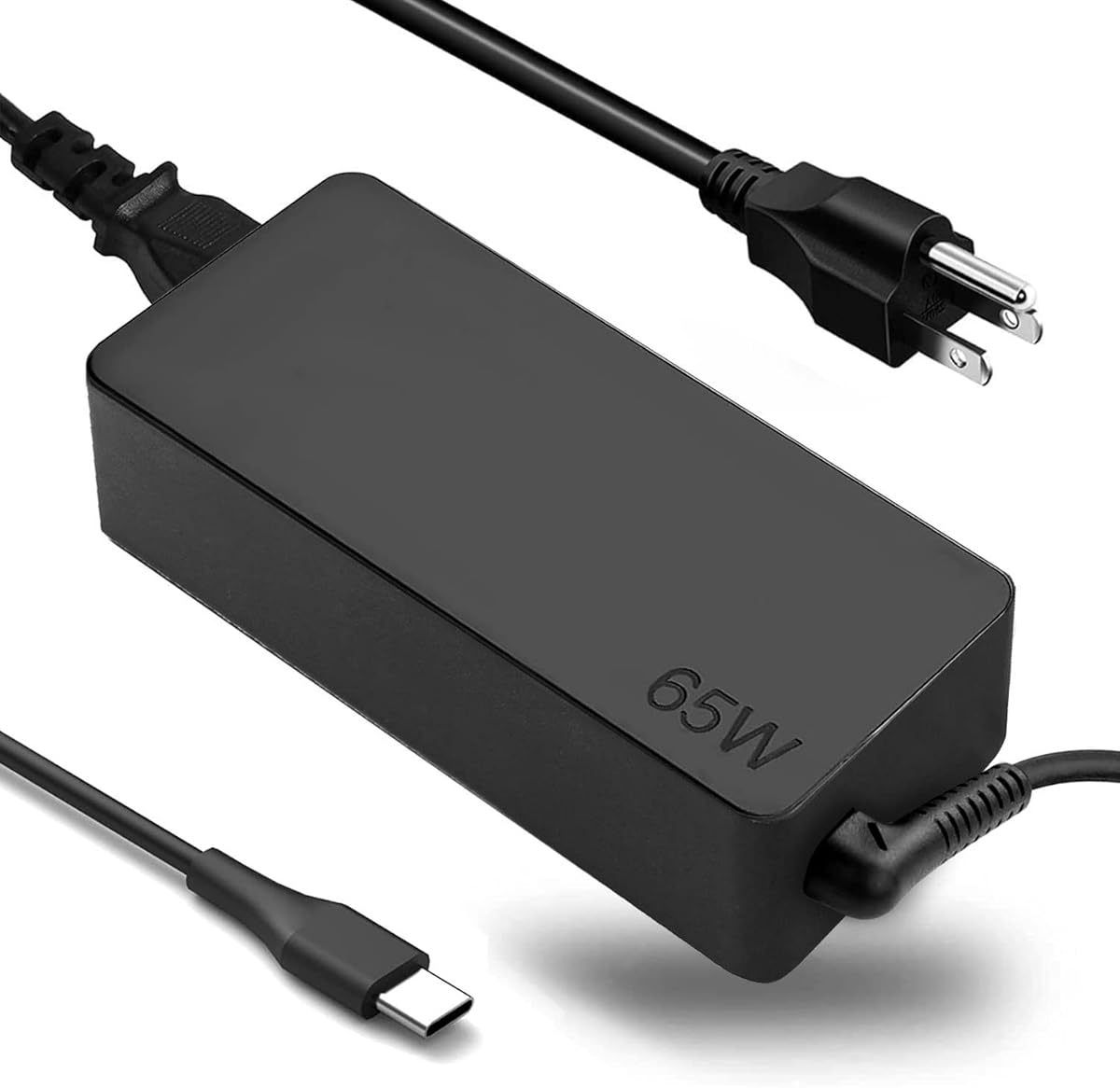
65W USB C Laptop Charger Compatible with Lenovo ThinkPad
4.2Editor score
Supports 65W and 45W output levels
Reinforced connector joint for durability
Compatible with multiple ThinkPad series
This guide compares the top Lenovo Thinkpad Charger options for 2026, evaluating compatibility, charging speed, build quality, and safety features for reliable
Finding the right power source for your mobile workstation is crucial for maintaining productivity throughout the day. A high-quality adapter ensures your device charges efficiently without overheating or risking hardware damage during intensive tasks.
We evaluated ten leading chargers based on user feedback, technical specifications, and real-world performance metrics. Our analysis focuses on universal compatibility across various ThinkPad generations and the reliability of the power delivery systems included.
Each selection highlights specific strengths such as portability, fast charging capabilities, or robust build materials suitable for travel. Please note that pricing and availability fluctuate regularly, so verify current offers before finalizing your purchase decision today.
4.2Editor score

4.4Editor score

4.6Editor score
The following table provides a side-by-side comparison of all ten selected chargers to help you quickly identify which model matches your specific device requirements and power needs.
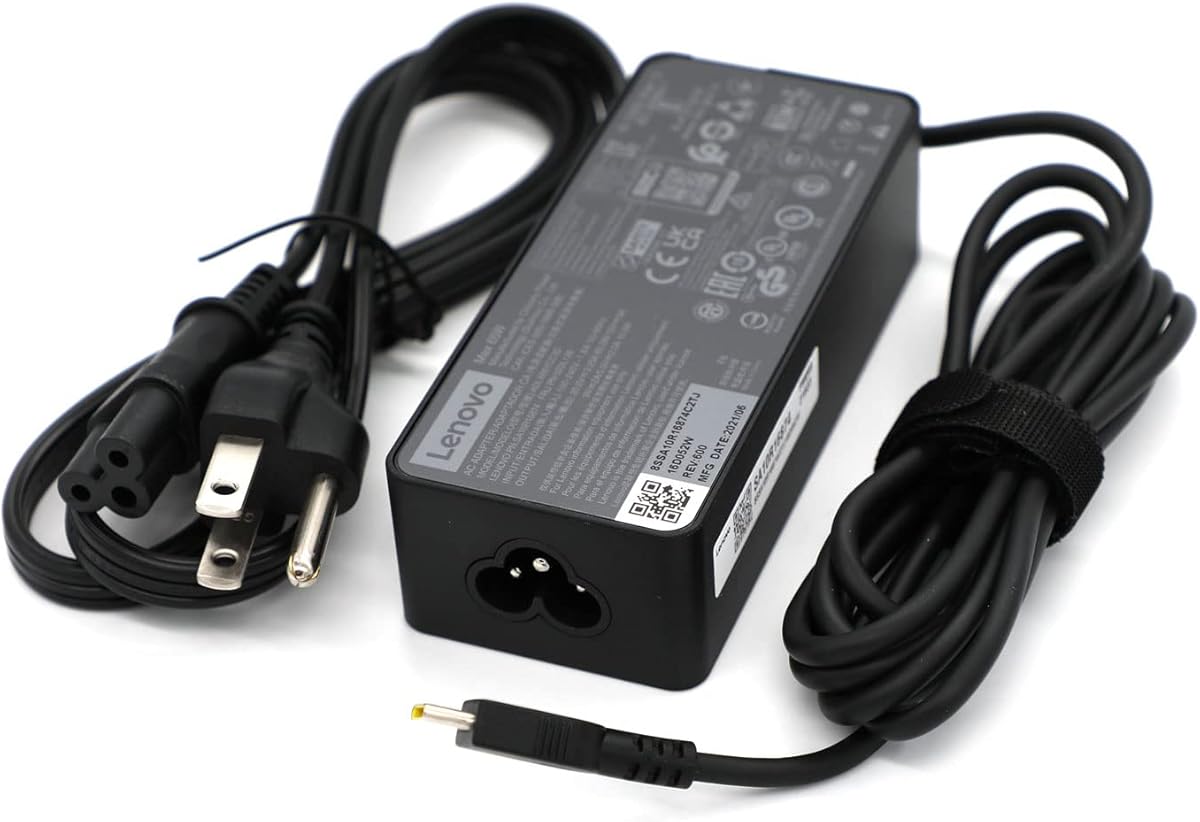


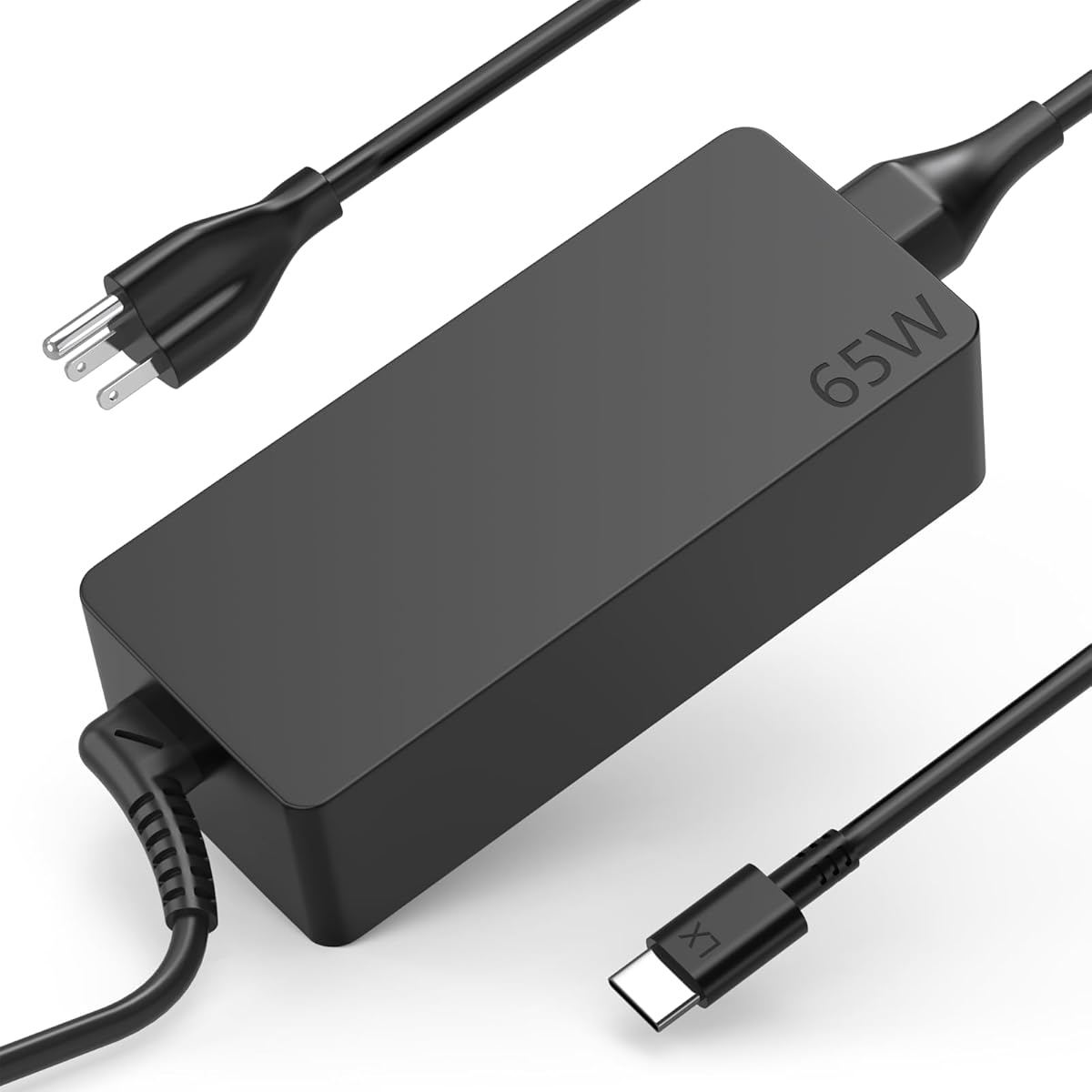


This adapter serves as a standard replacement for users needing a reliable power source for their ThinkPad devices. It offers a 65W output which is sufficient for most productivity tasks and general usage scenarios.
We may earn a commission when you buy through this link, at no additional cost to you.
The charger supports various voltage settings allowing it to adapt to different device requirements. Compatibility extends across multiple ThinkPad models including the T14 and X1 Carbon ensuring you can use it with your current hardware.
While functional, some users report mixed experiences regarding longevity and build quality. The price point reflects these compromises making it a viable choice for budget-conscious buyers who prioritize basic functionality over premium features.
Consider this model if you need an affordable charger that works with common ThinkPad series without breaking the bank. It is best suited for secondary locations where extreme durability is less critical.
Supports 20V, 15V, 9V, and 5V outputs to match specific device needs.
Works with ThinkPad T14, T15, E14, E15, X1 Carbon, and X13 models.
We may earn a commission when you buy through this link, at no additional cost to you.
The UNAWUDOH charger stands out for its high user rating and robust feature set at a competitive price point. It is designed to handle the power delivery needs of modern laptops efficiently.
We may earn a commission when you buy through this link, at no additional cost to you.
Key strengths include the reinforced connector joint which resists fraying and breakage during daily use. The advanced Power Delivery 3.0 technology ensures fast charging speeds compatible with both 65W and 45W devices.
Some trade-offs exist since this is a third-party product meaning quality control might vary slightly between units. However the safety features like temperature monitoring help mitigate risks associated with cheaper alternatives.
This is the best budget choice for anyone seeking a reliable charger without paying premium prices. It is highly recommended for users with ThinkPad T480 or Yoga models looking for value and performance.
Connector joint tested to withstand 50,000+ bends preventing breakage.
Includes short-circuiting, over-voltage, and over-current protection.
We may earn a commission when you buy through this link, at no additional cost to you.
This official Lenovo charger offers a slim design that fits easily into bags while providing reliable power for tablets and notebooks. The long cable adds significant convenience for reaching wall outlets in various settings.
We may earn a commission when you buy through this link, at no additional cost to you.
It utilizes PD 3.0 technology for fast charging capabilities ensuring your device gets back to full power quickly. The lightweight build makes it an ideal companion for travelers who need to minimize weight.
While it costs more than generic alternatives the premium build quality and official standards compliance justify the expense. Users appreciate the reliability and consistent performance across different charging sessions.
Choose this if you value portability and official branding alongside strong performance. It is perfect for students or professionals who need a dependable charger that is easy to carry everywhere.
Slim light design allows easy storage in laptop bags.
5.9 foot cable provides flexibility for outlet positioning.
We may earn a commission when you buy through this link, at no additional cost to you.
This adapter is designed to provide a constant voltage supply ensuring smooth functioning for your laptop. The slim profile makes it easier to transport compared to older bulky models.
We may earn a commission when you buy through this link, at no additional cost to you.
The 65W maximum output is optimal for standard ThinkPad models delivering the necessary power without excess bulk. It includes support for USB Type C devices which adds versatility to the charging capabilities.
As an original product the price is generally higher than third-party options but reliability is maintained. It is a solid choice for users who prefer guaranteed compatibility with their specific ThinkPad hardware.
Opt for this charger if you prioritize stability and original equipment standards. It works well for everyday use in home or office environments where consistent power delivery is key.
Delivers constant 5 V DC for smooth device functioning.
Compact design reduces space needed in travel bags.
We may earn a commission when you buy through this link, at no additional cost to you.
The COWOOGMZ charger is noted for its broad compatibility with both ThinkPad and Yoga series models. It includes safeguards to monitor temperature and voltage protecting your device from potential damage.
We may earn a commission when you buy through this link, at no additional cost to you.
Performance is solid for daily charging needs with support for 65W and 45W devices. The USB Type C connector ensures a universal fit for modern laptops and tablets.
While it offers great value the quality of the cable and connector may not match premium branded options. However for the price the protection features provide a good balance of safety and functionality.
This is a strong value pick for users needing a spare charger or replacement. It is recommended for home office use where cost savings are important but safety remains a priority.
Works with X1, T14, Yoga, and Thinkbook series.
Built-in safeguards monitor temperature and voltage.
We may earn a commission when you buy through this link, at no additional cost to you.
This charger serves as a replacement for ADLX65YDC2A units fitting multiple ThinkPad and Yoga devices. It includes a reinforced connector joint which helps prevent wear and tear at the connection point.
We may earn a commission when you buy through this link, at no additional cost to you.
It delivers 65W and 45W compatible output ensuring it can handle standard charging demands efficiently. The design is straightforward focusing on functionality and cost-effectiveness for everyday users.
Some users may find the build quality inconsistent compared to OEM parts but the price reflects this positioning. It is a practical solution for those needing a quick and easy replacement without hassle.
Select this option if you need a reliable substitute for an old charger. It works well for students or light users who need power without investing in high-end equipment.
Direct replacement for ADLX65YDC2A and similar part numbers.
Joint design reduces risk of fraying over time.
We may earn a commission when you buy through this link, at no additional cost to you.
The DECSZDY adapter is designed to be compatible with all Lenovo laptops requiring a 65W USB-C connector. It offers fast and efficient charging suitable for both home and office environments.
We may earn a commission when you buy through this link, at no additional cost to you.
It includes the necessary power adapter and cord in the package providing a complete solution out of the box. The design focuses on practicality ensuring users can start using it immediately.
While it lacks premium features the performance is adequate for standard charging needs. The universal compatibility reduces the need to verify exact model numbers making it a convenient choice.
Choose this if you want a simple and effective solution for your laptop charging. It is ideal for users needing a backup charger that works across multiple device types.
Includes both power adapter and AC cord ready to use.
Compatible with Lenovo laptops requiring 65W USB-C.
We may earn a commission when you buy through this link, at no additional cost to you.
This HBONY charger stands out by supporting devices beyond just Lenovo including many HP Chromebook and Dell models. It offers multiple voltage outputs to match the needs of different hardware configurations.
We may earn a commission when you buy through this link, at no additional cost to you.
The extensive compatibility list makes it a versatile option for households with multiple brands of laptops. Users appreciate the ability to use one charger for various devices reducing clutter.
Quality control may vary across different production runs which is common with third-party multi-brand chargers. Still the functional versatility often outweighs these concerns for many buyers.
Pick this if you manage multiple devices from different brands. It is a practical choice for families or shared workspaces where flexibility in charging equipment is essential.
Compatible with HP, Dell, and Acer Chromebook models.
Supports 5V, 9V, 15V, and 20V outputs.
We may earn a commission when you buy through this link, at no additional cost to you.
This adapter delivers up to 135W output making it suitable for high-performance ThinkPad devices that require more power. It uses USB-C to provide a quick and worry-free charging experience.
We may earn a commission when you buy through this link, at no additional cost to you.
The high wattage ensures that even intensive tasks like video rendering do not drain the battery during use. Users report stable performance and reliable operation over long periods.
The cost is higher than standard adapters but necessary for models that cannot run efficiently on lower wattage. It provides maximum dependability for power users who need consistent performance.
Opt for this if you own a high-end ThinkPad requiring extra power. It is the best choice for users who prioritize speed and reliability over portability and cost.
Up to 135W maximum power output for demanding devices.
USB Type-C interface provides fast charging capabilities.
We may earn a commission when you buy through this link, at no additional cost to you.
This adapter is tailored for high-end gaming laptops like IdeaPad Gaming and Legion models needing substantial power. It provides 135W output ensuring your device performs at peak levels without throttling.
We may earn a commission when you buy through this link, at no additional cost to you.
The slim tip design ensures secure connections while delivering the necessary current for demanding applications. Users in gaming or creative fields appreciate the consistent power delivery during long sessions.
While it is heavier and more expensive than standard options the benefits for gaming performance are significant. It is built to handle the thermal and electrical demands of modern gaming hardware.
Choose this if you play games or run heavy software on your Lenovo laptop. It is the right choice for users needing maximum power to maintain high system performance.
Designed for IdeaPad Gaming and Legion models needing high power.
Slim Tip design provides stable connections during use.
We may earn a commission when you buy through this link, at no additional cost to you.
Selecting the right charger involves considering wattage, connector type, and build quality to ensure safety and compatibility.
Most ThinkPad models require a 65W adapter for standard usage while high-performance units may need 135W. Choosing a charger with the correct wattage prevents underpowering your device during intensive tasks.
Check your device specifications to confirm the exact power needs before purchasing a replacement.
Newer models use USB-C connectors while older ones may use the traditional Slim Tip. Using the wrong connector can lead to damage or failure to charge so verify the port on your laptop.
Match the connector type exactly to avoid compatibility issues with your specific ThinkPad generation.
Original Equipment Manufacturer chargers offer guaranteed compatibility but third-party options are often more affordable. Third-party brands often include safety certifications that provide reliable performance at lower costs.
Consider your budget and safety priorities when choosing between branded and generic chargers.
Longer cables offer more flexibility for reaching outlets while shorter cables are easier to pack in a bag. Consider where you will use the charger most often to determine the best length.
Balance the need for mobility with convenience when selecting the physical design.
Look for chargers with built-in protections against over-voltage, over-current, and overheating. These features prevent damage to your laptop battery and reduce the risk of electrical hazards.
Always choose chargers from reputable brands that adhere to safety standards.
A reinforced connector joint helps prevent fraying and breakage which are common failure points. High-quality materials also ensure the charger withstands daily wear and tear.
Invest in a durable build if you plan to travel frequently with the device.
Verify that the charger explicitly lists your specific ThinkPad model number in its compatibility guide. Some chargers cover a broad range while others are specific to certain generations.
Cross-reference the model number on the packaging or product page before buying.
Reading user feedback provides insight into real-world performance and potential issues. Look for comments on longevity, heat generation, and charging speed.
Use reviews to validate claims made by the manufacturer or seller.
Plug the AC adapter into a wall outlet first then connect the USB-C or Slim Tip end to your laptop to ensure a secure power flow.
Avoid wrapping the cable tightly around the charger block as this can damage internal wires over time. Instead use loose coils to maintain the cable integrity during storage.
Regularly inspect the connector for signs of wear or debris to ensure consistent charging performance. Keeping the charging port clean prevents connection issues and extends the lifespan of both the cable and laptop.
Yes it is safe if the third-party charger meets safety standards like UL or ETL certification. Ensure the wattage and connector match your device specifications to avoid damage. Reputable brands offer reliable protection features similar to OEM chargers.
Yes you can use a higher wattage charger on a device requiring lower wattage. The device will draw only the power it needs preventing any risk of overheating. However it is more expensive and heavier than a standard 65W unit.
Check the bottom of your laptop for the model number or refer to the user manual. Most recent models use USB-C while older models use the rectangular Slim Tip. Compare the physical port shape before purchasing a charger.
It is normal for chargers to generate heat during operation due to energy conversion. However excessive heat could indicate a ventilation issue or a faulty unit. Ensure the charger is not covered or placed on soft surfaces.
Not all models work with 65W adapters since high-performance ThinkPads need 135W for optimal function. Always check your device's power requirements before buying to ensure full performance capabilities.
With proper care OEM and quality third-party chargers can last several years. The cable and connector are usually the first to wear out due to bending stress. Replacing the cable or adapter as needed extends overall usability.
Yes you can charge USB-C compatible phones with a ThinkPad charger. The Power Delivery protocol ensures safe charging speeds for smaller devices. Just ensure the phone supports USB-C charging before connecting.
Choosing the right charger ensures your ThinkPad remains powered and productive throughout the day. Our top picks highlight the best budget, portable, and high-performance options available.
Prioritize safety features and compatibility when making your decision to protect your investment. A reliable charger prevents unexpected shutdowns and extends the lifespan of your laptop battery.
Remember that prices and availability change frequently so check current offers before buying. Select a model that matches your specific power needs and usage habits for the best long-term value.